Accurate, secure, and scalable AI-powered speech-to-text and text-to-speech APIs for global voice AI applications.

Accurate, secure, and scalable AI-powered speech-to-text and text-to-speech APIs for global voice AI applications.
Speechmatics offers advanced AI speech technology delivering high-accuracy, low-latency speech-to-text and text-to-speech services across 55+ languages. Designed for enterprises with global reach, it supports real-time transcription, multilingual conversations, and speaker diarization, enabling powerful voice AI agents and live captioning. The platform ensures enterprise-grade security with flexible deployment options including cloud, on-premises, and on-device.
Provides low-latency speech-to-text transcription with sub-second response times, enabling natural conversational flows in live applications.
Supports transcription and translation across 55+ languages and dialects, covering over half the world's population to enable global reach.
Built-in real-time speaker diarization identifies who said what in multi-speaker conversations, enhancing voice agent interactions and analytics.
Allows adding up to 1,000 custom words with phonetic guidance to improve recognition of domain-specific terms, acronyms, and names.
Specialized AI model trained to accurately transcribe medical conversations, reducing errors on key terms by up to 50% and supporting clinical documentation.
Deploy on cloud, on-premises, or on-device to meet privacy requirements, with no data logging by default for sensitive use cases.
Compliant with ISO 27001, GDPR, HIPAA, and SOC 2 Type II standards, ensuring data encryption in transit and at rest for privacy-critical applications.
Offers low-latency, natural-sounding text-to-speech voices optimized for real conversations and voice agent responsiveness, currently in English with more languages coming soon.
Create a free account on Speechmatics to access the API and receive free monthly usage credits for exploration.
Use the flexible API to connect Speechmatics’ speech recognition capabilities into your application or workflow.
Add custom vocabulary and key terms relevant to your domain to improve transcription accuracy for specialized language.
Choose deployment options such as cloud, on-premises, or on-device based on your security and compliance requirements.
Track your usage and upgrade plans as needed to handle higher concurrency, more languages, or additional features like text-to-speech.
Pricing details are gathered from the official Speechmatics website and are provided for reference only. Always confirm the latest information directly with the vendor.
| Plan | Price | Highlights |
|---|---|---|
| Free | $0 | 480 free minutes of speech-to-text
|
| Pro | From $0.24 | 20% discount available
|
| Enterprise | Contact Sales | Volume discounts for large-scale usage
|
Hands-on notes from our editorial team.
✅ Our Test
The first step is usual for us; we signed up on the website using our Google account.
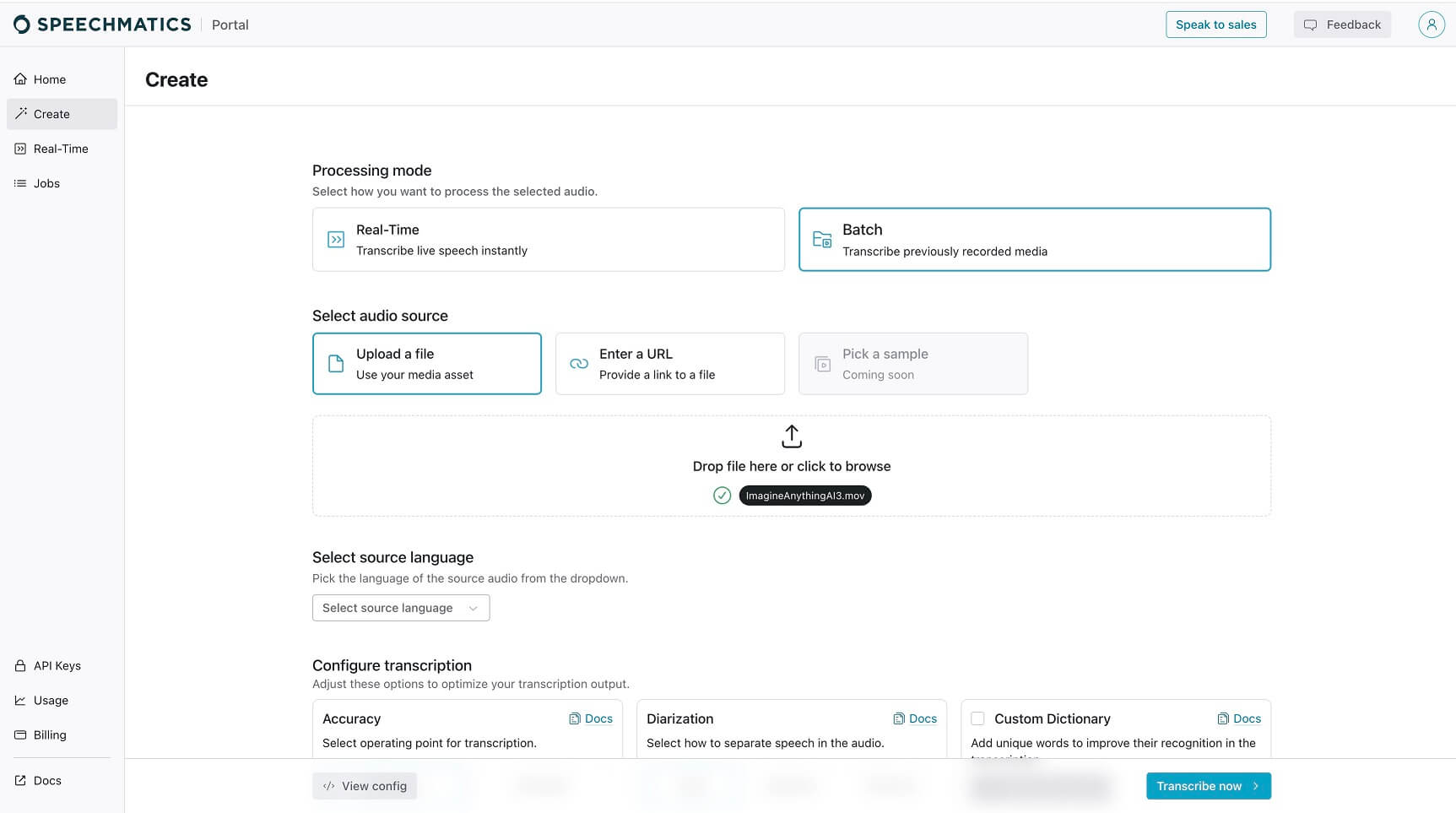
Then we clicked on the “Create” button on the main dashboard, and the website suggested choosing the way we like to input our audio. Here, our choice was to upload the video file.

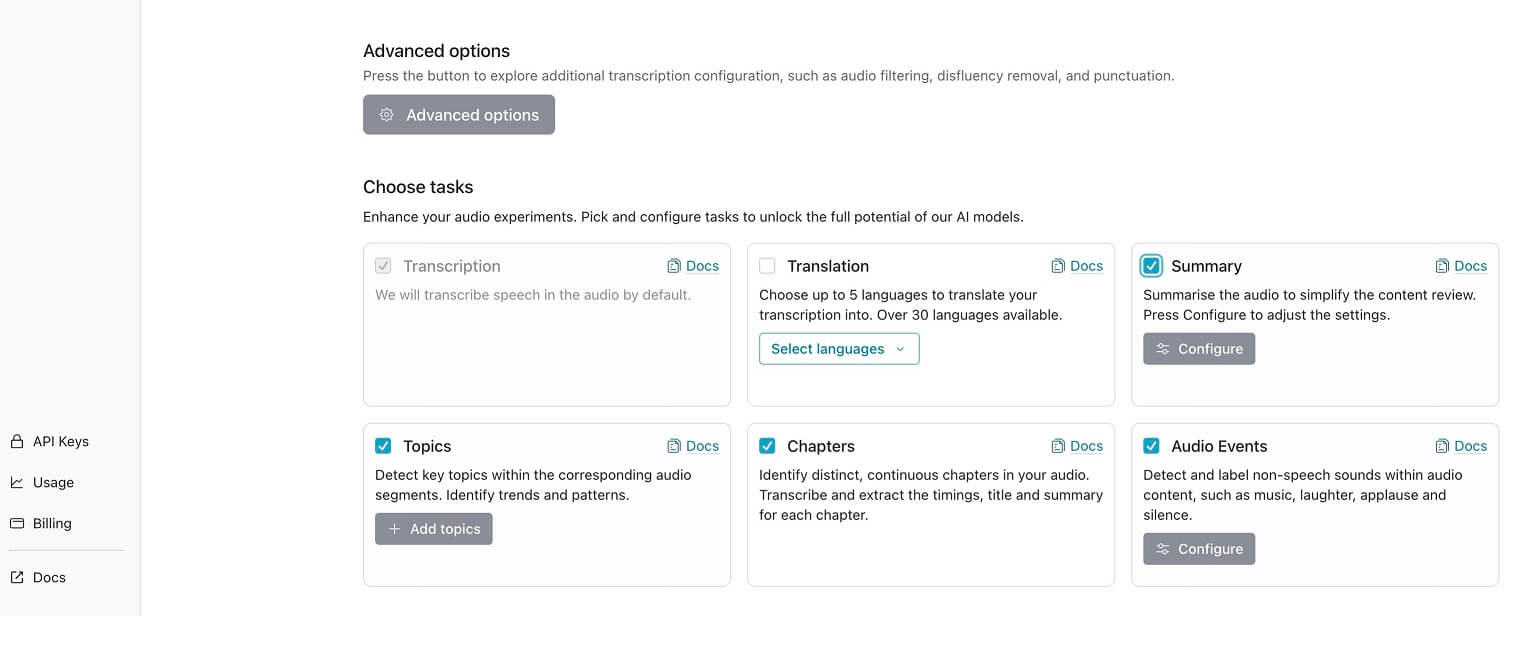
After that, we customized some settings, like the source language and output materials.

Then just one click on the button in the lower right corner, the tool started uploading and proceeding with our file. It took some time because of connection speed, but we got the results pretty fast.
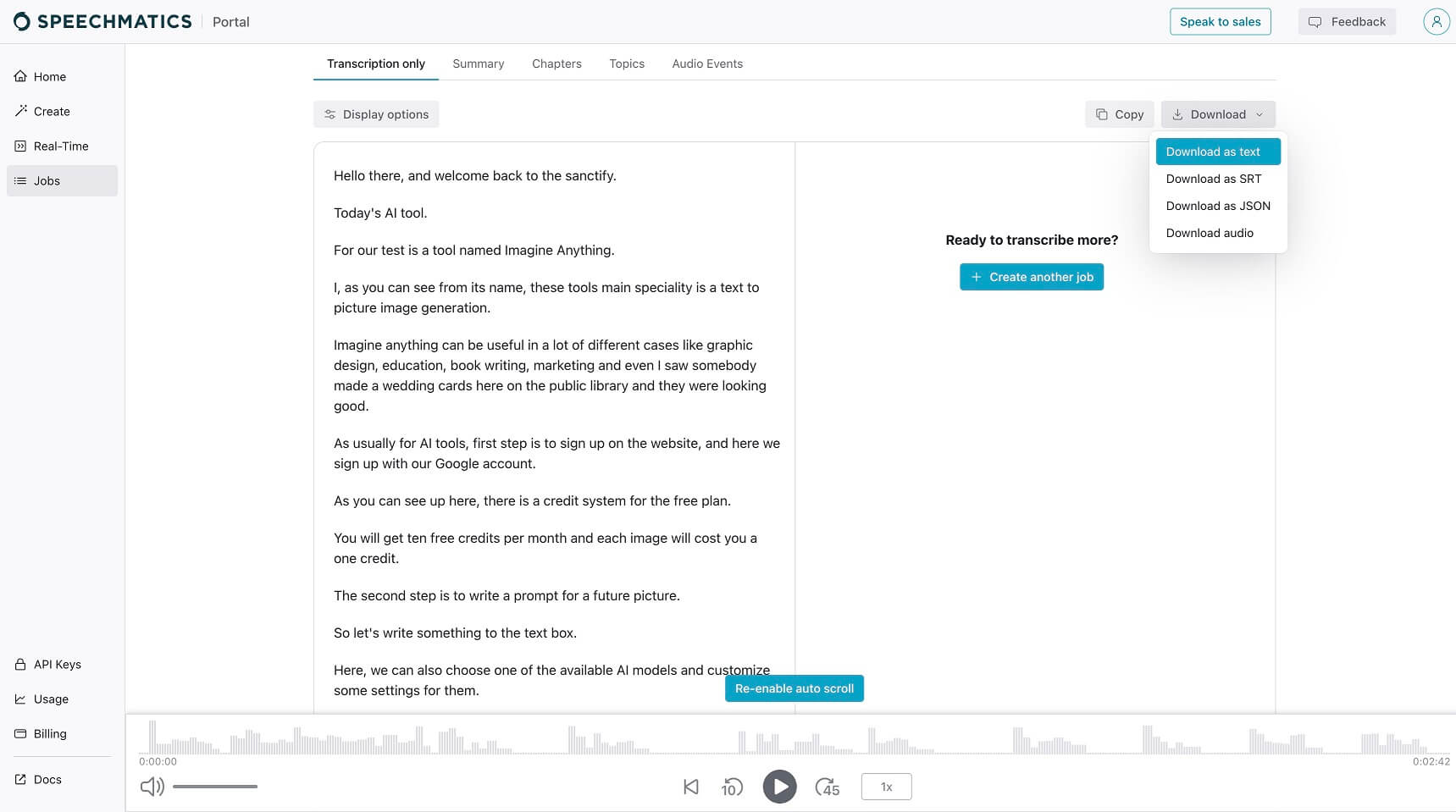
We viewed an accurate transcription of our video file and checked up on some information, like the summary and chapters. By clicking on the download button, we could download anything in available file formats.
Explore tools grouped by use case so you can keep researching without losing momentum.
Compare other vetted products our editors see buyers evaluate alongside Speechmatics.