

Vexub
PaidCreate unique faceless AI videos from text and other media effortlessly to maximize your revenue.
Verified
Create lifelike AI videos instantly with customizable avatars and multilingual voiceovers.
HeyGen is an AI-powered video generation platform that transforms text, images, or audio into high-quality videos featuring realistic AI avatars. It offers advanced customization including avatar creation from photos or videos, natural voiceovers, and support for over 175 languages with accurate lip-sync and translations. Designed for marketers, educators, and sales teams, HeyGen streamlines video production, localization, and personalization without the need for cameras or editing expertise.
Updated Oct 15, 2026
No written reviews yet. Be the first to share your experience.
HeyGen's AI video tools handle everything from avatar generation and voice cloning to captions, translation, and turning any input into polished video.
Avatar V maintains a single, coherent identity across every video you create. The same face, the same micro-expressions, the same presence across a 30-second clip or a 10-minute course module. No drift. No artifacts. No uncanny valley.
Avatar V learns how you talk, gesture, and move, then generates video that's convincingly you. The same micro-expressions, the same presence, all from a single prompt.
Wide shots, medium frames, and close-ups, all consistent, all from one recording. The angles that make a single avatar work across every format.
Phoneme-level accuracy across every supported language. What you hear and what you see are in perfect agreement at any speed, in 175+ languages and dialects.
Every motion element stays fully editable after generation. Adjust text, color, timing, or layout instantly in AI Studio without rendering the video again from scratch.
Generate motion graphics that work as part of a cohesive narrative. Visual overlays, explanatory animations, and B-roll footage all combine to tell your story.
AI-generated presenter footage anchors every narrative. Talking heads deliver your message with natural performance, serving as the foundation of your video.
The text-based editor makes AI video generation as easy as writing a document. Control tone, delivery, gestures, and emotion in one seamless platform built for human-first storytelling.
Direct every word, gesture, and emotion through a text-based editor that works like writing a document. Tone, delivery, and pacing all respond to your script.
Comments, tagging, and multi-user editing keep collaboration in one platform. Brand Kit, auto captions, and B-roll deliver finished videos without switching tools.
AI video translation that preserves your tone, syncs your lips, and reaches global audiences across 175+ languages and dialects.
Upload a file or paste a YouTube link to translate videos with one click. No reshoots, no manual dubbing. Just fast, affordable localization for any creators or business.
Translate existing footage or generate multilingual avatar videos from a single script. Brand glossary and a multi-lingual player give you full control across markets.
Be everywhere without being everywhere. HeyGen's AI avatar video generator turns any script into a professional talking-head video in minutes, starring one of 1,100+ hyper-realistic AI avatars
Hands-on notes from our editorial team.
✅ Our Test
We signed up on the website through our Google account authorization. The website proposed to select the plan, and we selected a free one with monthly limits and a watermark.
Then we accessed a template library where we selected one to start work with. This template was a part of the “Advertisement” templates category. The website directed us to the video editor page, where the AI avatar, scripts with chapters, and text were ready. We customized some scenes on the editor page, replaced the text on the video, and then edited the scripts. We also left the avatar’s voice as default since it was the best option for this avatar.
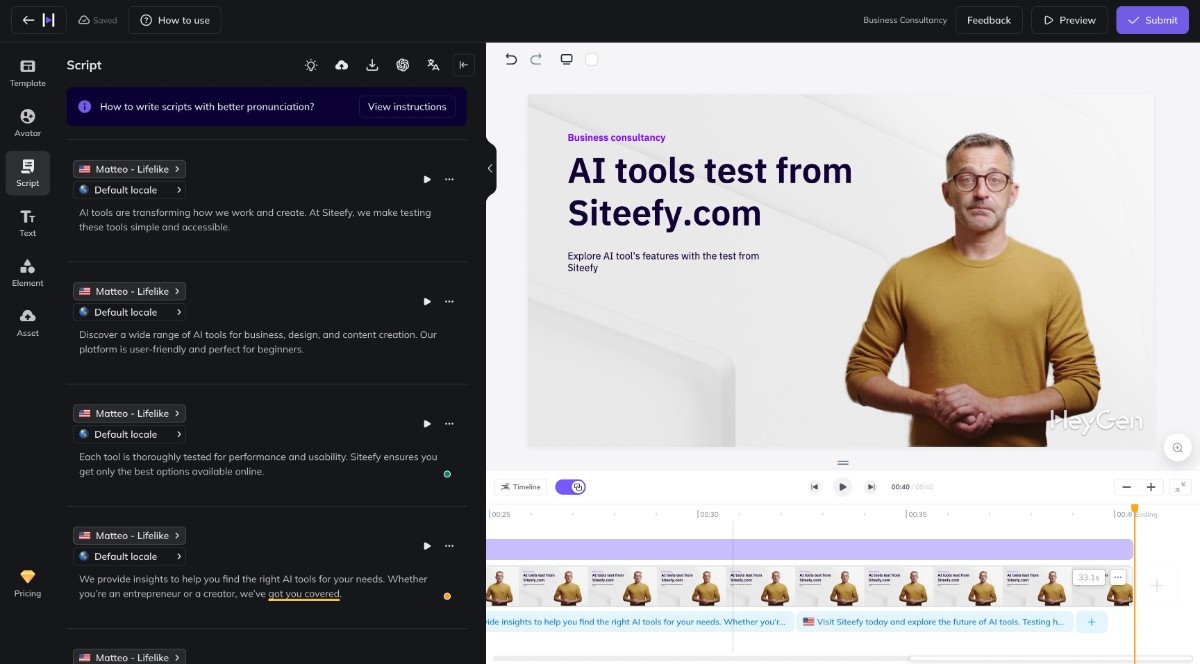
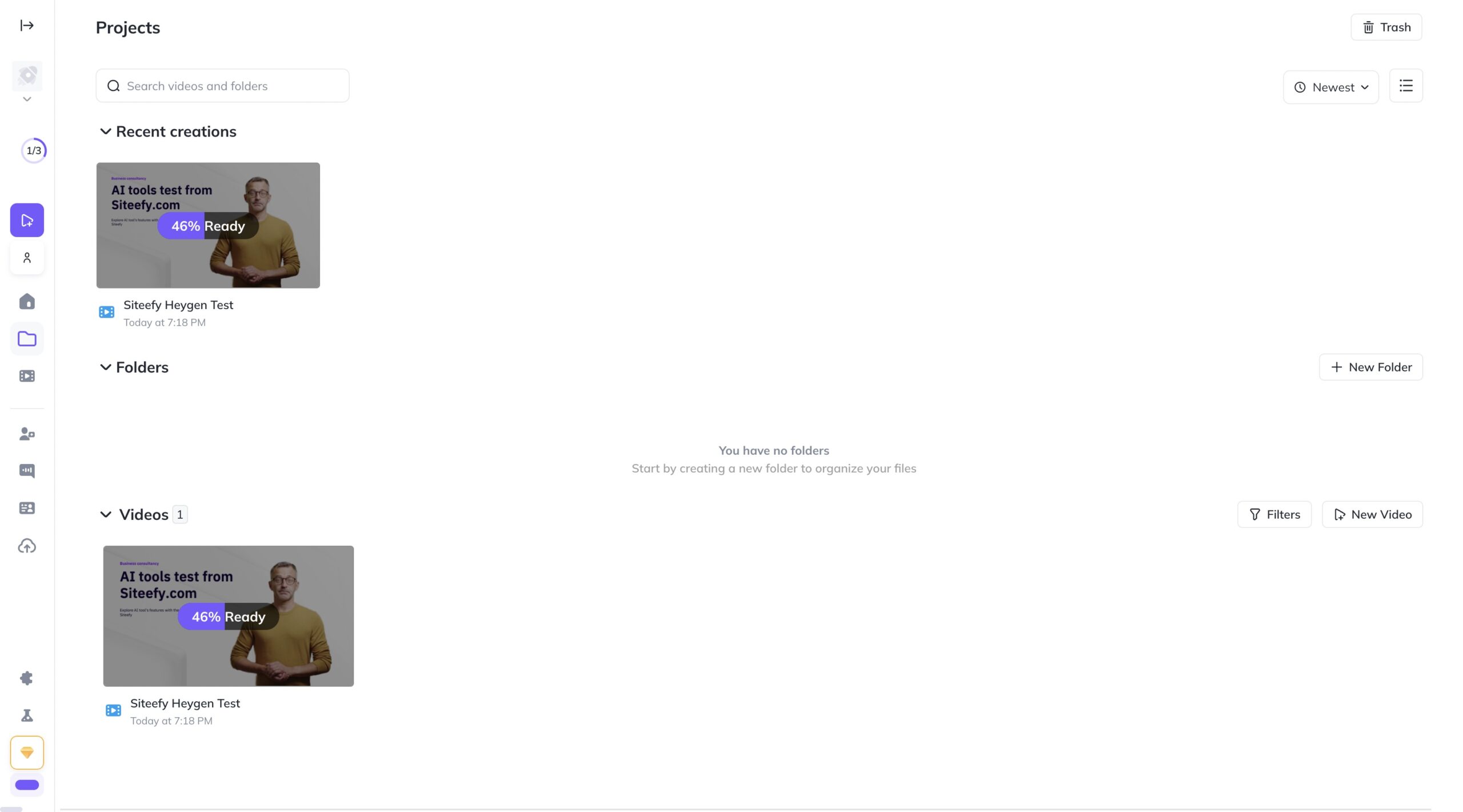
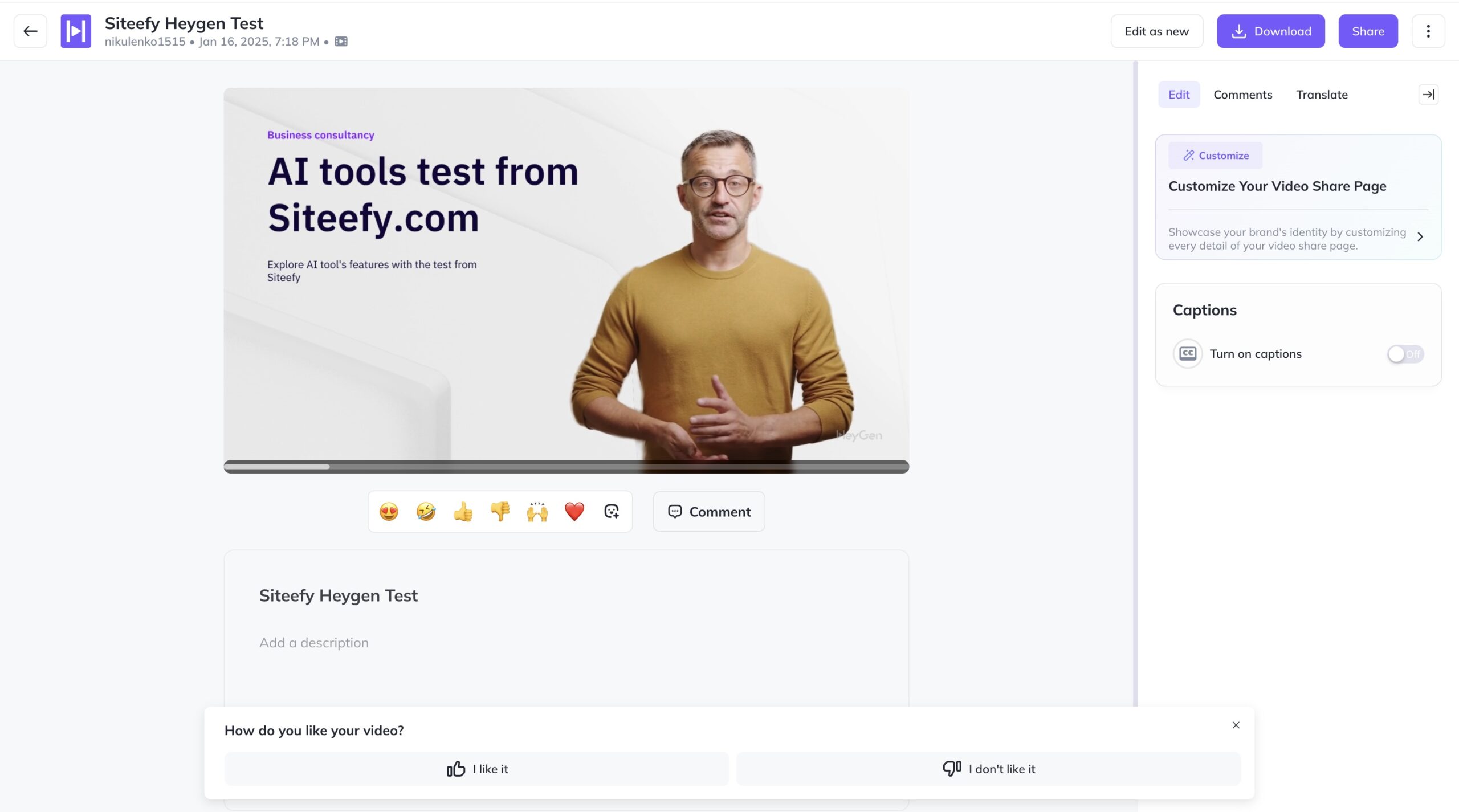
As the last step on the video editor page, we clicked the “Submit” button. Rendering took about 3 minutes for the 40 seconds of video. When everything was ready we viewed our new video and exported it in the MP4 format after a click on the “Download” button.
No written reviews yet. Be the first to share your experience.
Top rated tools from the same category.
View all AI Video Generators tools
Create unique faceless AI videos from text and other media effortlessly to maximize your revenue.

AI-powered platform for generating creator-style UGC video ads for DTC brands without filming or creators.

Transform static images into dynamic, high-quality videos effortlessly with AI-powered generation.

Video-first AI generator with image support, powered by top models
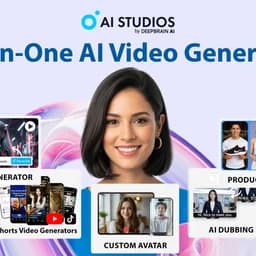
Meet AI Studios (by DeepBrain), an AI tool for generating videos and AI avatars.

Seedance 2.5 is an AI video generator producing native 4K videos up to 30 seconds with multimodal input and synchronized audio.