
Junwang Guo
Community StarRising Star
4.0Recommends this tool
Create and edit professional AI-generated images, videos, music, voiceovers, and sound effects using natural language.
Imagine Anything is a comprehensive AI content generation platform that enables users to create high-quality images, videos, music tracks, voiceovers, and sound effects simply by entering natural language prompts. It offers both free and pro subscription plans, providing users with generation credits, editing tools, and commercial licensing options. The platform supports workflows with pre-built templates and advanced editing features like upscaling and background removal, catering to amateurs and professionals alike.
Updated Dec 1, 2025
| Plan | Price | Highlights |
|---|---|---|
| Free | $0 per month | 15 AI generation credits per month
|
| Pro | $29.99 per month | 500 AI generation credits per month
|
 You?
You?Hands-on notes from our editorial team.
✅ Our Test
The first step was to sign up, and here we signed up with our Google account. The website directed us to the library page, and to start with the tool, we clicked on the “Generate Images" button.
Then we entered a prompt into the text box for our future picture. By clicking on the “Advanced” button, we could select one of the available AI models and customize some settings for them. We left them default for this test.
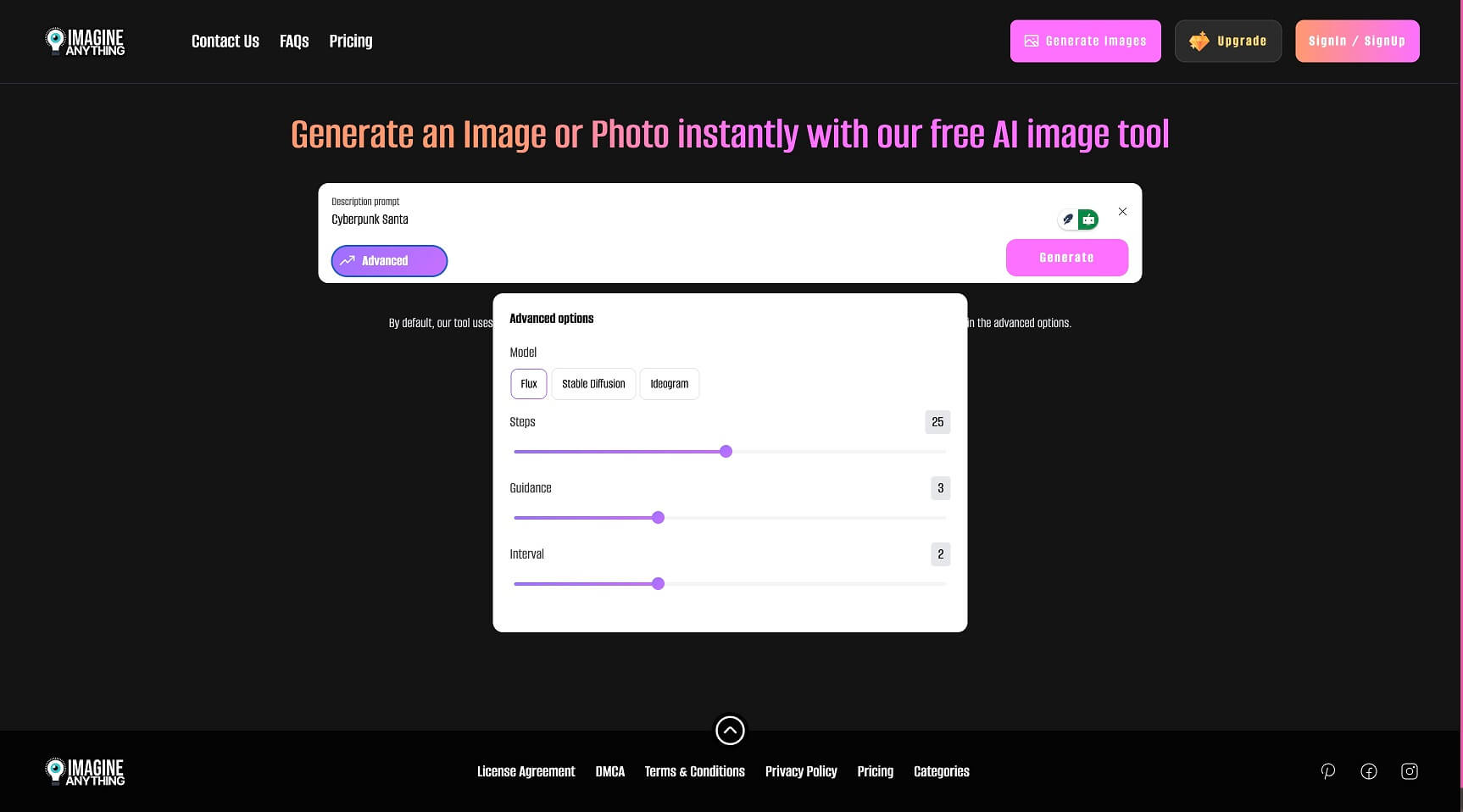
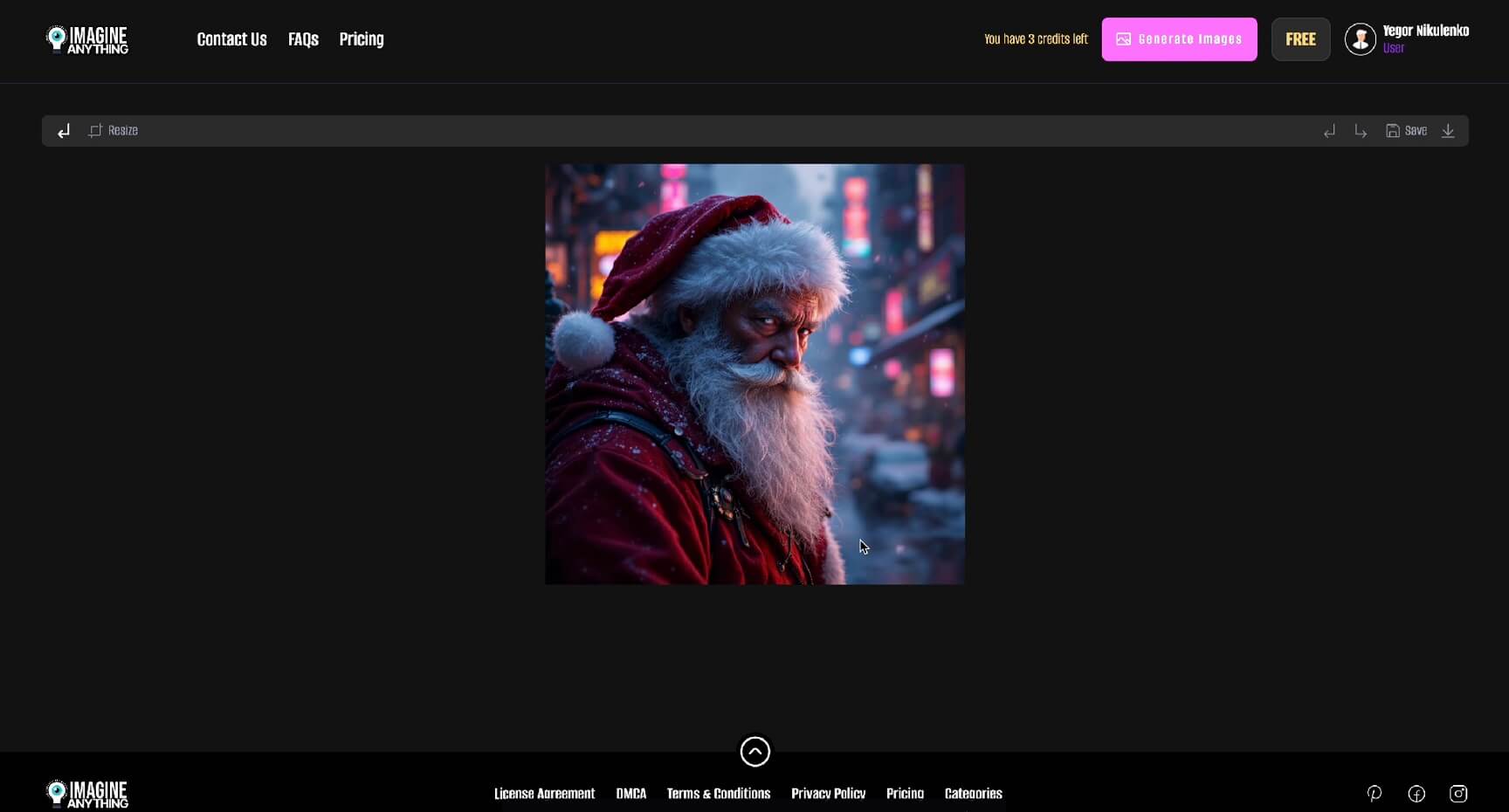
Then, just one click on the “Generate” button, some seconds later, our picture was ready to export. We downloaded it by clicking on the download button right on the image.
Top rated tools from the same category.
View all AI Creative Suite tools
All-in-One AI Image and Video Creation Platform with Super AI Agent Capabilities
An AI platform integrating chat, image, and video generation with leading AI models under a single account.
An AI Expert Team for Entertainment Creation that transforms ideas into images, videos, characters, and stories.

One-Stop AI Original Content Creation Platform with Free Face Swap for Photos and Videos
A generative AI creative platform for image, video, and motion asset creation and editing.

An AI platform for creating images, videos, and interactive character chats with community sharing.