

Mendeley
FreemiumReference management software with PDF import, annotation, collaboration, and AI-powered research tools.

The #1 AI Flashcard Maker to transform any content into flashcards in seconds for smarter learning.
KardsAI is an AI-powered flashcard maker that converts various input formats such as PDFs, PowerPoints, text, handwritten notes, images, and prompts into flashcards instantly. It supports multiple study modes including quizzes and word matches, and features a spaced repetition algorithm to enhance long-term memory retention. Designed for students, language learners, knowledge seekers, and trivia enthusiasts, KardsAI offers offline access, progress tracking, and the ability to share decks with friends.
Updated Oct 22, 2026
No written reviews yet. Be the first to share your experience.
Turn PDFs, notes, images and prompts into smart flashcards in seconds — then let KardsAI guide you to mastery.
Drop in any learning material. KardsAI finds the essentials and turns them into clear, editable cards.
Switch between flashcards, smart quizzes, word matches and an AI tutor that knows your material.
Upload the material you already have and skip the manual card creation.
Paste notes or photograph a page and let KardsAI structure the essentials.
Start with a topic instead of a file and generate an editable deck in seconds.
Move between cards, multiple choice, true or false and matching games.
Use your own deck in an interactive voice session and get immediate feedback.
Spaced repetition and progress tracking keep weak cards in focus.
Select a file, let KardsAI extract the essentials, then edit or start learning immediately.
KardsAI adapts every session around what you know, what you almost know, and what needs another look.
KardsAI lets you make flash cards automatically using AI. Use it to save hours of work creating flash cards manually and get right to learning.
Simply copy an existing deck to your collection. Find the full collection of free online Flashcard decks here.
Free
Hands-on notes from our editorial team.
✅ Our Test
We signed up with our Google account on the website.On the main page we were directed to, we clicked on the “Generate new kards!” button.
We were suggested to enter or import the materials. There was an interesting way to generate cards from just 3 keywords using AI. To use it we clicked the “Prompt” button. Then We submitted our keywords- “Ancient Roman Empire.” Selected the amount of cards we want to generate- 10.
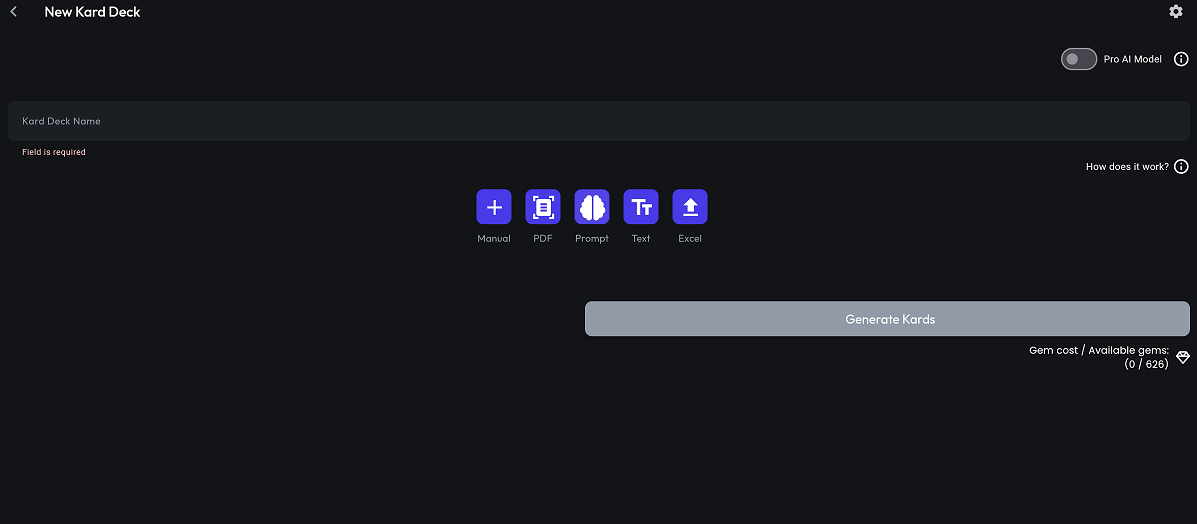 KardsAI User Interface
Before generating our question cards, we had to preview one of them to check if they were relevant. We did it by clicking the “Preview” button. And the last step was to click on another one- “Generate”.
After those steps, the website directed us back to the main page and asked us to wait a little bit. It took us about 20 seconds to wait until the generation was completed. We entered to our cards deck, and here it is, 10 AI-generated question cards perfectly themed for history lessons. Generation cost us 200 gems when in the start we got1000for free.
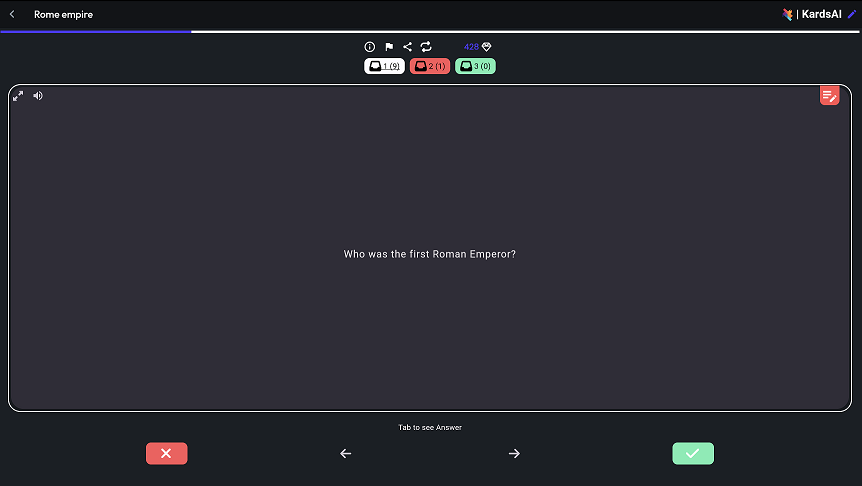
No written reviews yet. Be the first to share your experience.
Top rated tools from the same category.
Reference management software with PDF import, annotation, collaboration, and AI-powered research tools.

Expert-led online courses, certificates, and degrees from top universities and companies.

An online English proficiency exam designed for convenient, accessible language certification.

A free online platform offering a personality test and detailed type descriptions to understand individual traits and behaviors.

Free online grade and GPA calculators that use exact weighted-average math for students.

Provides online relationship coach training, certification, and business development support.