Komo AI

Komo AI

An AI-powered search engine and subject-exploring tool for accurate, distraction-free information discovery.

Freemium·
5.0(1)
Categories

Overview

Komo AI is an AI-powered search engine designed to provide relevant, AI-enhanced search results with a distraction-free experience. It features multiple modes including Chat, Explore, and Search to help users research, learn, stay updated on news, and create content efficiently. The platform supports multi-language use and offers mobile apps for iOS and Android.

Category
Pricing Model
freemium
Last Updated
2025-12-01

Featured Video

Video via YouTubeWatch on YouTube

Key Features

1

AI-Powered Search

Delivers relevant and ranked search results enhanced by AI algorithms for improved accuracy and relevance.

2

Chat Mode

Enables users to ask detailed questions and receive direct, conversational answers from the AI.

3

Explore Topics

Allows discovery of trending discussions and topics across various social media platforms.

4

Multi-language Support

Supports multiple languages to cater to a diverse global user base.

5

Mobile Applications

Offers dedicated mobile apps for iOS and Android devices for on-the-go access.

6

Distraction-Free Interface

Provides an ad-free experience to help users focus on search results and content without interruptions.

7

Summarization

Extracts and summarizes key information from long texts to deliver concise insights.

8

Content Creation

Assists in generating various types of content such as poems, code, scripts, musical pieces, emails, and letters.

Use Cases

#1

Research

Quickly find accurate and relevant information for academic or professional research without distractions.

#2

Learning

Explore educational topics and ask questions to deepen understanding and knowledge.

#3

News Updates

Stay informed on current events with AI-curated and summarized news results.

#4

Summarization

Summarize lengthy texts to extract the most important information efficiently.

#5

Content Creation

Generate creative and professional content including poems, code snippets, scripts, and correspondence.

How to Use

1

Open Komo AI

Access Komo AI on your preferred device via the website or mobile app.

2

Choose a Feature Mode

Select from Chat, Explore, or Search modes depending on your needs.

3

Use Chat Mode

Type your query and click the 'Chat' button to receive direct answers.

4

Use Explore Mode

Enter a topic and click 'Explore' to scan social media platforms for trending discussions.

5

Use Search Mode

Type your search query and select 'Search' to get AI-ranked relevant results.

6

Review Results

Examine the AI-generated answers and summaries to find the information you need.

Pricing

Pricing details are gathered from the official Komo AI website and are provided for reference only. Always confirm the latest information directly with the vendor.

PlanPriceHighlights
Free Plan$0

Basic limited AI search features

  • Access to Chat, Explore, and Search modes with restrictions
Basic Plan$15

Expanded AI search capabilities

  • Improved response accuracy
  • Priority support
Premium Plan$30

Full access to all AI features

  • Enhanced content creation tools
  • Faster response times
Business Plan$200

Team collaboration features

  • Advanced analytics and reporting
  • Dedicated account manager
Enterprise PlanContact sales

Custom integrations and features

  • Enterprise-grade support
  • Scalable usage limits
Found a change in pricing? We welcome corrections. Reach out so we can keep this listing accurate.

Pros & Cons

Pros

  • Analyzes search results effectively to provide relevant information.
  • Ad-free interface ensures a distraction-free user experience.
  • Supports multiple languages for broader accessibility.
  • Available mobile apps for iOS and Android enhance usability on mobile devices.

Cons

  • Chatbot responses have limited personality, which may affect user engagement.
  • Information provided may not always be fully accurate or up-to-date.
  • Advanced features require paid subscription plans.
OT

Our Test

Hands-on notes from our editorial team.

✅ Our Test

⬇️ No Signup?

We visited the website and noticed that there is no sign-up required to start with the tool. So we decided not to sign up for this test.

⬇️Research With Komo AI

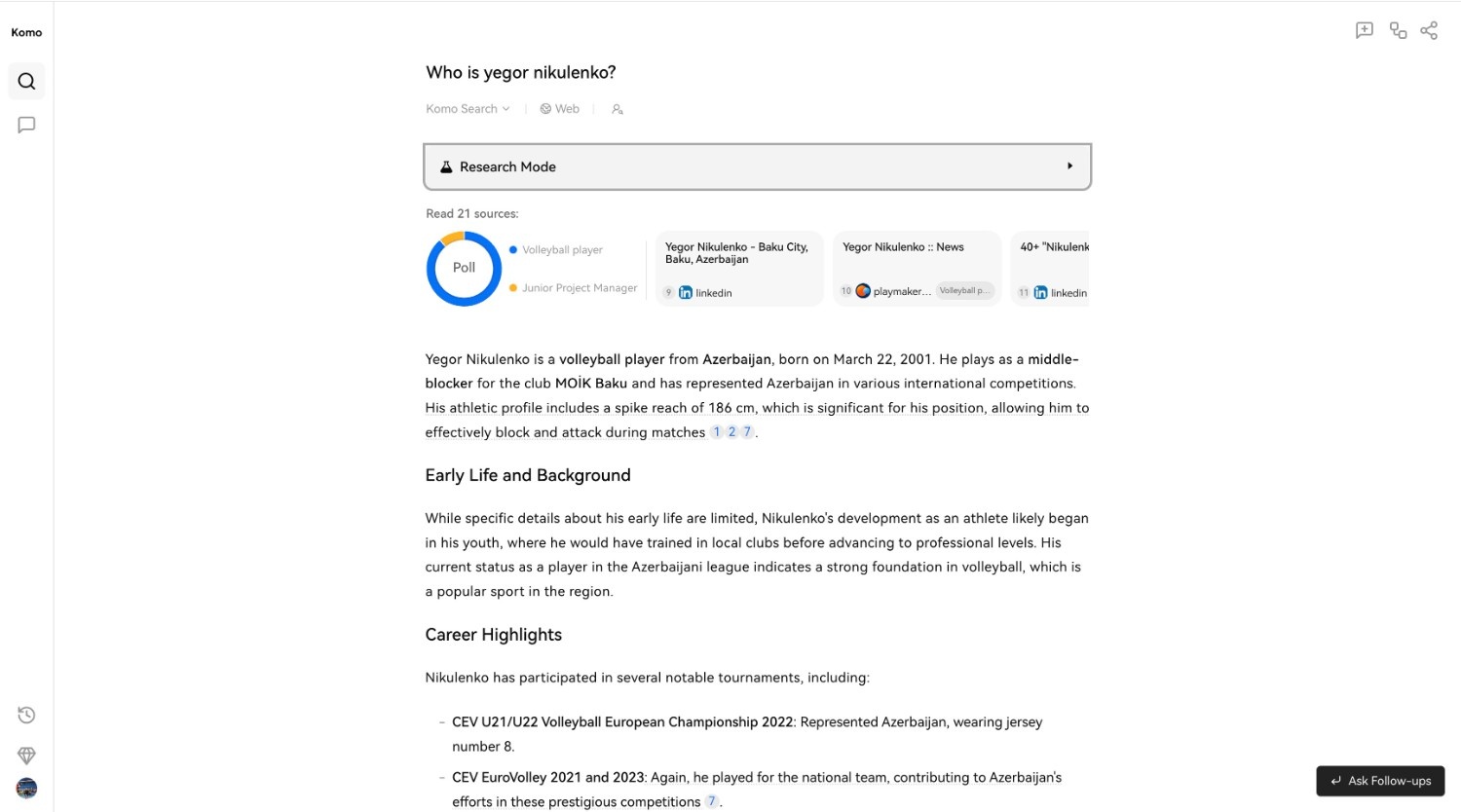
The first feature we tested was a “Research mode”. For this, we selected a “Research” button and then typed the subject of the research. After we sent our request, Komo AI provided us with information, a diagram, and the sources of this research. It separated research results into a few chapters. Research results were relative, overall with good accuracy. KomoAI research mode
⬇️ Explore With Komo AI

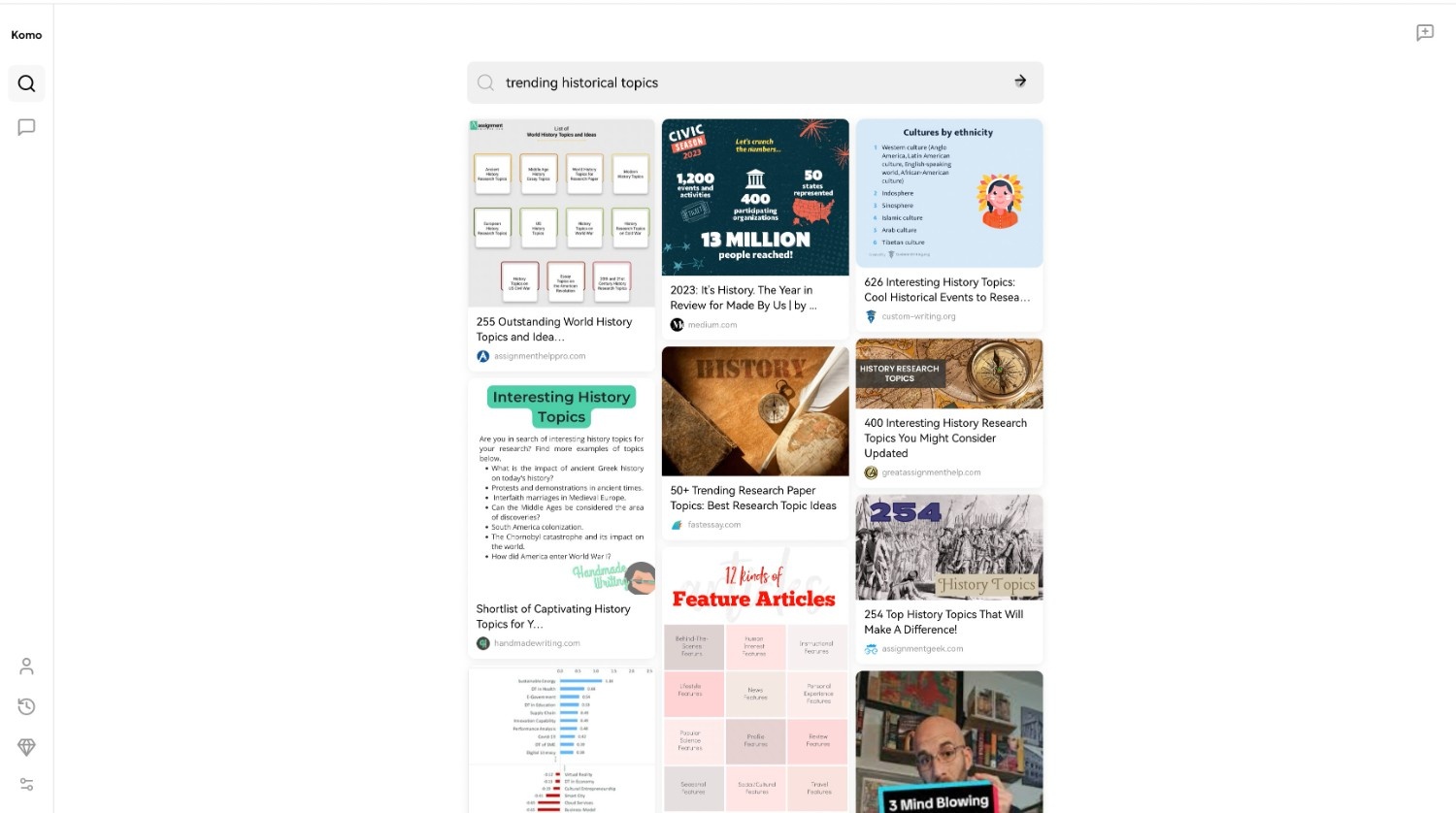
Another feature to test was “Explore mode”. After selecting the “Explore” button, we typed a request for “Trending historical topics” and then AI provided us with the thumbnails and previews of results. KomoAI explore feature
Frequently Asked Questions

Ratings & reviews

Average Rating

0.0

1 reviews

5
100%
4
0%
3
0%
2
0%
1
0%

Share your experience

Sign in to rate this tool and help the community understand how it fits into their workflow.

Community reviews (1)

Carmen

Feb 6, 2024

Recommends this tool

An excellent AI chatbot

Because presents the origin of the information and the students can amplify the facts.