

Razer Luo
5.0Recommends this tool
I just love it.
I’ve used this app just once so far, but I feel like I’ve been using it for many days or even months because it’s very easy to use. It’s an amazing app, and I absolutely love it!
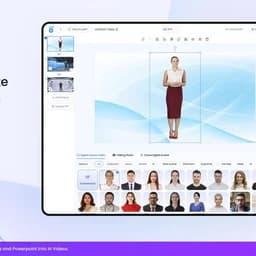
Create stunning AI-generated videos with lifelike avatars and voices in minutes.
KreadoAI is an AI-powered video generation platform that transforms text, images, presentations, and URLs into professional-quality videos featuring over 1,000 digital avatars and 40,000 voices in 140 languages. It offers tools for avatar creation, voice cloning, video editing, and TikTok-optimized marketing videos, enabling users to produce engaging content quickly and cost-effectively without the need for cameras or editing skills. Trusted by millions globally, KreadoAI supports diverse industries including marketing, education, healthcare, and localization.
Updated Oct 15, 2026
I’ve used this app just once so far, but I feel like I’ve been using it for many days or even months because it’s very easy to use. It’s an amazing app, and I absolutely love it!
I’ve used this app just once so far, but I feel like I’ve been using it for many days or even months because it’s very easy to use. It’s an amazing app, and I absolutely love it!
KreadoAI turns any product idea into high-performing ad creatives—videos, images, and copy—ready to launch across global ad platforms in minutes.
Transform any product URL into multiple high-quality ad images effortlessly.
Remove subtitles, watermarks, or logos from any video online quickly.
Generate natural, professional voiceovers in 140+ languages instantly.
Bring your scripts to life with 1,000+ realistic digital humans for global campaigns.
Create 5 TikTok-ready videos at once, optimized for viral performance and marketing.
Turn any image into an engaging video ad with realistic motion and lip-sync.
Automatically resize one creative to fit all major social platforms in a click.
While other AI tools learn from stock photos, KreadoAI is trained on real ad campaigns that actually converted.
World-class AI models combined with marketing strategy agents make strategic decisions, not just random outputs.
Free
Custom
on request
You?Hands-on notes from our editorial team.
✅ Our Test
We signed up using a Google account and selected one of the main features, AI Avatar Video Creation. Clicking on the “Create Now” button on the main workbench page, we were directed to the editing page. There was a quick step-typed guide, which we recommend not to skip.
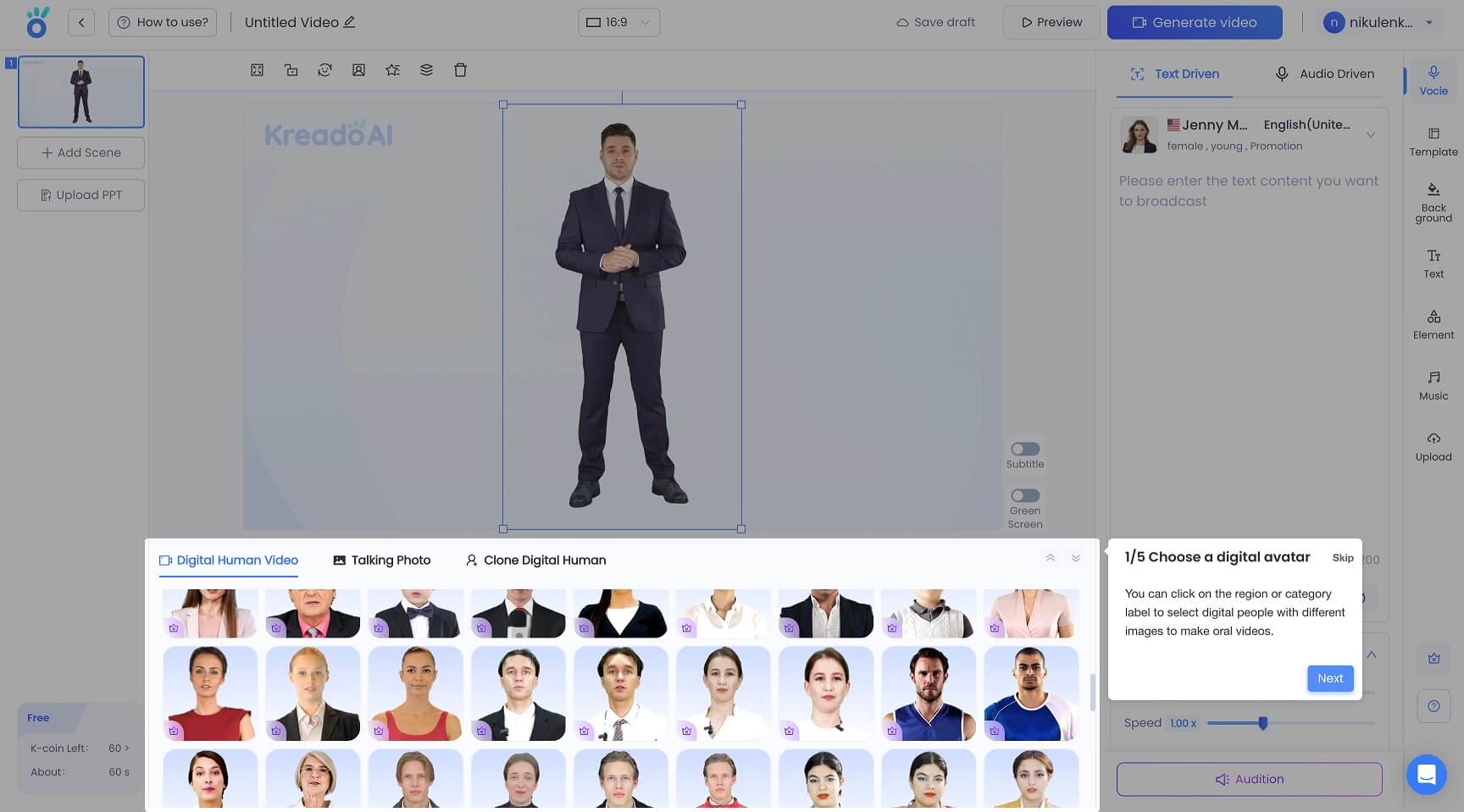
Here we chose one of the available avatars, added text, found the right voice, and selected one of the available backgrounds. Then we added background music and our logo in the text format. All editing tools are available in the menu on the right side of the page. You can also preview the video you made, but remember that lip sync will only automatically apply during the video-generating process
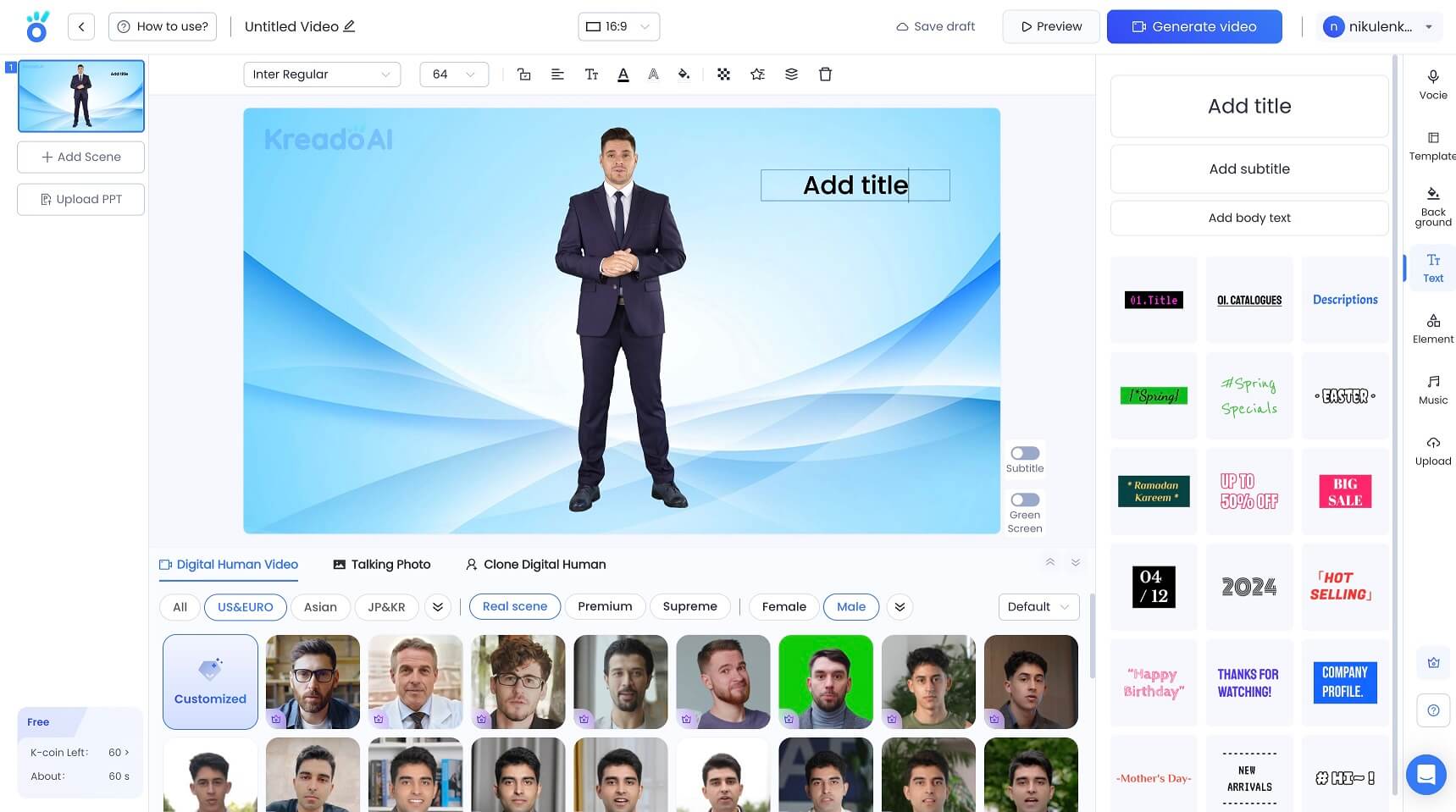
After completing the customization, we clicked the “Generate video” button, and the AI tool generated our future video for less than a minute. The video we created was available to view, download, and share on our projects gallery page (in the digital human video category).
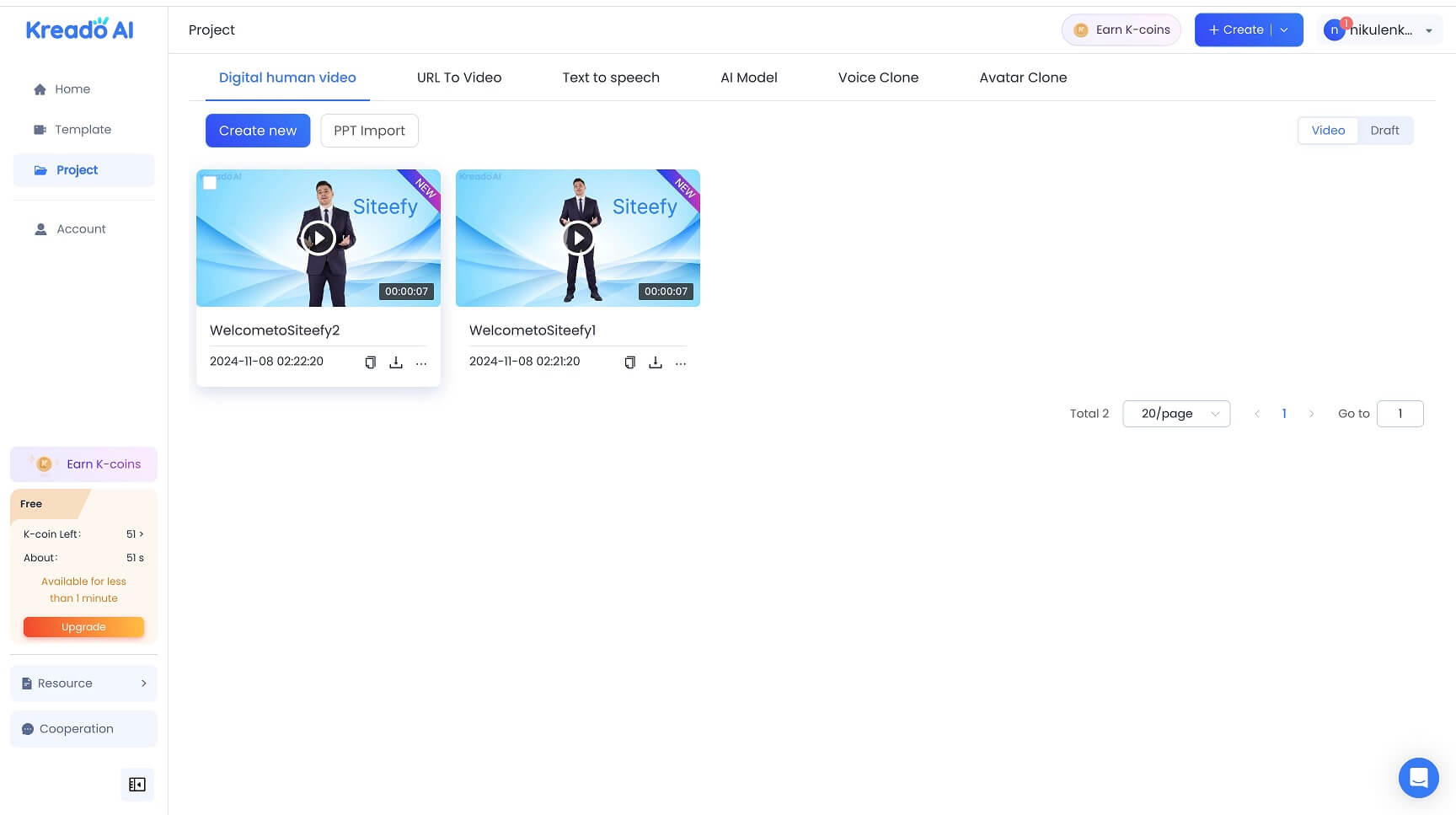 You can view a video example that KreadoAI generated for us
here
You can view a video example that KreadoAI generated for us
here
Top rated tools from the same category.
View all AI Video Generators tools

Create unique faceless AI videos from text and other media effortlessly to maximize your revenue.

AI-powered platform for generating creator-style UGC video ads for DTC brands without filming or creators.

Transform static images into dynamic, high-quality videos effortlessly with AI-powered generation.

Video-first AI generator with image support, powered by top models
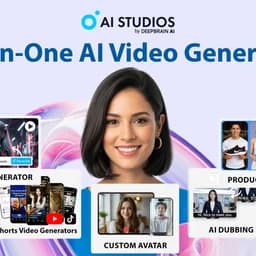
Meet AI Studios (by DeepBrain), an AI tool for generating videos and AI avatars.

Seedance 2.5 is an AI video generator producing native 4K videos up to 30 seconds with multimodal input and synchronized audio.