


Meeting Management
Bluedot
The most accurate AI note taker that captures, transcribes, and summarizes every meeting without joining your calls.

AI-powered platform for effortless voice note taking and meeting transcription.
Voicenotes is an AI-driven voice platform designed to help users record, transcribe, and organize their notes and meetings efficiently. It leverages artificial intelligence to convert spoken content into accurate, searchable text, enhancing productivity and collaboration. Ideal for professionals and teams, it simplifies capturing and managing important information from conversations and meetings.
Updated Oct 18, 2026
No written reviews yet. Be the first to share your experience.
Turn every meeting into notes you can trust. Nothing joins your call, nothing trains on your data, every word stays.
Works for online as well as in-person meetings.
Jot down any comments, context, or remarks on your note - save in one place.
Get a clear summary, action items, and next steps - ready for you the moment the meeting ends.
The recording, transcript, and key points all live in one place.
Send it to the team, export a clean PDF, or drop a link in Slack - no rewriting, no scrambling to remember what was said.
Turn your meeting into what comes next: follow-up emails, reports, to-do lists, or a summary for the entire team.
Supports 60+ languages with automatic detection.
Switch mid - sentence without worrying about the setup.
Get instant answers and unlock the knowledge buried in every conversation you've ever had.
Freemium. Paid plans start at $9 per month.
$0
$9
per month
$24
per month
Hands-on notes from our editorial team.
✅ Our Test
Here we signed up with our Google account.
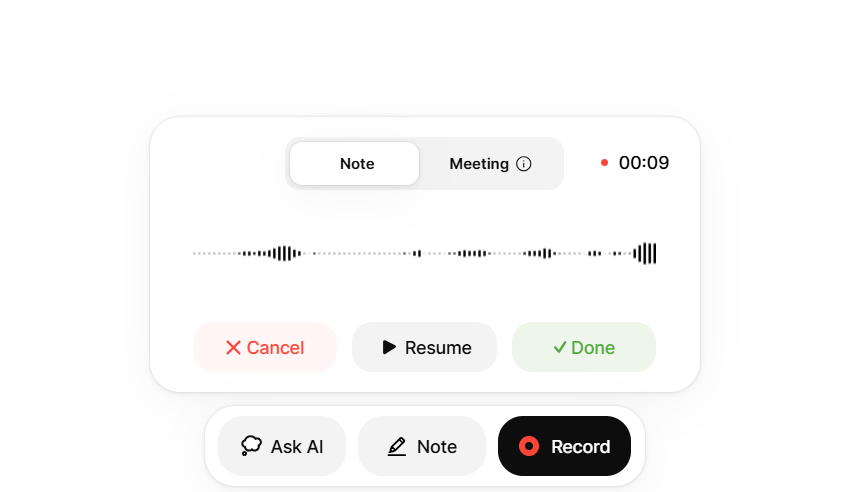
On the main dashboard page, we clicked the "Record" button to start recording a voice note. For the voice note, we took a snippet from one of our videos
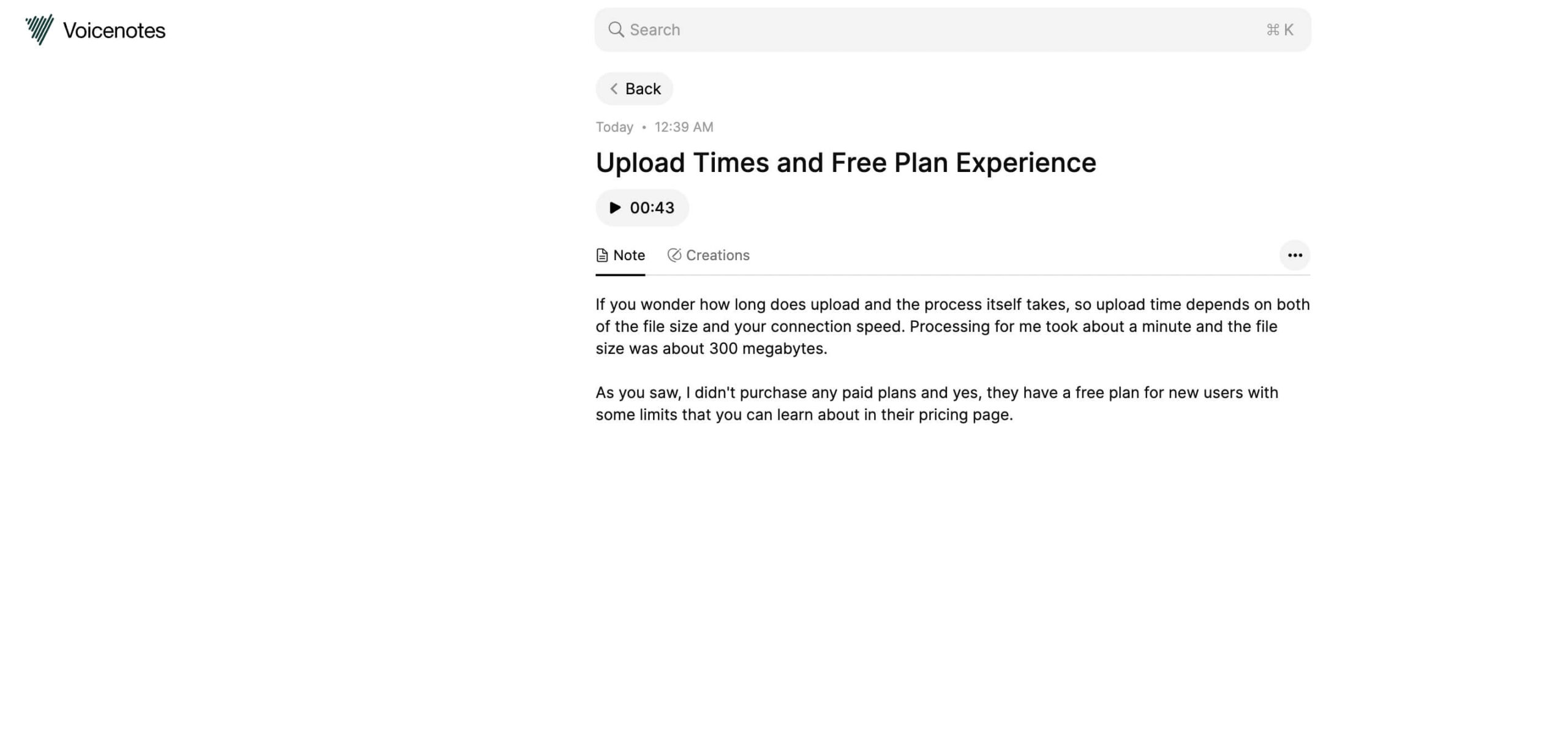
After some seconds, AI detected a speech language automatically and provided us with a very accurate transcription of this voice note.
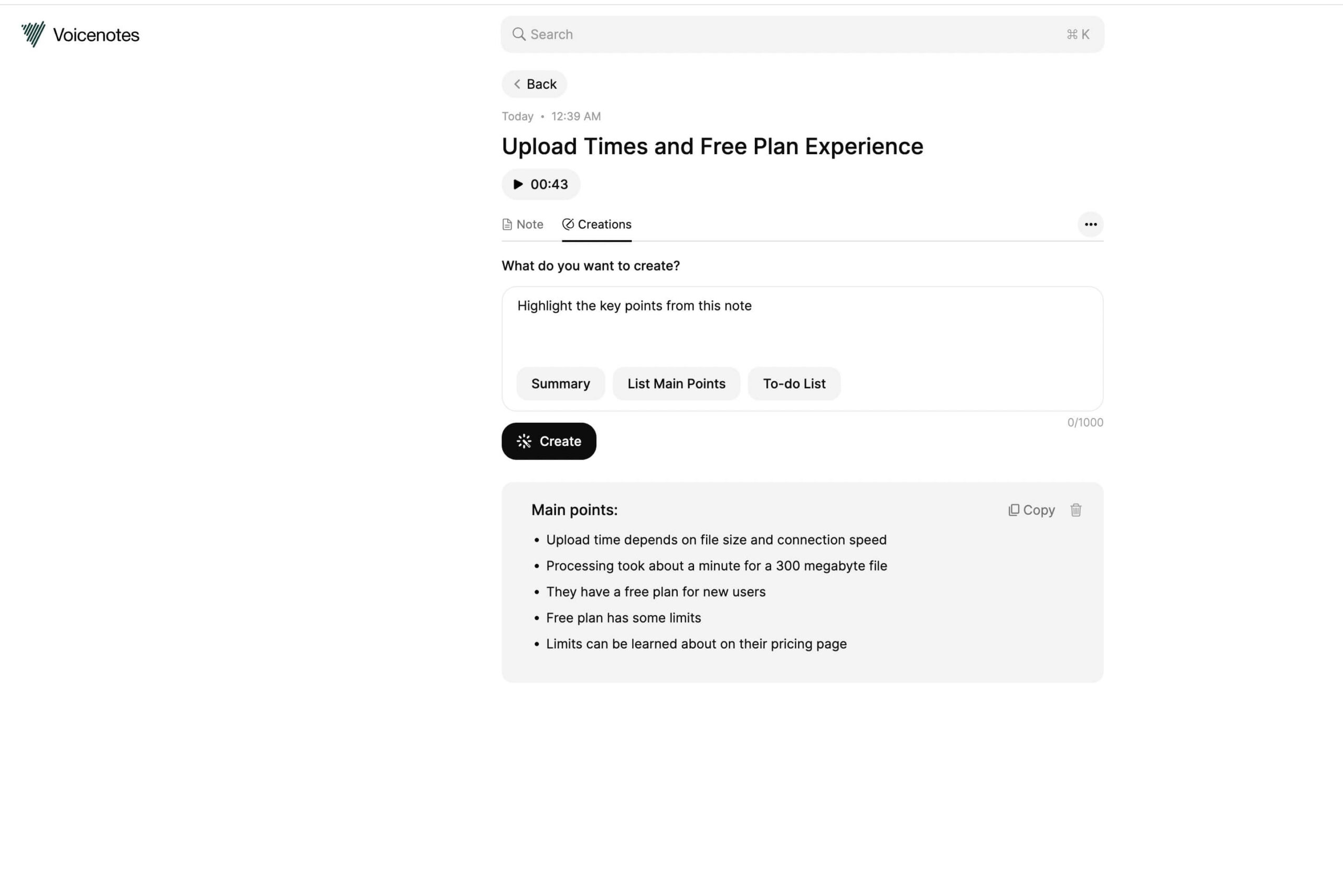
We noticed the “Creations” button there after getting a transcription, and of course, we clicked on it! There was a text box where we could ask AI to create us something from this voice note. And we asked it to “List Main Points”. You can view the results below. We think for the bigger notes, this function can be more helpful.
Compare other vetted products our editors see buyers evaluate alongside Voicenotes.
| Tool | Rating | Pricing | Platforms |
|---|---|---|---|
 VoicenotesThis tool | Freemium | iOS, Android, Windows, macOS, Browser extension | |
| Freemium | Not listed |
No written reviews yet. Be the first to share your experience.
Top rated tools from the same category.
View all Meeting Management tools
The most accurate AI note taker that captures, transcribes, and summarizes every meeting without joining your calls.

Get human-accurate AI meeting minutes and summaries for Zoom & Google Meet calls effortlessly.
An AI-powered meeting notetaker that captures, transcribes, summarizes, and analyzes meetings to enhance team collaboration and automate
Krisp offers AI-powered voice productivity tools including noise cancellation, meeting transcription, note taking, and voice translation

The #1 AI Meeting Agent that turns conversations into accurate transcripts, summaries, and actionable insights.
AI Meeting Note Taker that transcribes, summarizes, and collaborates to boost productivity.