Running a successful WooCommerce store requires more than just great products; it also demands smart management tools. With the right plugins, you can automate tasks, improve efficiency, and enhance the customer experience.
 WooCommerce
From inventory control to advanced analytics, WooCommerce offers useful plugins designed to simplify and support your store management tasks. In this guide, we’ll explore the best WooCommerce plugins for smarter store management
Why Plugins Are Essential for WooCommerce Store Management
While WooCommerce provides a solid foundation for e-commerce, its out-of-the-box features are often not enough for a growing business. Plugins act as specialized add-ons, offering advanced capabilities that can:
- Automate repetitive tasks: From inventory updates to invoicing, automation frees up valuable time.
- Improve efficiency: A centralized dashboard for managing products, orders, and customers can dramatically speed up your workflow.
- Enhance the customer experience: Features like real-time shipment tracking and personalized product pages build trust and loyalty.
- Boost profitability: Smart management tools lead to fewer errors, better stock control, and increased sales.
Essential WooCommerce Plugins for Store Management
WooCommerce is the backbone of over 6 million live websites, and its true strength lies in the vast range of plugins that enhance store operations.
We’ve made a quick selection based on features and user feedback to highlight some of the best WooCommerce plugins for better store management.
1. Inventory & Order Management
WooCommerce includes basic tools for managing stock, processing orders, and sending low stock alerts.
You can also make bulk changes using CSV files or the built-in product editor. However, these features can become slow or hard to manage as your store grows. For easier bulk editing, multi-location stock tracking, or automated shipment updates, plugins can fill the gaps and save time.
Here are some plugins that make inventory and order management faster and more flexible:
Smart Manager for WooCommerce (by StoreApps)
Smart Manager helps you manage products, orders, customers, and other store data from one place using a table-style interface. You can quickly search, filter, and make changes to many items at once, which is especially helpful when updating stock levels or running storewide sales. It works like a spreadsheet inside your dashboard, making bulk edits much easier for growing stores.
💰 Free Version: Available with essential bulk editing tools for products, orders, and coupons
Advanced Shipment Tracking for WooCommerce (AST by Zorem)
This plugin helps you manage shipping updates more efficiently by allowing you to add tracking numbers, assign carriers, and update order statuses with just a few steps.
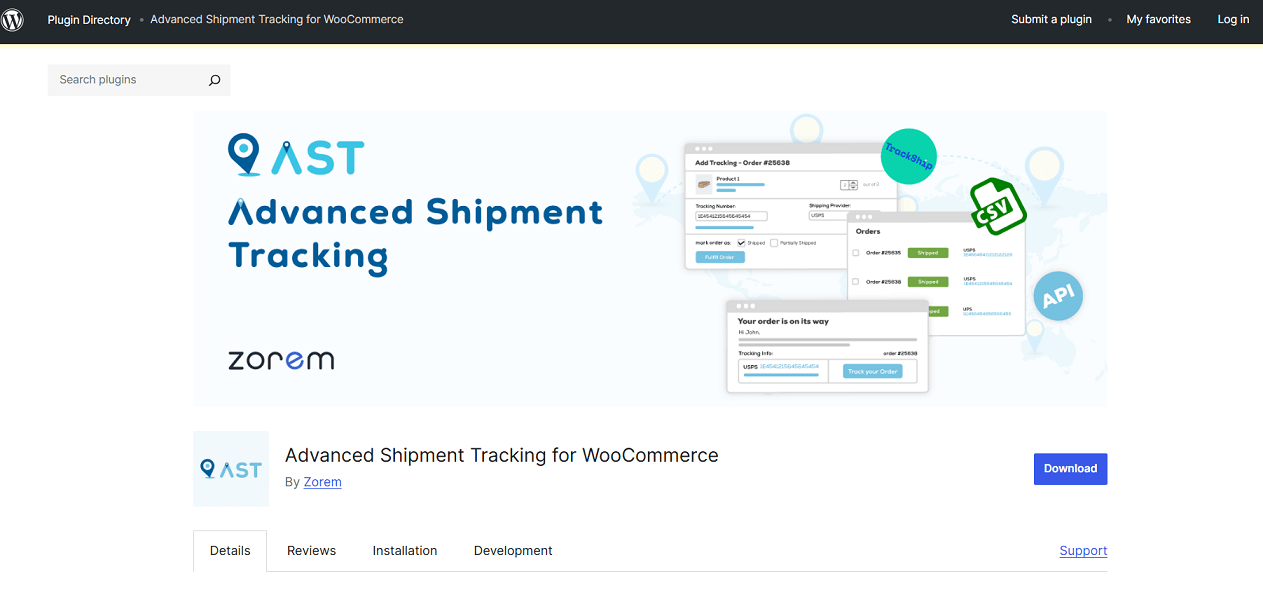
It supports a large number of shipping carriers and offers features like bulk tracking import, partial shipments, and automated tracking links for customers. It’s a useful tool for reducing order-related support requests and keeping your fulfillment process organized.
💰 Free Version: Available with core tracking and fulfillment tools.
WooCommerce Advanced Notifications (by Woo)
This plugin helps you set up automated email alerts for internal teams, suppliers, or other third parties. You can create custom rules to notify people when stock is low, backorders occur, or new orders are placed.
Notifications can be filtered by category, shipping class, or product, which makes it useful for stores working with multiple vendors or fulfillment partners.
💰 Free Version: Not available.
2. Streamlining Vendor & Subscription Operations
Running a marketplace or offering subscription-based products adds complexity to your store’s operations. Whether you’re managing payouts for multiple vendors or handling recurring billing, these plugins are designed to simplify those workflows and reduce the need for manual oversight.
WC Vendors – WooCommerce Multi Vendor Plugin
WC Vendors transforms a WooCommerce store into a multi-vendor marketplace, giving sellers their own dashboard to add products, monitor sales, and track commissions.
Store owners have full control over commission rates, vendor permissions, and product approvals, which makes day-to-day marketplace management more efficient.
💰 Free Version: Available
Alternative: AI-powered tools are becoming increasingly common across industries, from design and content creation to e-commerce, helping businesses automate tasks and improve efficiency.
Dokan is an AI-powered multi-vendor plugin that offers features like frontend vendor dashboards, withdrawal management, and order handling. Its smart automation features and scalable setup make it a strong choice for building and managing a modern online marketplace.
Subscriptions for WooCommerce (by WP Swings)
This plugin helps you offer and manage subscription-based products and services with recurring billing, payment retries, and flexible plan options.
It supports free trials, sign-up fees, and allows customers to manage their subscriptions from their accounts. Ideal for stores offering subscription boxes, memberships, or services with repeat billing cycles.
💰 Free Version: Available with core subscription features
3. Tax & Documentation Automation
Managing paperwork and tax compliance manually can be time-consuming and error-prone. These tools help automate key tasks like invoicing and sales tax filing, so you can focus on running your store.
PDF Invoices & Packing Slips for WooCommerce (by WP Overnight)
This plugin automatically generates and attaches PDF invoices and packing slips to customer emails. You can customize the layout, include your logo, and download or print documents directly from the order page.
It also supports bulk actions and works well for stores that need consistent, professional order documentation.
💰 Free Version: Available
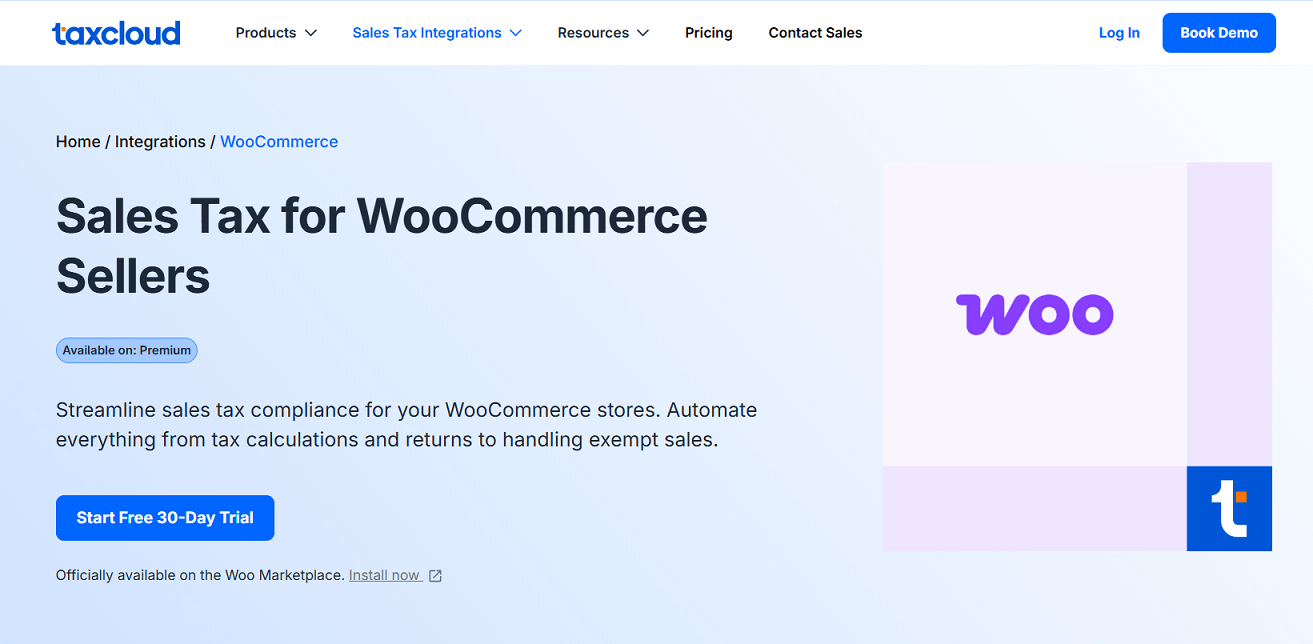
TaxCloud
TaxCloud is a complete WooCommerce sales tax solution that automates tax rate calculation, exemption handling, and filing for stores selling across the U.S. It applies accurate rates at checkout based on customer location and helps reduce the time spent on manual tax tasks.
💰 Free Version: Available
4. Payment Plugins
Offering flexible and secure payment options is key to converting visitors into paying customers. WooCommerce supports several payment gateways out of the box, but dedicated plugins allow you to offer more methods, improve the checkout experience, and support international buyers more easily.
Stripe for WooCommerce
Stripe lets you accept credit cards, Apple Pay, Google Pay, and popular buy now, pay later services like Klarna and Afterpay. The plugin integrates directly with your store’s checkout and supports recurring payments if you also use a subscription plugin.
 Stripe
Stripe includes built-in fraud detection, and you can accept in-person payments using Stripe Terminal.
💰 Free Version: Available — no monthly fees, standard transaction fees apply.
PayPal Payments for WooCommerce
PayPal’s official plugin offers an all-in-one solution to accept PayPal, Venmo (for US customers), credit and debit cards, and local payment methods like iDEAL and Bancontact.
 PayPal
 Venmo
VenmoIt supports Pay Later, which lets customers split payments while you get paid upfront. You can also enable features like Fastlane to speed up checkout and improve conversion rates.
💰 Free Version: Available — no monthly fees, standard transaction fees apply.
5. Analytics and Reporting Plugins
Understanding how your store performs is key to making better decisions. While WooCommerce includes basic reports, advanced analytics plugins help you track deeper metrics, identify issues, and improve store performance.
Metorik
Metorik provides advanced reports that combine order, customer, and product data into one easy-to-use dashboard. You can track key metrics like average order value, customer lifetime value, and retention trends. It also includes abandoned cart recovery, forecasting, and segmentation tools, making it especially useful for growing stores.
Free trial available; paid plans based on order volume
Google Analytics Integration for WooCommerce
This plugin connects your store with Google Analytics and enables enhanced eCommerce tracking. It lets you monitor visitor behavior across product pages, carts, and checkouts, giving you insights into drop-offs, conversions, and user paths.
 Google Analytics
You can improve WooCommerce tracking using tools like Google Tag Manager. Another option is to set up a Google tag to track user behavior and conversions through Google Analytics or Google Ads.
 Google Ads
💰 Free Version: Available with core tracking features.
6. Store Design & User Experience Plugins
Customize Your Store
How your store looks affects customer trust and sales. For an easy, drag-and-drop design built for WooCommerce, consider page builders such as these top WooCommerce page builders. Among the favorites are Divi and Elementor, which come with WooCommerce-specific widgets and templates to build a smooth shopping experience.
If you’re debating between Divi and Elementor, the detailed comparison at Divi vs Elementor offers an impartial analysis to help you pick the ideal tool for your store’s needs.
Speed Up Your Site
Fast-loading pages lead to better engagement and higher conversion rates. Plugins focusing on caching, image optimization, and CDN integration can significantly improve performance, keeping visitors engaged from browse to buy.
These improvements not only improve the user experience but also support SEO efforts
Conclusion
We’ve covered just a few of the many useful WooCommerce plugins that can make managing your store easier and more efficient. However, there are plenty of other tools available depending on your store’s size, niche, and goals.
You can also explore options for SEO, marketing automation, or customer support to further improve your operations