Effective resource management and accountability are essential for organizations that aim to stay organized and grow steadily. They help teams use resources wisely, keep daily operations simple, and maintain transparency across all departments.
This article introduces practical tools that support better control of resources and stronger accountability within organizations.
Understanding the Need for Resource Management & Accountability
Resource management focuses on planning, assigning, and tracking how people and assets are used. The goal is to make the most of available resources and avoid waste. Accountability introduces responsibility, where each asset has a defined owner and is used correctly.
When these two work together, organizations achieve their goals more easily, reduce costs, and keep workflows clear and reliable.
Challenges Organizations Face Without the Right Tools
- Resource Wastage: Without precise tracking and management tools, valuable assets may be underutilized, lost, stolen, or become redundant over time due to oversight.
- Redundant Systems: Overlapping software solutions or duplicated applications cause inefficiencies, confuse teams, and drive ballooning costs unnecessarily.
- Lack of Visibility: Incomplete, outdated, or siloed records hinder timely and informed decision making, preventing quick reallocations when priorities shift.
- Poor Accountability: Without clear ownership designation and audit trails, unauthorized use, neglect, or mismanagement of resources can occur without detection.
Top Tools for Effective Resource Management & Accountability
| Tool Category | Example Tool | Benefits |
|---|---|---|
| Project Management Software | Celoxis | Improves planning, prioritization, and collaboration |
| Asset Management Software | RedBeam | Reduces asset loss and increases accountability |
| CMDB & Governance Framework | ServiceNow CMDB | Reduces technical debt and streamlines license costs |
| Governance & Scoring Models | LeanIX | Consolidates tools, cuts costs, and improves efficiency |
| Financial Management & Budget Tracking | Microsoft Dynamics 365 Finance | Enhances financial visibility, prevents overspending, and supports accurate forecasting |
 Microsoft Dynamics 365
1. Project Management and Resource Allocation Software
Project management solutions that incorporate robust resource management components provide a comprehensive, real-time view of team workloads, individual availability, and task prioritization.
These integrated platforms facilitate strategic planning, better coordination, and help ensure that resources are assigned optimally to high-impact projects, thereby enhancing accountability through constant tracking and detailed reporting capabilities.
For example, Goodman Fielder, a well-known global food company, implemented the project management software Celoxis to streamline its complex operations. This powerful tool enabled the company to improve roadmap planning efficiency by threefold, reduce project errors by 30%, and enhance resource allocation to flexibly meet shifting priorities.
Tools like Celoxis empower organizations to better coordinate human and material resources across multiple simultaneous projects, directly boosting operational efficiency and reinforcing accountability frameworks.
2. Asset Management Software for Physical Resources
Managing physical assets such as equipment, machinery, and inventory stock requires specialized asset management software that ensures visibility, minimizes loss, and supports maintenance planning. These systems record asset locations, usage history, and condition details while assigning clear ownership to responsible team members.
Beyond daily tracking, asset management helps organizations make smarter purchasing decisions and use their equipment more efficiently. Centralized data allows teams to spot underused or outdated items, plan timely replacements, and maintain consistent performance across departments.
For example, tools like RedBeam make this process much easier. It provides cloud-based software for asset management with features such as barcode scanning, real-time dashboards, and a simple check-in and check-out system.
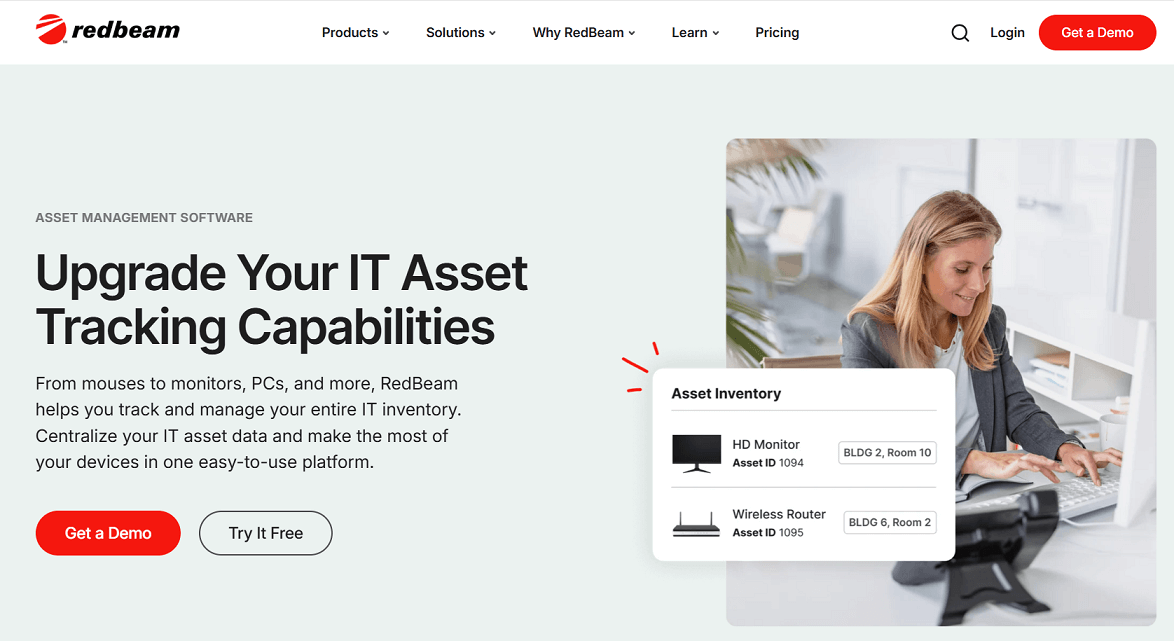
RedBeam keeps all asset details, such as purchase dates, warranties, and maintenance records, in one place. This helps organizations track assets accurately, reduce downtime, and maintain accountability across all departments.
3. Configuration Management Databases (CMDB) & Governance Frameworks
Organizations that depend on complex IT systems often struggle to keep track of all applications, licenses, and configurations. A Configuration Management Database (CMDB) creates a single, organized record of every software, hardware, and network asset. It gives IT teams a complete view of how systems connect, which resources are in use, and where costs can be reduced.
Governance frameworks work alongside CMDBs to set clear rules for tracking, updating, and reviewing assets. Together, they help maintain accurate data, improve compliance, and control unnecessary expenses. Regular reviews and organized documentation also make it easier to spot outdated or duplicate systems before they affect performance or security.
Tools such as ServiceNow CMDB and ManageEngine ServiceDesk Plus help organizations organize assets, automate discovery, and map relationships across their IT environments. These platforms also support license tracking, configuration monitoring, and accountability across all systems, creating a more transparent and reliable IT structure.
4. Cross-Functional Governance Committees & Scoring Models
When organizations face fragmented IT portfolios with hundreds of applications distributed across various departments, establishing cross-functional governance committees can effectively promote transparency and informed decision-making.
These governance bodies, composed of IT professionals, finance officers, and business unit representatives, collaboratively create scoring models that objectively assess applications based on factors such as cost, usage frequency, business value, technical performance, and compliance risks.
Once implemented, these scoring models help teams identify redundant or outdated tools and highlight high-value applications that deserve continued investment. This approach simplifies decision-making and ensures that software budgets focus on the most valuable solutions.
Platforms such as LeanIX, Apptio, and CAST Highlight support this process with data-driven insights into software usage and cost distribution.
These tools help organizations map their entire application portfolio, evaluate system performance, and set clear priorities for improvement. Using such platforms strengthens accountability and keeps IT portfolios efficient and aligned with business objectives.
5. Financial Management & Budget Tracking Tools
Without structured financial oversight, budgets can easily exceed limits, and teams lose visibility into spending patterns. Financial management tools centralize expense tracking, forecasting, and reporting to keep operations aligned with company goals.
Platforms such as Workday Adaptive Planning, Planful, QuickBooks Online Advanced, and Microsoft Dynamics 365 Finance allow teams to monitor costs in real time, compare results with planned budgets, and generate detailed forecasts.
Dynamics 365 Finance also uses automation and AI-powered insights to help finance teams improve forecasting, track cash flow, and close accounts more efficiently.
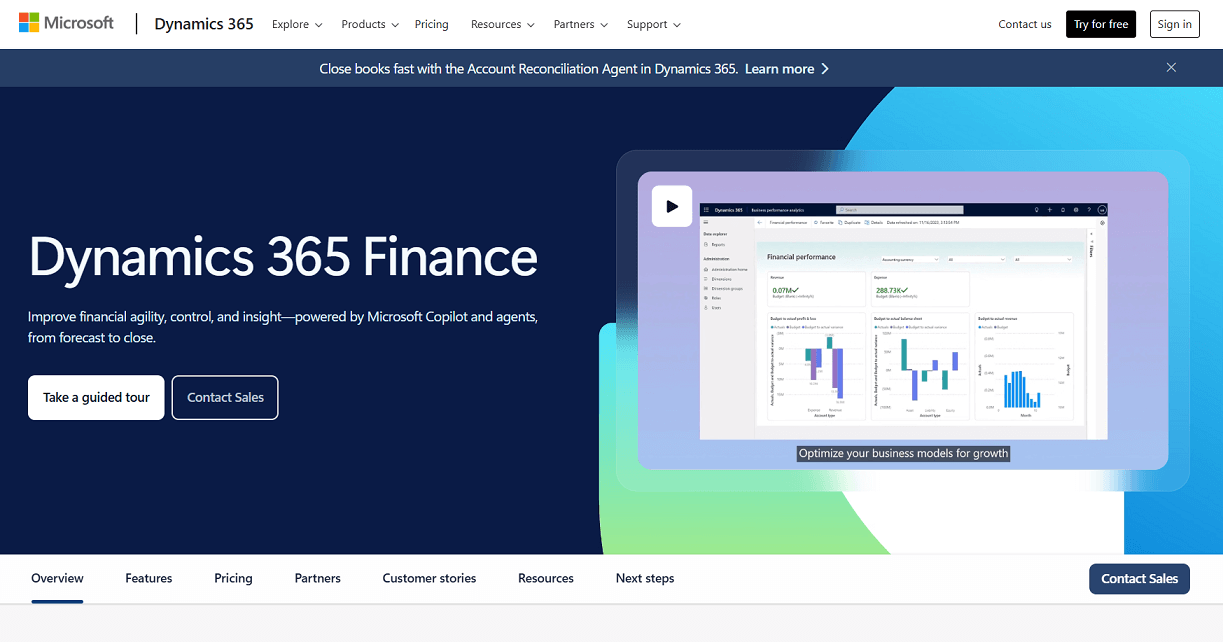
Effective use of financial management tools gives organizations a clear view of spending and helps prevent waste while supporting long-term stability.
Tips for Choosing the Right Resource Management Tools
- Assess Your Needs: Clearly define the types of resources you need to manage—whether human, physical, or software-based—and identify the accountability gaps and pain points present in your current processes and workflows.
- Evaluate Scalability: Ensure the selected tool can comfortably accommodate your organization’s current size and anticipated future growth, supporting additional users, assets, or projects seamlessly.
- Prioritize Features: Look for critical capabilities including real-time tracking, clear ownership assignment, comprehensive reporting, integration with existing systems, and ease of use for all user levels.
- Consider Costs vs. ROI: Rigorously calculate the potential savings in terms of reduced time wastage, minimized lost assets, and lowered licensing expenses to justify your investment in resource management solutions.
- Pilot and Gather Feedback: Implement trial or pilot periods with active end-user involvement to assess usability, identify shortcomings, and evaluate the effectiveness of the tools before full organizational rollout.
Conclusion
We’ve shared tools that help organizations plan better, stay organized, and manage resources more effectively. The right mix of systems can simplify workflows, improve visibility, and reduce waste across departments.
With careful rollout, these tools make day-to-day management more transparent and efficient so your organization can work smarter and grow steadily.
If you’re looking for other tools created for different business purposes, visit Siteefy. Browse the categories or go to the AI Tools Library to find the tools that best fit your needs.