
Jorge Guillaume5/5
Recommends this tool
Great product and easy to set-up for your website!
Love how accurate it is for my niche after I trained it on a lot of data

ChatNode offers AI-powered customer support agents that learn from your website and data to provide human-like, on-brand responses. These AI agents can autonomously update their knowledge, perform real tasks such as booking meetings and processing invoices, and seamlessly hand off complex queries to human agents. With integrations across popular platforms and detailed analytics, ChatNode enhances customer service efficiency and satisfaction.
Last updated: Mar 5, 2026
Average rating
Share your experience
Help others decide, your insights matter
Love how accurate it is for my niche after I trained it on a lot of data
Average rating
Share your experience
Help others decide, your insights matter
Love how accurate it is for my niche after I trained it on a lot of data
Agents that learn from your website and business data to provide personalized, human-like responses.
Continuous knowledge updates through auto-retraining to keep AI agents current with your latest information.
Seamless escalation from AI agents to human support with full conversation context preserved.
Connects with platforms like Slack, Notion, Zendesk, and more for unified support workflows.
Enable AI agents to perform real tasks such as booking meetings, processing invoices, and capturing leads via custom API calls.
No-code setup with a beginner-friendly interface for designing and deploying AI agents instantly on your website.
Real-time monitoring of customer satisfaction, popular topics, conversation volume, and action success to optimize support.
Customize AI responses to align with your brand voice and compliance policies ensuring safe and consistent communication.
| Plan | Price | Highlights |
|---|---|---|
| Lite | $35 | 5 AI Actions per agent
|
| Standard | $89 | 10 AI Actions per agent
|
| Scale | $377 | 20 AI Actions per agent
|
Hands-on notes from our editorial team.
✅ Our Test
We signed up on the website using our Google account for our test. We got 35 free welcome credits and some more for completing guide tasks. There were also a couple of guides available on the main page.
Then we clicked on the “Create ChatBot” button on the main dashboard. It’s required to enter the chatbot's name, which you can edit later. Then we inserted our website link to teach AI based on our content. The process of data scraping took AI about 2 minutes. Since that moment, our future chatbot's earlier version has been available to test right on the website on the right side. You can view how we interacted with the chatbot on the right side of the screenshots below.
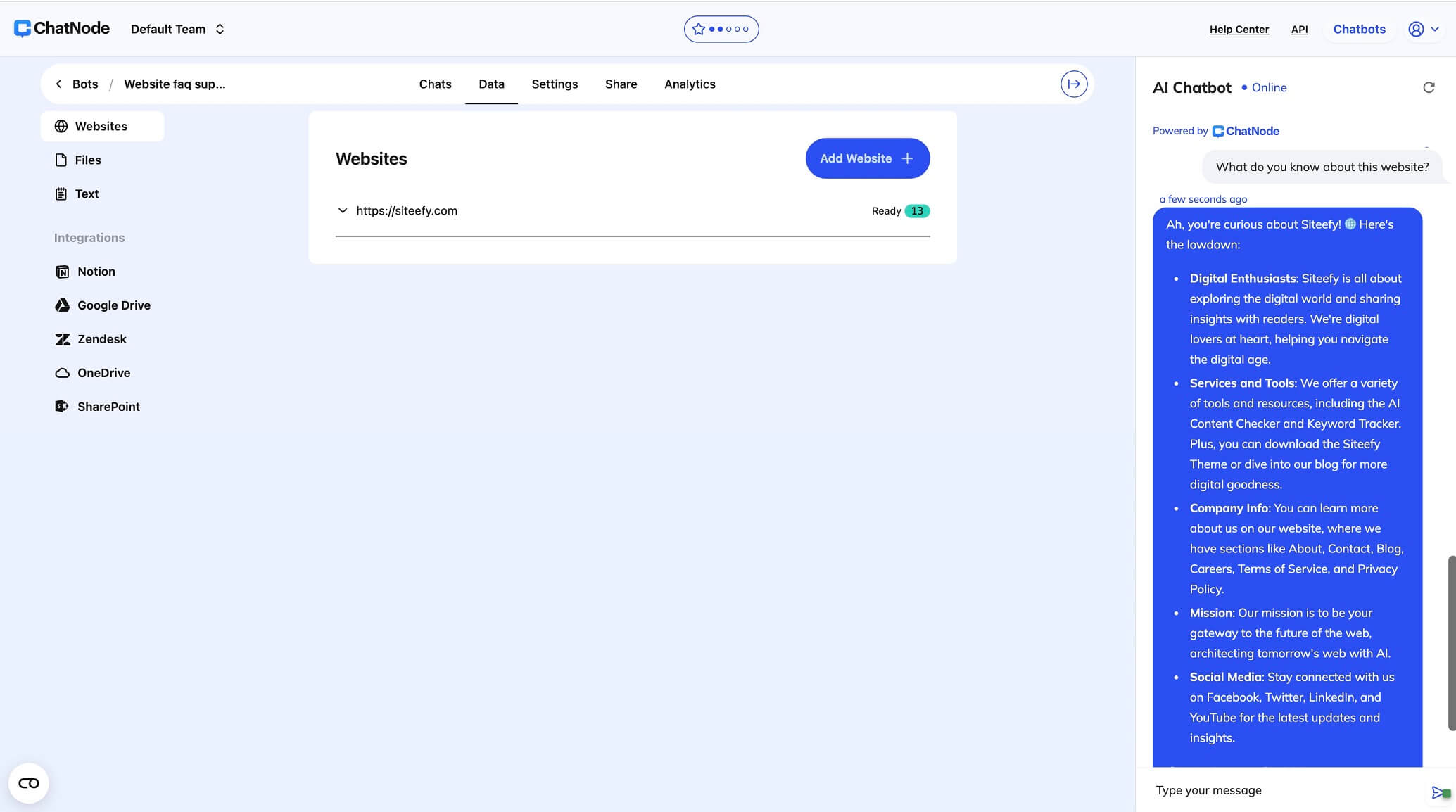
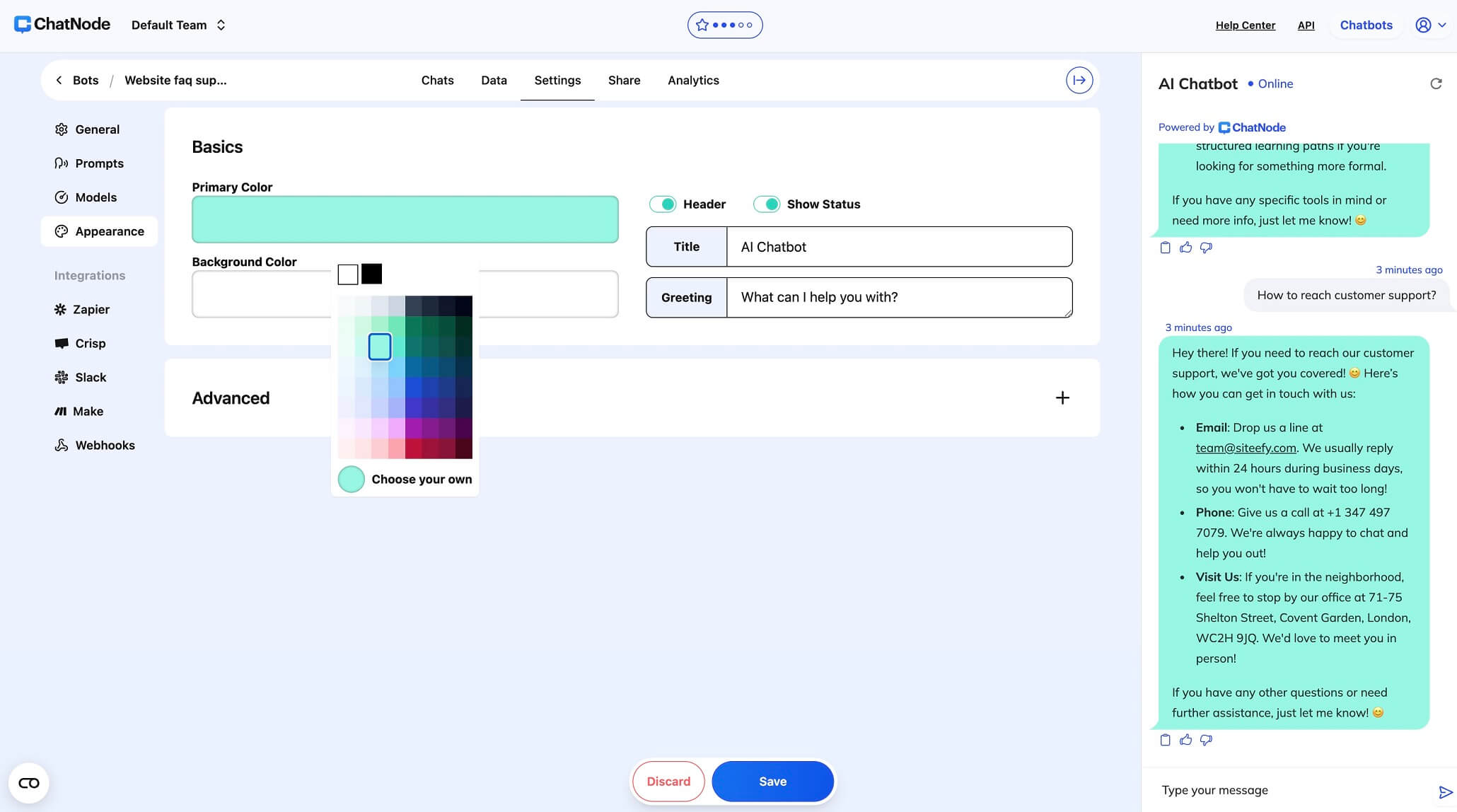
On the “Settings” page, we customized the main design of our future chatbot (primary and background colors, title, and greeting). There were also more advanced customization settings that we left default for testing.
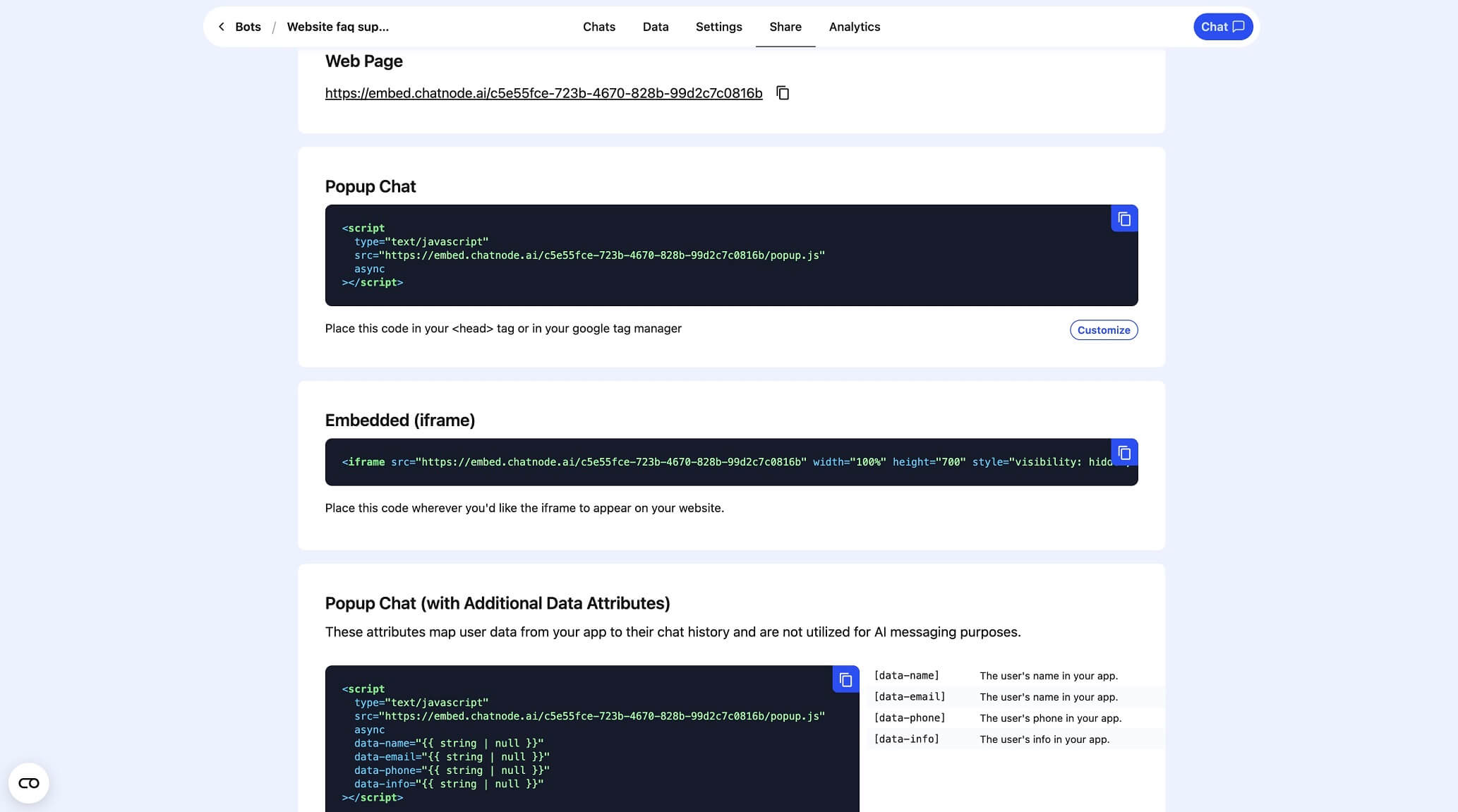
We highly recommend checking out the website guides for better interaction. Even more, you can switch the AI model for your chatbot right on the main menu page by clicking on the current one's name.
Top rated tools from the same category.

Meet Claude, an AI assistant by Anthropic for text, code, image analysis, integrations & more.
Get instant ChatGPT answers right inside Telegram in seconds.

An enterprise‑grade voice AI platform for building, deploying, and managing AI phone agents at scale.
A conversational AI chatbot offering empathetic, personalized, and voice-enabled interactions.

ChatGPT is an AI-powered chatbot that answers questions, assists with work, creates images, and codes within a single p…
An all-in-one AI chatbot platform with seamless access to multiple AI bots and custom chatbot creation.