

Evernote
FreemiumYour second brain to capture, organize, and collaborate on notes and tasks seamlessly.

AI-powered personal knowledge assistant that organizes and empowers your work across Mac, iPhone, and iPad.
Elephas is an AI-driven personal knowledge assistant designed for Mac users that consolidates scattered information from files, notes, and recordings into searchable, intelligent 'Super Brains.' It enables users to interact with their own data through natural language queries, generate content, automate workflows, and access AI-powered insights securely with offline capabilities. Elephas integrates deeply with Apple ecosystem apps and supports multiple AI models, making it a versatile productivity enhancer for professionals across industries.
Updated Oct 18, 2026
No written reviews yet. Be the first to share your experience.
Elephas answers questions from your own contracts, client files, and reports, and shows the source for every answer. Your documents stay stored on your computer. Use it on your own, or share a Brain with your team.
Your documents stay stored on your computer. The search index and your chats are kept in an encrypted database. When you ask a question, you choose which AI answers it.
Drop in files or a whole folder: your PDFs, Word documents, spreadsheets, slide decks, and scanned pages. Elephas reads and indexes them on your computer.
Every answer cites your files. Open a source to see the quoted passage and the page, slide, or sheet it came from.
Download a model once and answers are generated on your computer. Nothing is sent anywhere.
Put your firm's contracts, policies, and client files in a shared Brain. Everyone you invite can ask it and get answers with sources. Sync between teammates is end-to-end encrypted, so our servers hold only data we cannot read.
Set one AI policy for the whole team.
Hands-on notes from our editorial team.
✅ Our Test
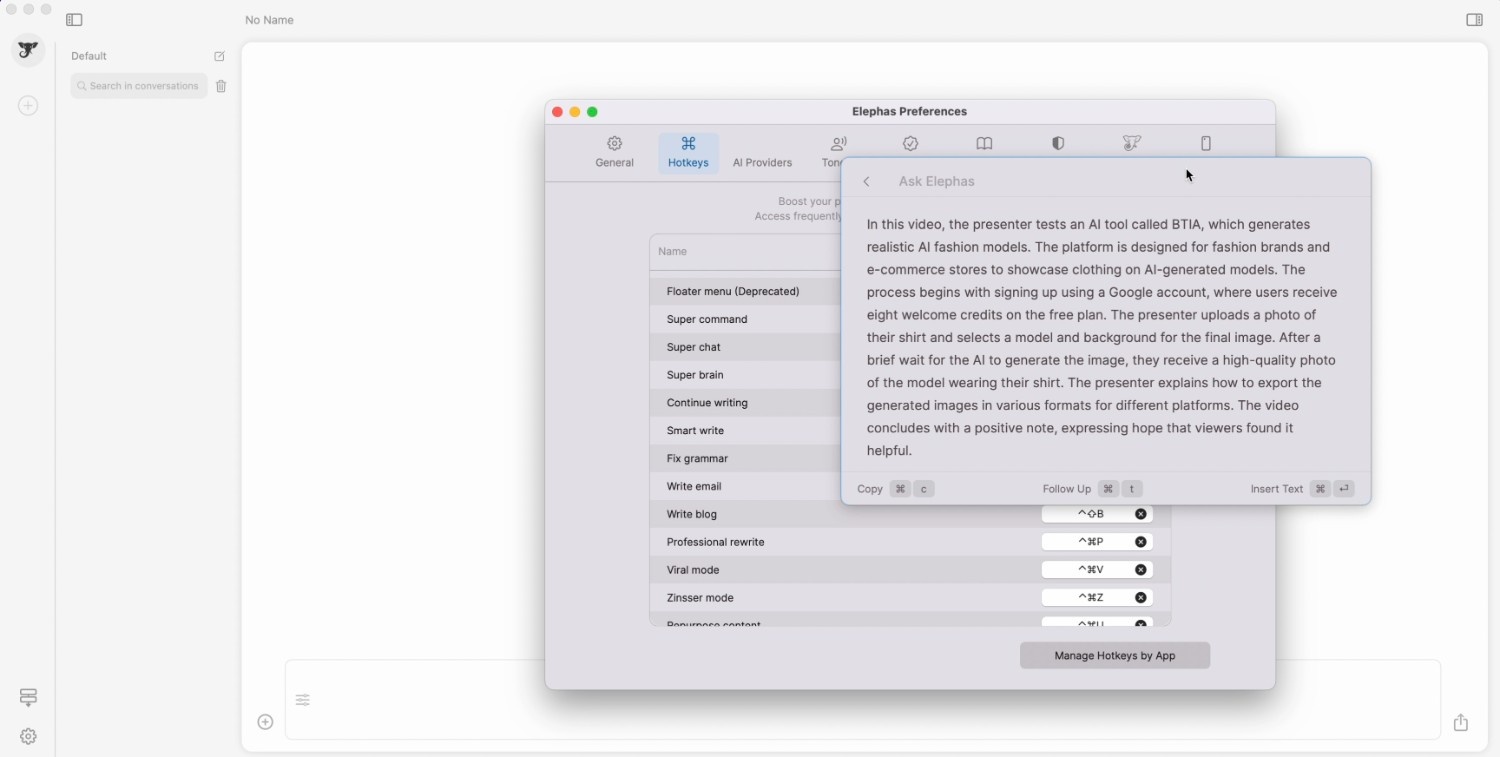
 ### ⬇️ “Ask Elephas” Then, we asked Elephas to perform a command. To test this feature, we entered the web page of one of our YouTube videos. On this page, we called the floater menu using one more hotkey, and there was a suggested command, “Summarize YouTube video”. We clicked on it, and Elephas generated an accurate video summary.
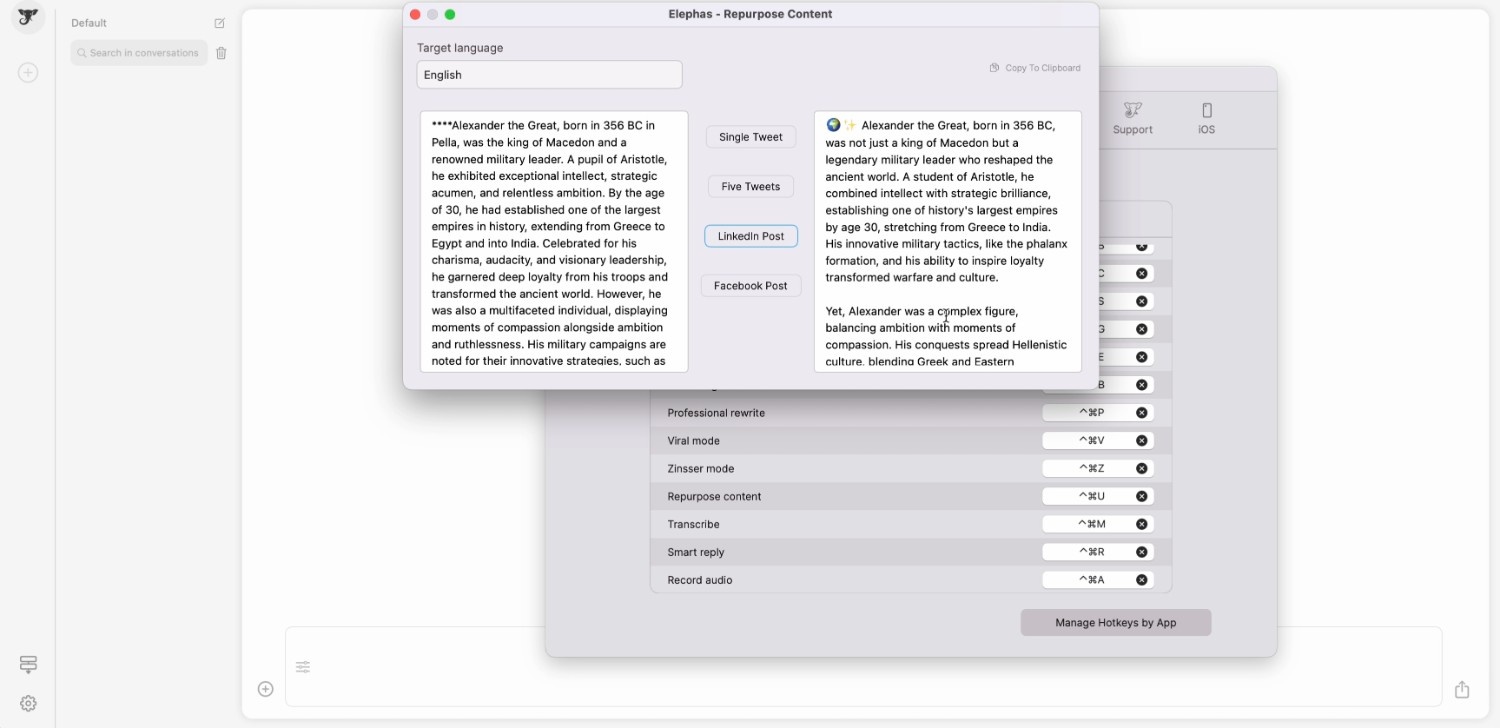
  ### ⬇️Use Workflows The last feature we tested was a new feature named “Workflows”. It allowed us to utilize an algorithm of actions. We selected the simplest default one, the “Web Search” workflow (Made of 2 action agents).To start with this workflow, we triggered it through the super-chat’s textbox using the “@” symbol followed by a workflow name. Then, we wrote a topic and sent the entire message. Superchat made two actions: performed a web search and remembered information so we could ask tailored questions and get accurate insights.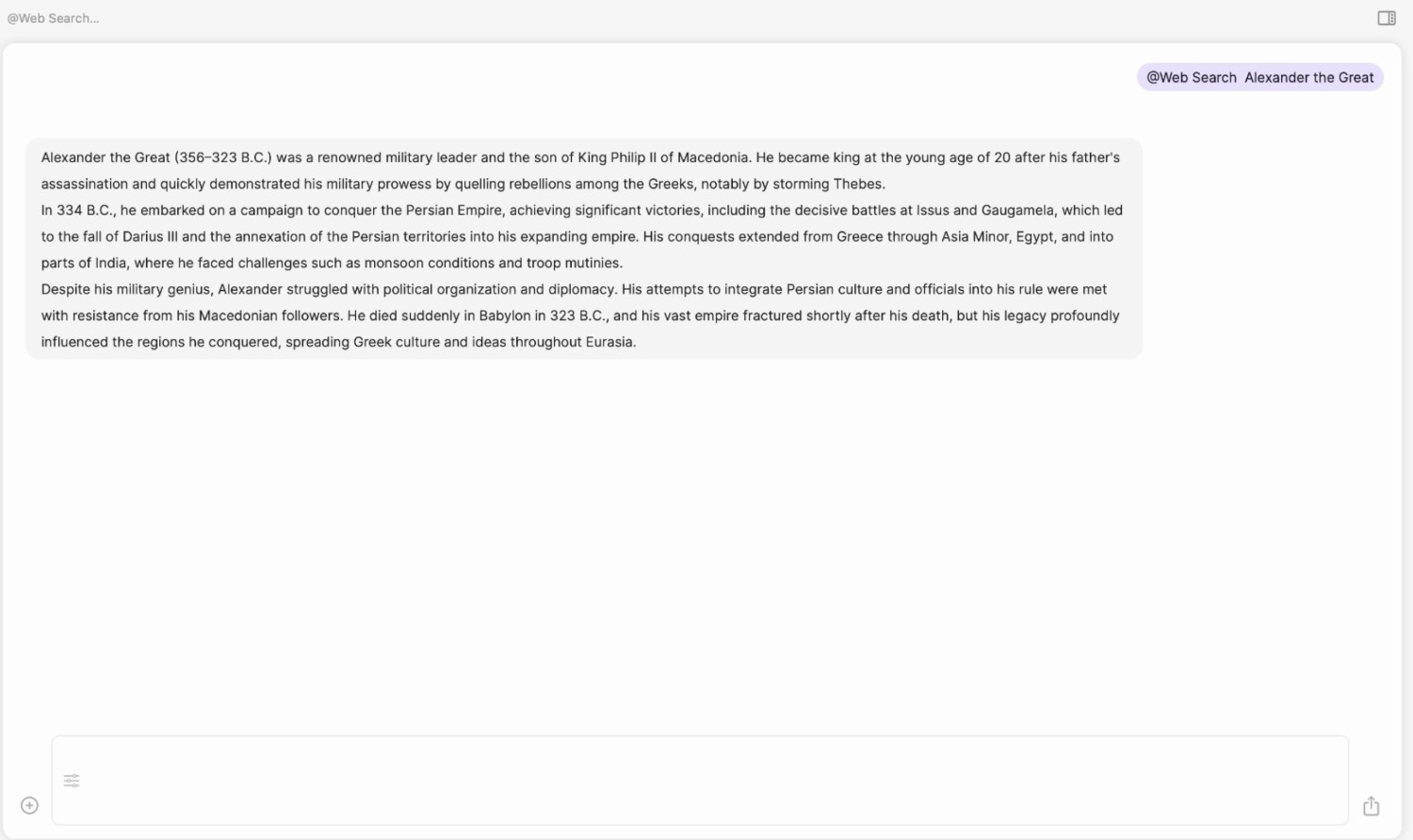
No written reviews yet. Be the first to share your experience.
Top rated tools from the same category.
View all Knowledge Management tools
Your second brain to capture, organize, and collaborate on notes and tasks seamlessly.


The free and flexible app for your private thoughts, designed to sharpen your thinking.
Microsoft OneNote is a free web-based note-taking application for capturing and organizing notes anywhere.

A collaborative all‑in‑one document platform blending documents, spreadsheets, workflows, and integrations.
Academic reference management software combining knowledge organization with AI-powered insights for research writing.