
 Claude
 Canva
Canva
Ubersuggest
FreemiumWin the SEO game with AI-powered keyword research and competitor analysis.

Accelerate your SEO content creation with AI-powered, factual, and optimized articles in minutes.
Koala AI is an advanced AI content creation platform designed to generate high-quality, SEO-optimized articles quickly using GPT-5 and Claude 4. It integrates real-time SERP analysis, automatic internal linking, schema markup generation, and a suite of AI tools including a chatbot, image generator, and custom GPTs to streamline content workflows. Ideal for SEOs, content creators, and agencies, Koala AI helps produce publish-ready, factually accurate content that ranks well in search engines.
Updated Oct 17, 2026
No written reviews yet. Be the first to share your experience.
Import once from Google Maps or your website. Every article and recommendation is grounded in what you actually do.
Pull everything from Google Maps or your website. Reviews, services, and credentials import in seconds. No data entry.
The agent picks from your real rankings and gaps, KoalaWriter drafts in your voice, and you publish in one click.
Chat with an AI that has the data you'd pay Ahrefs or SEMrush for: keywords, backlinks, SERPs, competitors. Your own Search Console layers on top.
Your voice, your credentials, your actual services, straight from Brand DNA. Deep Research and live SERP analysis make it rank on Google and get cited in AI search.
Generate many articles at once. Built for agencies and large sites.
One platform, six products. Brand DNA grounds KoalaWriter and its agent in your business, and bundles in KoalaChat, KoalaImages, KoalaLinks, and KoalaMagnets in the same subscription.
KoalaWriter automatically analyzes the SERP for your keyword and includes relevant entities and keywords to help your article rank.
Maintain consistent brand voice across all your content with customizable tone settings and brand-specific terminology.
Scale your content production by generating multiple articles at once with our bulk content creation feature.
You get full control over the outline: easily add, delete, and re-order H2s and H3s before generating articles.
Create content in multiple languages to reach global audiences and expand your content marketing reach.
Automatically generate custom AI images to make your content more engaging and visually appealing.
Paid. Plans start at $25 per month.
$25
per month
$49
per month
$99
per month
$179
per month
$350
per month
$500
per month
Hands-on notes from our editorial team.
✅ Our Test
We signed up for Koala AI using a Google account. You can also register with an email address. Upon signing up, we received5,000 creditsto use for generating content with the AI writer.
We decided to write a blog post titled "How to Succeed in the Online World: Roles You Can Pursue Today." For free users, only the
GPT 4o Mini model
is available. The more advanced models are locked behind paid plans. From the available content types (like listicles, Amazon descriptions, etc.), we chose the "Blog Post" option. For our keyword, we entered "online career roles" since that was the main focus of our article.
 We also manually added keywords that we wanted the AI to include in the article. Unfortunately, features like internal linking, adding videos, or incorporating images are only available for paid plans.
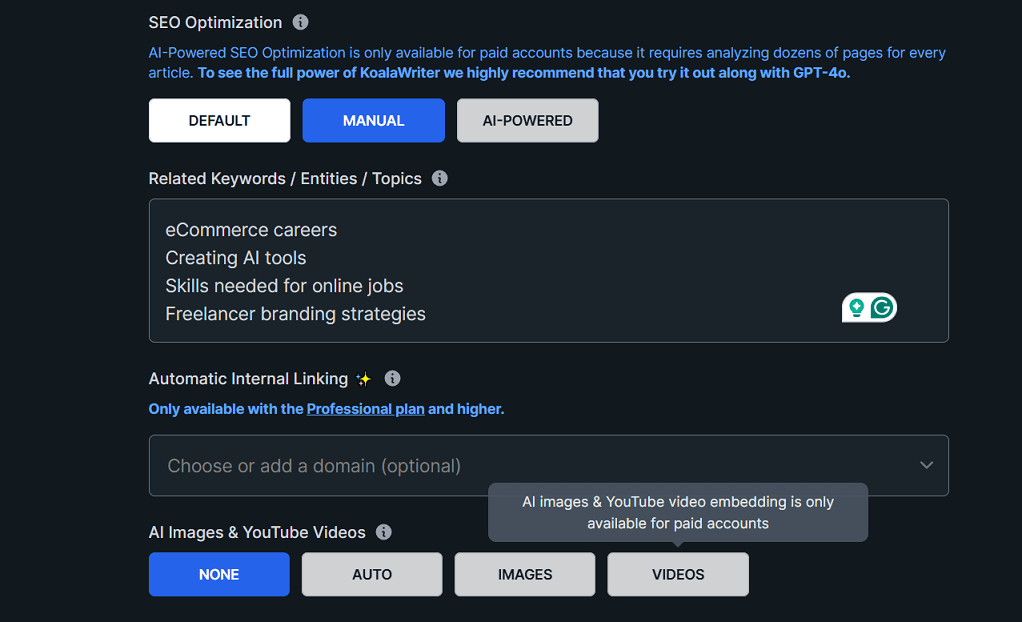 Then we selected the article length as short (950–1350 words). For the tone of voice, we chose "SEO Optimized (Confident, Knowledgeable, Neutral, and Clear)". We also set the point of view to First Person Singular.
We liked the tone of voice, and the tool correctly applied the settings we selected, such as SEO Optimization and First Person Singular. However, the word count was limited to
590 words
, even though we requested
950–1350 words
. We thought it might be a technical issue, so we tried generating the article again. Unfortunately, each time, we received the same 590 words.
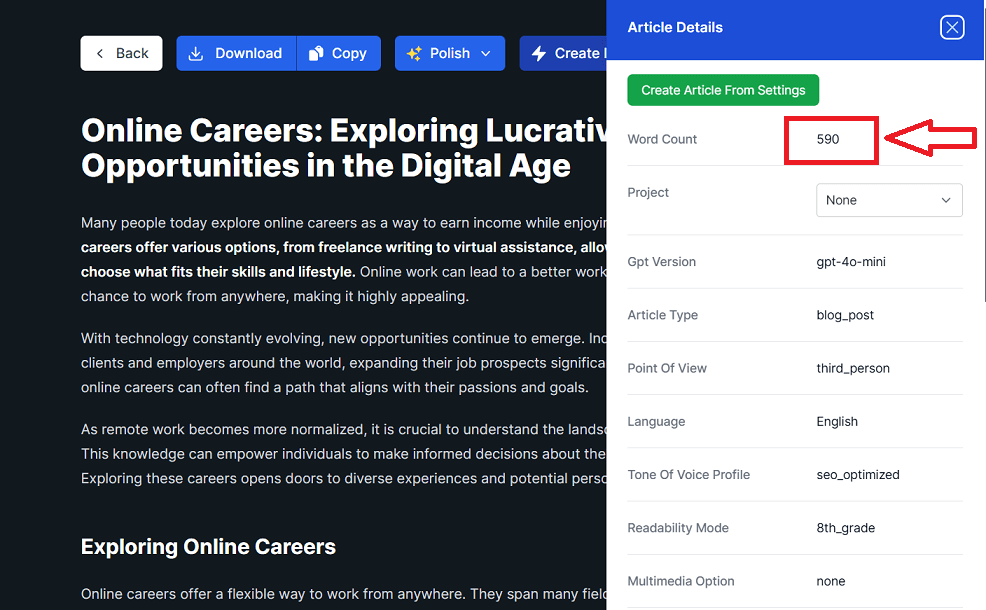 Although the free plan provides 5,000 credits, the tool limits each article to around 500–600 words per generation. A message on the page explained that this limitation is due to people abusing their free trial.
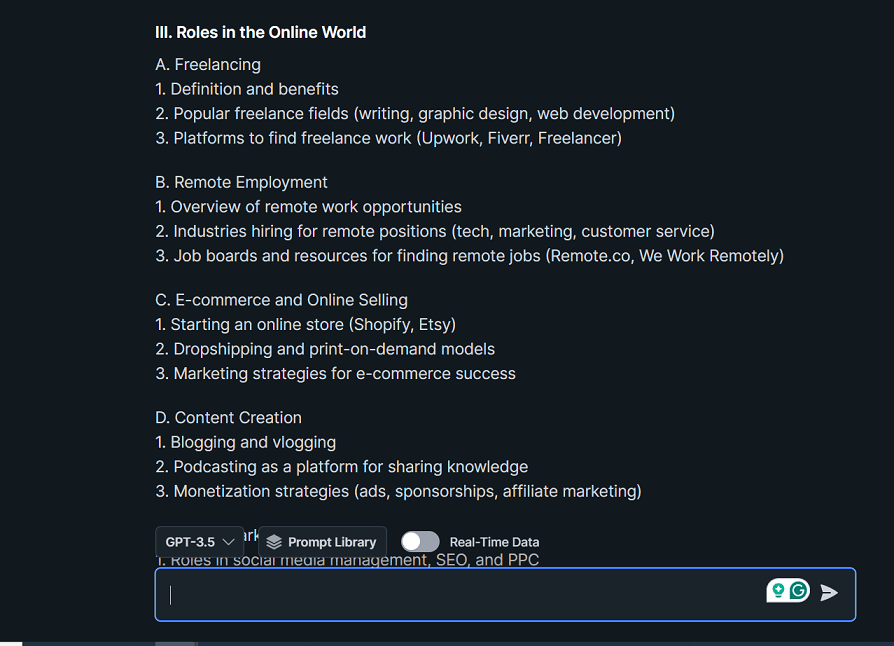
After testing the blog writer, we decided to also test the chat feature. We asked the AI to create an outline for the blog post topic, "How to Succeed in the Online World: Roles You Can Pursue Today." The tool provided a simple, structured outline that was clear.
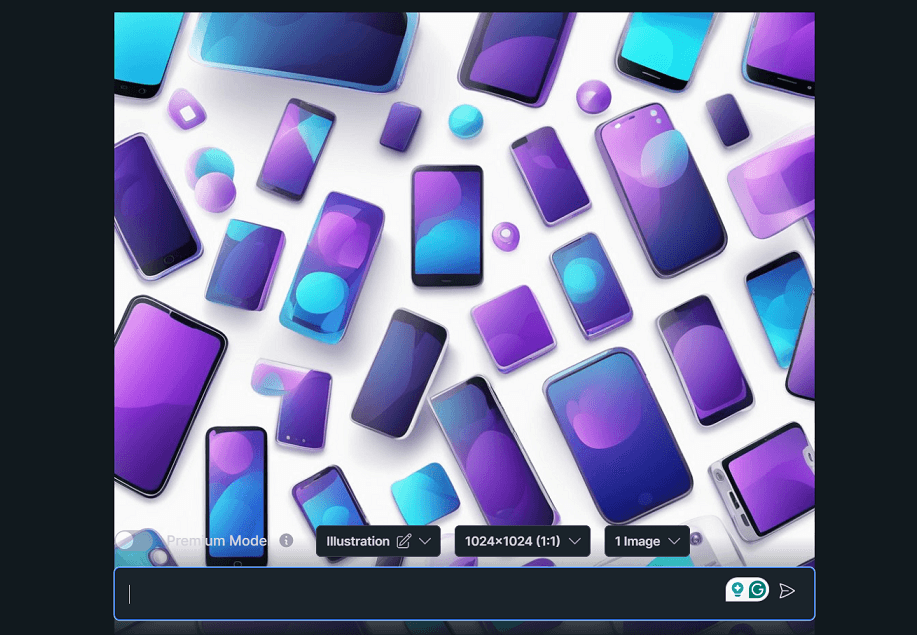
Next, we tested Koala AI's image-generation feature. We asked it to create an image with the following description:"Please create an image illustrating mobile marketing, using blue and purple graphics on a clean white background. Include elements like smartphones, icons (e.g., notifications, charts, or social media), and modern digital design styles.
The tool attempted to create an image based on our description. The quality was decent, but the design and elements didn’t look as polished or professional. It wasn’t the same as what you’d get using tools like Canva, where humans create the designs.
No written reviews yet. Be the first to share your experience.
Top rated tools from the same category.
Win the SEO game with AI-powered keyword research and competitor analysis.

Comprehensive SEO and content marketing platform to analyze competitors, optimize websites, and boost search rankings.

Measure, monitor, and optimize your website's presence in Google Search results.

AI Marketing Platform Powered by Big Data to Dominate Search and AI Visibility

AI-powered platform to create SEO and AI search optimized content that ranks higher and gets cited by AI 10x faster.

The only marketing tool you'll ever need to own your brand’s visibility everywhere it counts.