Writing a paper often means sorting through ideas and finding a clear path forward. Many students are already turning to AI for help, with about 35% using it to summarize information and 32% using it to brainstorm and get started on assignments.
These tools can support every stage, from brainstorming to drafting, making the planning process more manageable.
In this guide, we’ll look at seven AI tools that students can use to organize ideas and plan papers effectively.
1. Google NotebookLM
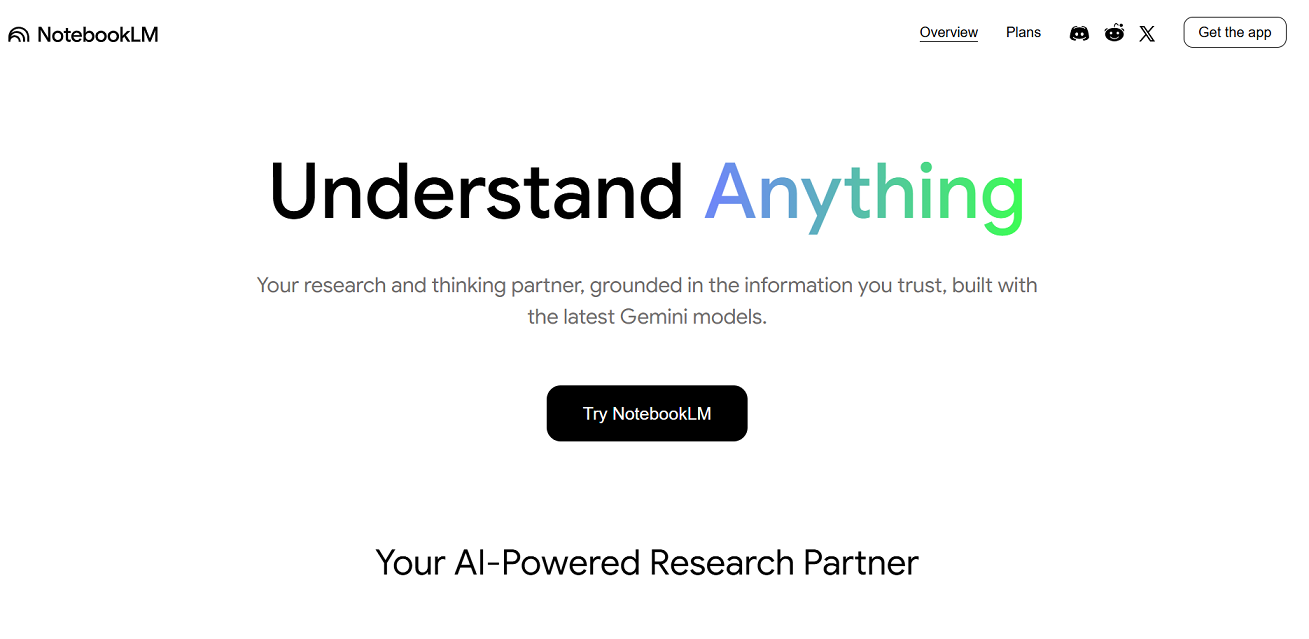
NotebookLM (by Google) is an AI-powered note-taking and research assistant that helps students organize and understand complex material.
Students can upload documents, slides, PDFs, websites, or YouTube transcripts. The tool then creates summaries, outlines, mind maps, study guides, and audio overviews. These overviews come in different styles such as Deep Dive, Brief, Critique, and Debate.
✨ Key Features
- Source-grounded summaries that ensure accuracy.
- Mind maps and audio overviews make information more engaging.
- Sharing options for specific notebook elements, such as mind maps or audio clips.
- A mobile app with offline access to notebooks and audio summaries.
💰 Pricing
- Free Plan: 100 notebooks, up to 50 sources each (500k words). Daily limit of 50 chat queries, 3 audio overviews, and 3 video overviews.
- Pro Plan (Google AI Pro / Ultra): About $19.99/month, or $9.99/month for eligible U.S. students in the first year. Includes 500 notebooks, 300 sources each, 500 daily chat queries, 20 audio overviews, 20 video overviews, plus premium features like chat customization, advanced sharing, and analytics.
- Enterprise Access: Available through Google Cloud and some Workspace plans, with added privacy and security controls.
Why It Matters for Students
NotebookLM helps students turn raw study material into organized outputs. The ability to create outlines, visual mind maps, and audio summaries makes it a practical tool for planning essays, structuring research projects, and preparing class presentations.
2. Perplexity AI
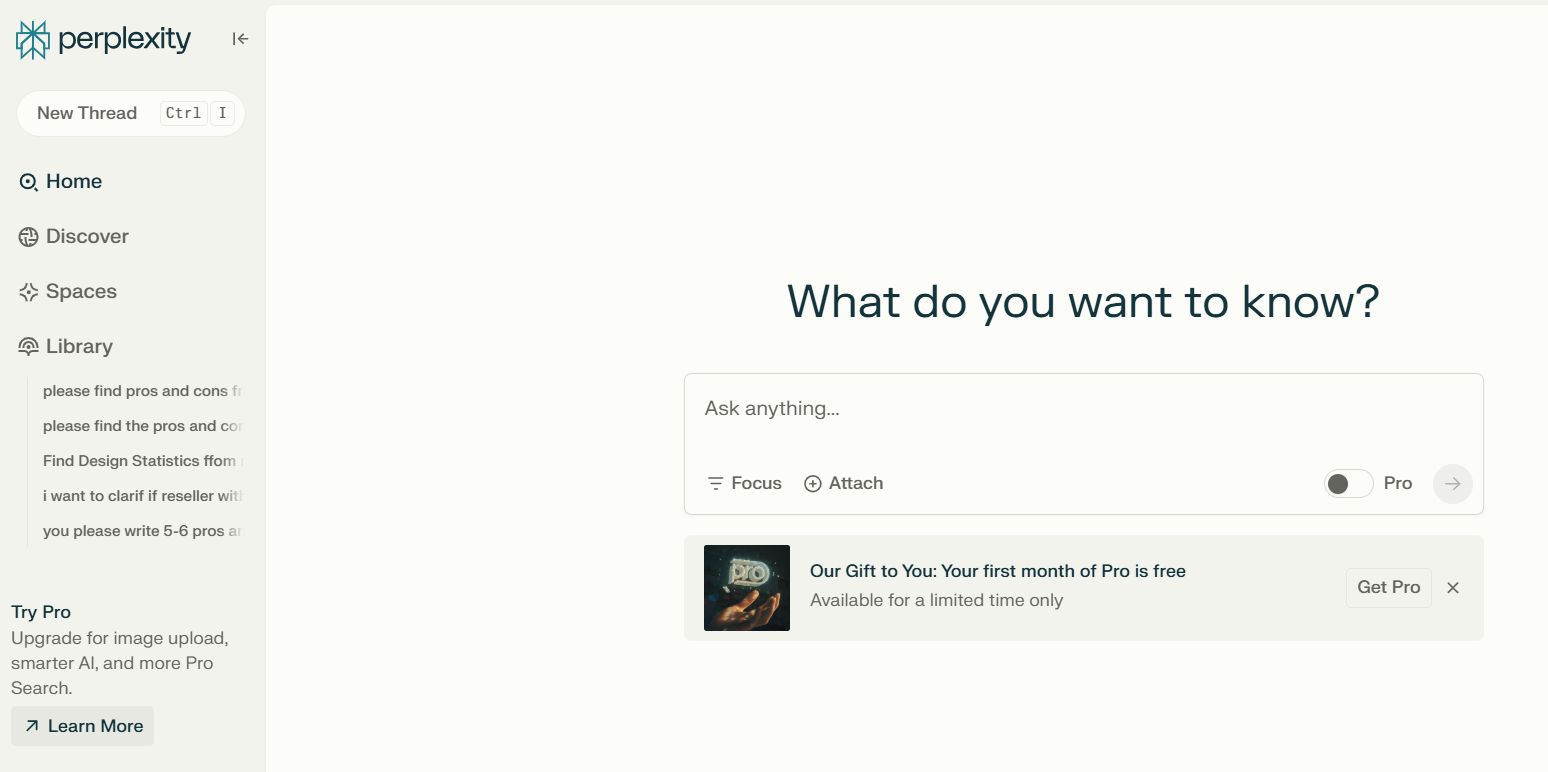
Perplexity AI is a conversational search and research assistant that helps students explore topics and organize findings. It delivers answers with citations, so you can trace every piece of information back to its source.
The “Spaces” feature lets students collect, save, and organize research material in one place, which makes it easier to plan papers and manage ideas.
✨ Key Features
- Conversational search with real-time web results and source citations.
- Spaces for organizing notes, links, and research into project hubs.
- Follow-up questions in the same thread to refine answers.
- Study material creation, including outlines, summaries, and guides.
- Options for short, clear answers or deeper explanations.
💰 Pricing
- Free Plan: Unlimited concise searches, 3 Pro queries per day, 3 deep research queries per day, and up to 5 collaborators per Space.
- Pro ($20/month): Unlimited Pro queries, 500 deep research queries a day, choice of AI models, and support for up to 50 files per Space.
- Enterprise Pro ($40/month per seat): For teams. Includes unlimited collaborators, large file support (up to 500 files per Space, 5,000 per user), cloud storage integrations, and premium data sources like Factset, Crunchbase, and Wiley.
Why It Matters for Students
Perplexity makes research more efficient by combining reliable sources with easy-to-digest explanations. Students can gather information, keep it organized in Spaces, and quickly turn research into outlines and paper drafts without getting lost in dozens of open browser tabs.
3. Litero AI Outline Generator
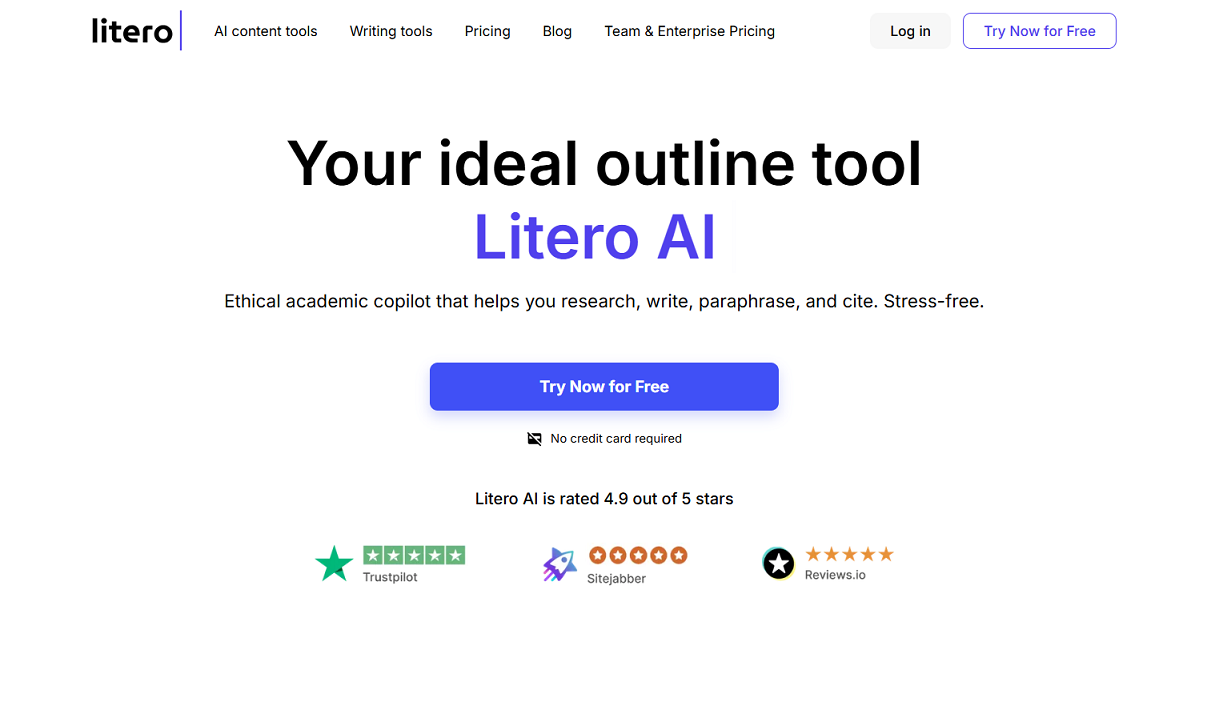
Outline Generator (by Litero AI) is an academic writing assistant designed to help students create clear and logical outlines for essays and research papers. It focuses on keeping your own voice while giving structured guidance. The tool supports you through outlining, drafting, paraphrasing, citing, and polishing your work.
✨ Key Features
- An outline generator that organizes ideas into a logical structure.
- Draft helper that turns outlines into step-by-step essay drafts.
- Source search to guide academic research.
- AI text editor for improving clarity, grammar, and style.
- Citation tools for MLA, APA, Chicago, and Harvard formats.
- Plagiarism checker and AI detector to support originality.
💰 Pricing
- Free Plan: Basic AI commands, limited daily generation, unlimited citation formatting, academic source finder, AI tutor, and AI detector.
- Premium Plan ($19.95/month): Unlimited outline and draft generation, unlimited AI commands, built-in ChatGPT, plagiarism checker, AI tutor, source finder, citation tools, and editing features.
Why It Matters for Students
Litero AI is directly relevant to planning papers because it bridges the gap between scattered ideas and structured writing. Students can quickly build outlines, expand them into drafts, check for originality, and format citations—all in one place.
4. Elephas
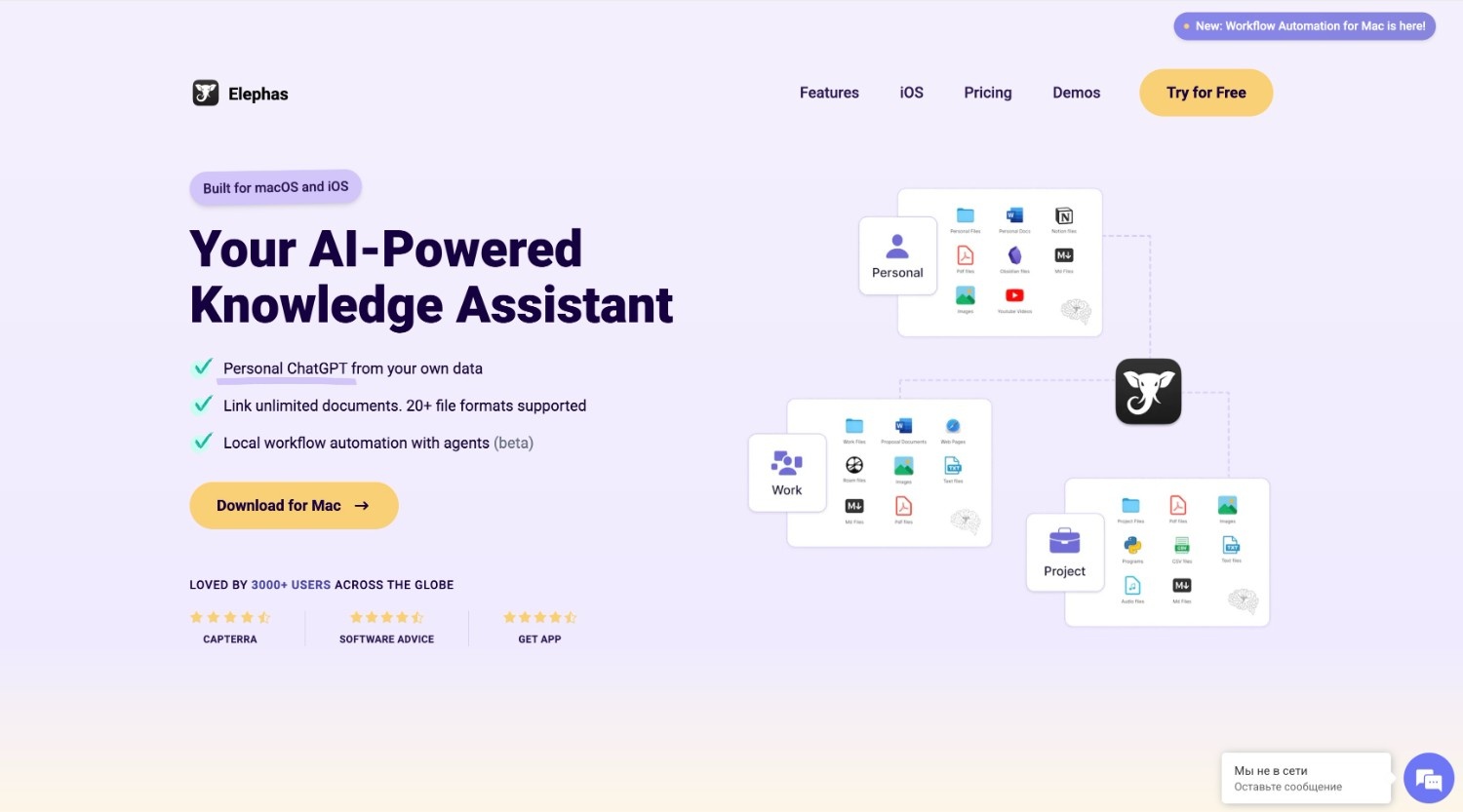
Elephas is an AI knowledge assistant for Mac, iPhone, and iPad. It helps students bring all their notes, files, and recordings into one searchable hub called a “Super Brain.” The tool makes it easy to ask questions, find answers in your own content, and stay organized across multiple apps.
✨ Key Features
- Create topic-based Super Brains from notes, files, and recordings.
- Chat with your own documents and get cited answers.
- Integrations with Apple Notes, Notion, Obsidian, Roam, and DevonThink.
- Summarize and search Zoom meetings and lecture recordings.
- Workflow automations, custom AI commands, and offline mode for privacy.
💰 Pricing
- Free Plan: Offers a free version with monthly usage limits.
- Standard ($14.99/month): 1 device, Super Brain, 5 workflow automations, 500k text tokens, 2M Super Brain tokens.
- Pro ($19.99/month): 3 devices, Apple Notes and advanced integrations, iOS keyboard, unlimited workflow automations, audio/video support, 6M Super Brain tokens.
- Pro+ ($24.99/month): Unlimited devices and unlimited tokens.
Why It Matters for Students
Elephas makes study material easier to manage, turning scattered notes and files into one intelligent, searchable system. It saves time when preparing essays, projects, or exam notes while keeping data private.
5. YouAreMe
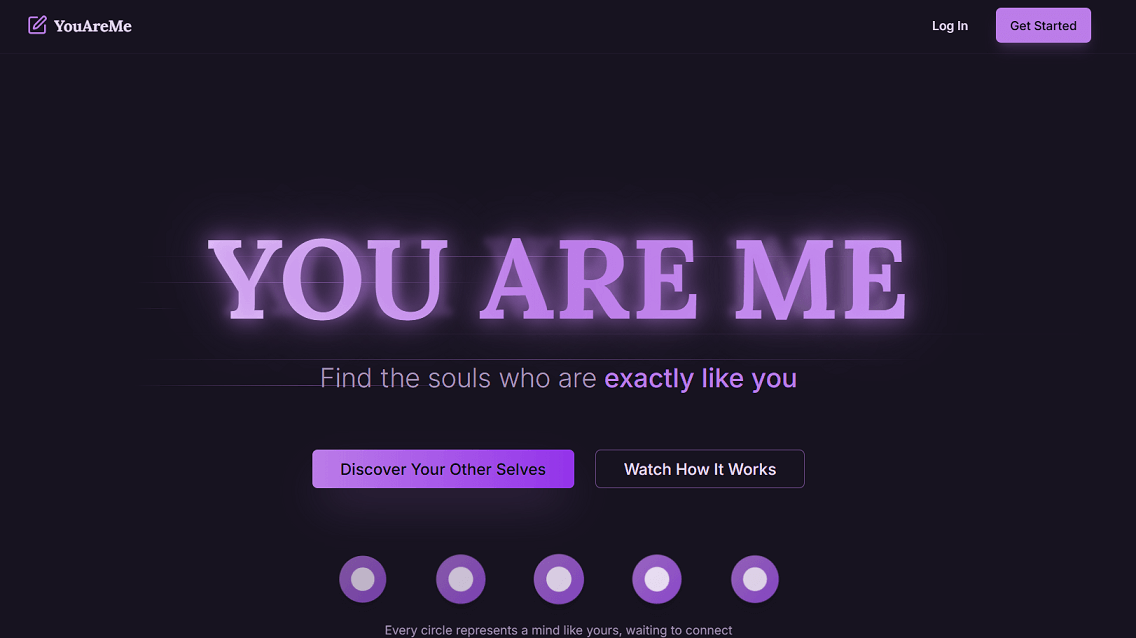
YouAreMe is an AI-powered journaling tool that combines note-taking with personal insights. It gives students a private space to capture thoughts, track growth, and reflect, which can help with clarity before starting academic work.
✨ Key Features
- Private digital journaling with complete privacy.
- AI-powered insights that analyze over 1,000 linguistic and emotional markers.
- Personal analytics and growth tracking with progress visualization.
- Emotional analysis to identify patterns and triggers for growth.
- Writing calendar with streaks and reminders to build habits.
- Goal recognition that detects underlying aspirations in your writing.
- Options to stay private or connect with like-minded individuals.
💰 Pricing
Currently free to use.
Why It Matters for Students
YouAreMe helps students organize their thoughts through journaling and reflection. By building consistent habits and uncovering patterns it supports idea generation and mental clarity that can make academic writing easier to begin.
6. Xmind
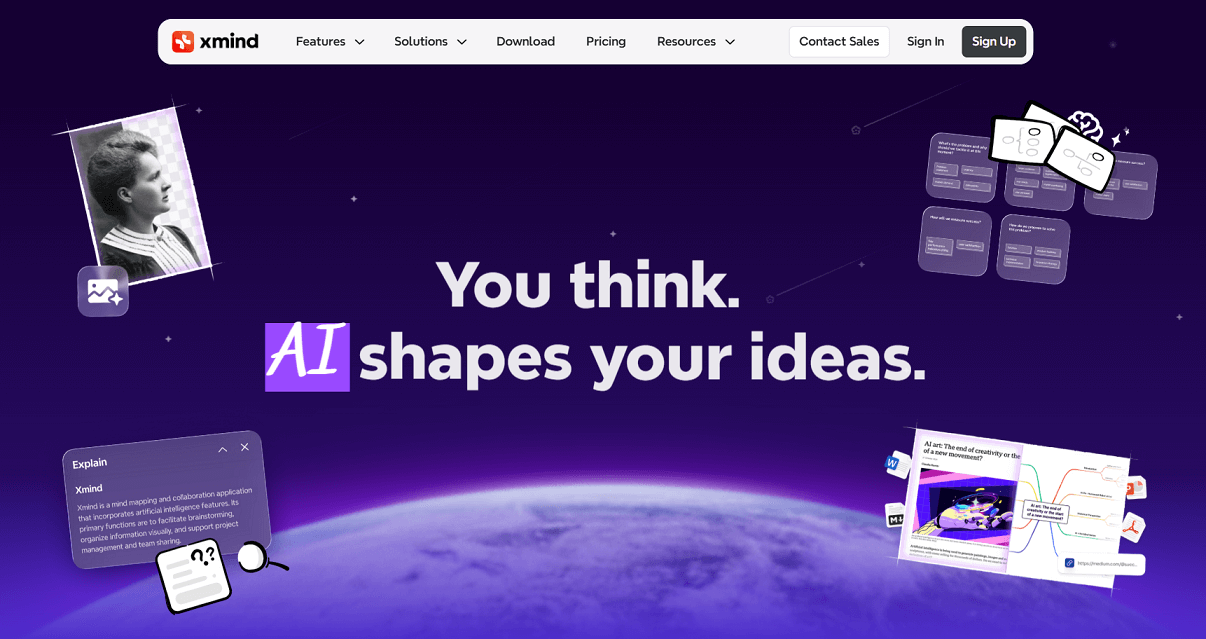
Xmind is a popular mind-mapping tool that helps students visualize and organize ideas. It is designed for brainstorming, essay planning, and project structuring, making it easier to see connections between concepts.
✨ Key Features
- Mind maps, fishbone diagrams, and organizational charts for idea structuring.
- AI Copilot that generates maps from text, documents, or web content.
- Templates for different academic and creative use cases.
- Cross-platform access on desktop and mobile.
- Export options to Word, PDF, or images for easy sharing.
💰 Pricing
- Free Plan: Basic mind-mapping with limited styles, export formats, and collaboration.
- Pro Plan ($3.42/month): Unlimited slides in Pitch Mode, unlimited colored branches, equations, tasks, attachments, and advanced export formats.
- Premium Plan ($5.75/month): Everything in Pro plus 500 AI credits per month, AI-generated to-dos, 30-day version history, unlimited storage, and unlimited collaborative files.
- Campus Plan (custom pricing): For universities and schools, includes everything in Premium with custom AI credits, advanced security, unlimited version history, and priority support.
Why It Matters for Students
XMind is valuable for students who prefer to see their ideas visually before writing. It helps structure essays, research projects, or presentations into clear and logical flows, turning brainstorming into actionable outlines.
7. General AI Assistants
(ChatGPT, Gemini, Claude)
Most students already use at least one of these, whether it’s ChatGPT, Gemini, or Claude. They’re the go-to apps for brainstorming ideas, getting quick summaries, and even sketching out outlines.
You can throw in a reading, ask for a structure, or clarify a tricky concept, and they’ll give you a starting point you can shape into your own work.
✨ Key Features
- Generate essay outlines and suggest logical structures.
- Summarize long texts into key points for planning.
- Help brainstorm arguments, examples, and counterarguments.
- Offer quick clarifications on difficult topics.
💰 Pricing
- ChatGPT: Free plan available; Plus plan at $20/month.
- Gemini: Free version; advanced models through Google One AI Premium ($19.99/month).
- Claude: Free plan available; Claude Pro costs $20/month.
Why It Matters for Students
Grouping these assistants together shows students they can choose the one they prefer. Each tool can serve as a personal study partner, making it easier to turn scattered ideas into organized outlines and draft-ready structures.
Final Thoughts
AI is rapidly reshaping education just as it is transforming other fields. A wide variety of AI tools are now available to support students, each built with different purposes in mind.
While these tools can make studying and paper planning much easier, students should still think carefully about how they use them. Relying too heavily on AI can limit critical thinking, and not every tool is equally accurate or suited for academic standards. It’s important to double-check facts, maintain originality, and follow your school’s policies on AI use.
The best approach is to see AI as a partner rather than a replacement. Use it to save time, organize ideas, and structure your work—but keep your own voice and perspective at the center of everything you write.