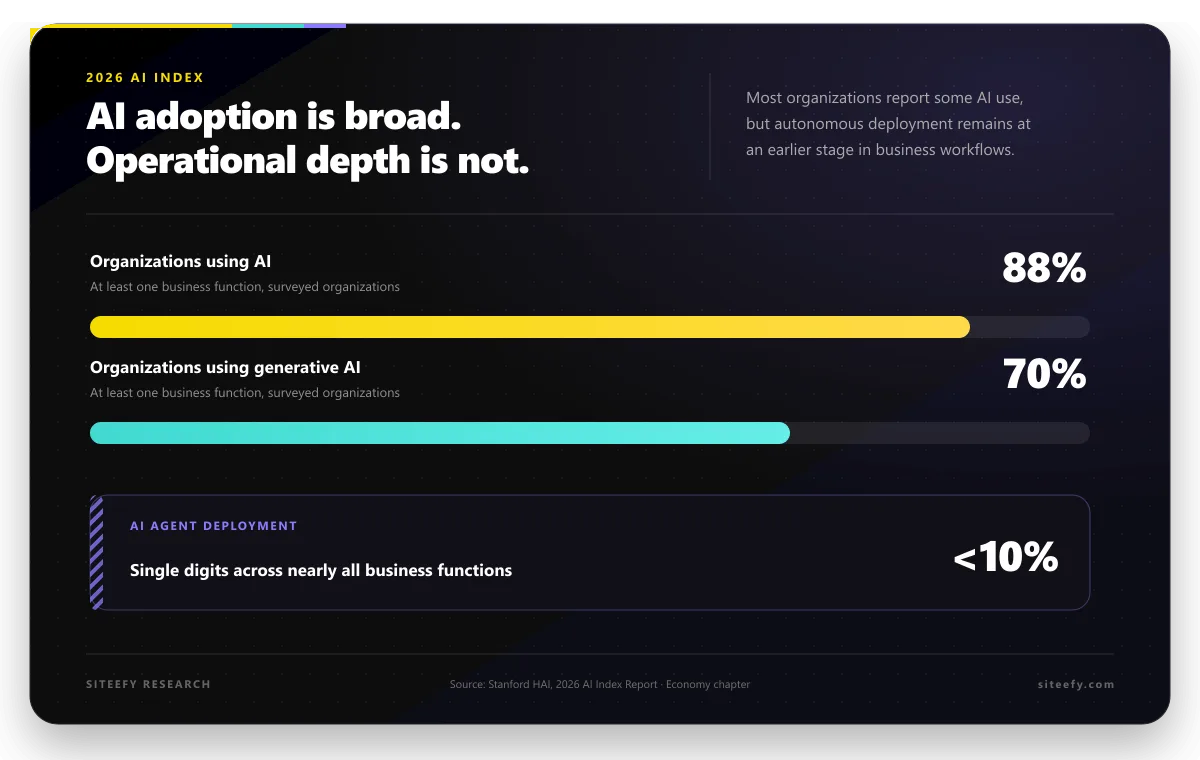
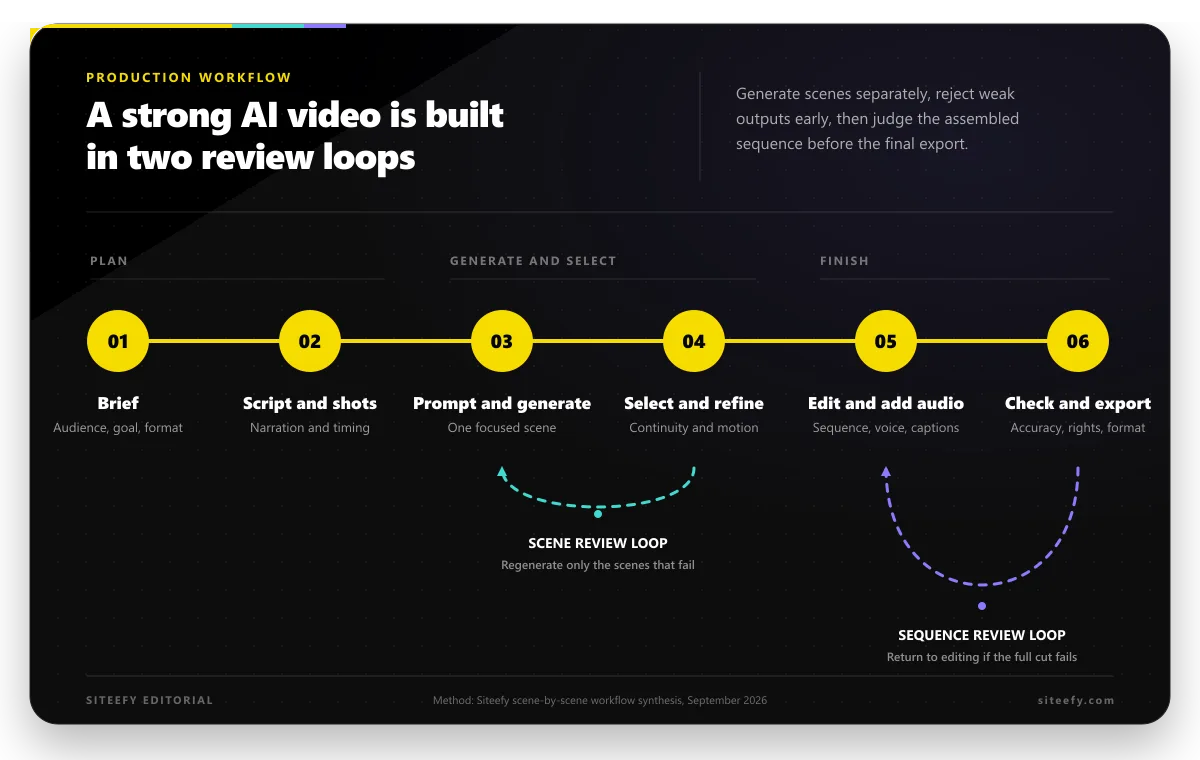
Customer Relationship Management (CRM) has evolved beyond basic contact management. Modern CRM systems now use artificial intelligence (AI) to better understand customers and improve interactions.
AI in CRM helps automate tasks, analyze customer data, and personalize communication. This article explains how AI improves CRM systems and how businesses can use it effectively.
Evolution of CRM With AI
AI in CRM involves embedding intelligent capabilities into CRM systems to improve how businesses manage customer data and interactions.
Customer Relationship Management systems started as simple tools for storing contact details and tracking interactions. Traditional CRMs relied heavily on manual data entry and static reports, which limited their ability to provide real value beyond record keeping. Decisions were often reactive and based on past data rather than real-time insights.
With the introduction of artificial intelligence, CRM systems began to evolve into intelligent platforms. AI-powered CRMs can analyze large volumes of customer data automatically and identify patterns that humans might miss.
This shift transformed CRMs from passive databases into active systems that support sales, marketing, and customer service teams with actionable insights.
Today, AI enables real-time decision-making and task automation within CRM platforms. Systems can recommend next best actions, predict customer behavior, and automate routine workflows such as lead scoring and follow-ups.
As a result, businesses can respond faster, personalize interactions at scale, and build stronger customer relationships using data-driven intelligence.
💡 Note: It is important to distinguish between AI-powered CRMs and AI tools that integrate with CRMs.
-
AI CRMs are full CRM platforms with built-in AI capabilities.
-
CRM-integrated AI tools (such as meeting assistants) improve CRM data but do not replace the CRM itself.
Core Functions of AI in CRM
AI in CRM works across sales, marketing, customer service, and data management. It connects customer information, past interactions, and behavioral patterns to support everyday decisions and long-term planning.
Instead of acting as a standalone feature, AI becomes part of how teams work with customer data.
| CRM Area | Key Benefits | Example Tools |
|---|---|---|
| Sales Automation & Forecasting | Prioritizes high-value leads, improves forecast accuracy, and reduces manual updates | Salesforce Einstein |
| Customer Service Enhancement | Faster ticket resolution, consistent response quality, better escalation handling | Freshworks Freddy AI |
| Marketing Personalization & Targeting | Higher engagement through personalized messaging and optimized campaign timing | HubSpot AI |
| Data Analysis & Reporting | Cleaner data, clearer insights, reduced reporting effort | Zoho Zia |
| Customer Behavior Prediction | Early churn detection, proactive upsell, and retention planning | Microsoft Dynamics 365 AI |
| Meeting Preparation & Compliance | Better meeting readiness, improved compliance tracking, reduced prep time | Maximizer |
 HubSpot
 Microsoft Dynamics 365
📈 Sales Automation and Forecasting
In sales, AI analyzes customer activity such as emails, meetings, website visits, and deal progress. Over time, it recognizes patterns that indicate whether an opportunity is moving forward or losing momentum. Sales teams receive clearer signals about which leads deserve attention and which deals require follow-up.
Forecasting also improves when AI evaluates pipeline movement, historical performance, and seasonal trends together. As new data enters the CRM, forecasts adjust automatically rather than relying on manual updates.
Platforms like Salesforce Einstein apply these insights to highlight priority deals and improve revenue planning.
Sales teams may also use CRM-integrated AI sales platforms such as Demodesk to automate meeting summaries, provide coaching insights, and update CRM records based on sales conversations.
🎧 Customer Service Enhancement
Customer service teams handle large volumes of requests across multiple channels. AI supports this process by identifying common questions, categorizing incoming tickets, and directing them to the right team. Simple inquiries can be handled through chatbots, while more complex issues reach human agents with full context.
AI also analyzes customer tone during interactions. Messages that show frustration or urgency can be flagged for faster response.
Tools such as Freshworks Freddy AI use these capabilities to keep response times consistent and improve service quality without overwhelming support teams.
💡 Note: In addition to AI CRM capabilities, customer service teams may also use AI customer engagement platforms such as Google’s Customer Engagement Suite. These platforms support omnichannel interactions and agent assistance while integrating with CRM systems.
🎯 Marketing Personalization and Targeting
Marketing teams use AI to understand how customers interact with content, emails, and campaigns. Instead of sending the same message to large segments, AI evaluates individual behavior and engagement history. Content and offers align more closely with what each customer is likely to find relevant.
Campaign performance improves when AI identifies the messages, channels, and timing that generate the strongest response. HubSpot AI provides insights that help marketers refine targeting and adjust campaigns using real customer behavior.
For startups and small teams, similar capabilities may be delivered through all-in-one platforms such as Venturz, which combine AI-powered CRM features with marketing automation and analytics.
📊 Data Analysis and Reporting
CRM data often comes from multiple sources and can become inconsistent over time. AI addresses this by identifying missing or duplicate information and organizing records into a unified customer view. Teams gain access to cleaner, more reliable data without constant manual maintenance.
Reporting also becomes easier to interpret. AI highlights trends in customer activity, sales performance, and engagement levels. Instead of scanning multiple reports, teams can focus on insights that point to risks or opportunities.
Zoho Zia supports this type of analysis directly within the CRM.
🔮 Customer Behavior Prediction
Predicting customer behavior is one of the strongest advantages of AI in CRM. By examining past interactions and purchase patterns, AI identifies early signals of churn or growth. Account managers receive alerts when engagement drops or when customers show interest in additional products or services.
For example, reduced email engagement or missed meetings may signal a risk to renewal, while increased usage or inquiries may indicate upsell potential. Microsoft Dynamics 365 AI uses these predictions to support retention planning and account growth strategies.
📋 Meeting Preparation and Compliance Assistance
Preparing for customer meetings often requires reviewing emails, notes, and past interactions. AI simplifies this process through summaries of customer history and highlighted discussion points before meetings take place. Teams enter conversations with clearer context and fewer gaps.
In regulated industries, AI also surfaces compliance-related information such as review schedules, documentation requirements, or financial planning milestones.
Tools like Maximizer support financial advisors with client management, meeting preparation, and compliance workflows. AI CRM enables advisors to use customer data across sales and service activities.
How To Implement AI in CRM Effectively
Step 1 ➡️ Define Clear Goals
Start by identifying what you want AI to improve. This may include lead prioritization, customer support response times, personalization, or reporting. Clear goals help guide tool selection and setup.
Step 2 ➡️ Choose the Right AI-Enabled CRM
Select a CRM platform that includes built-in AI features aligned with your needs. Consider factors such as ease of use, integrations, data security, and scalability before making a decision.
Step 3 ➡️ Prepare and Organize Your Data
AI relies on accurate and well-structured data. Review existing CRM records, remove duplicates, and ensure customer information is complete and up to date before activating AI features.
Step 4 ➡️ Integrate Supporting AI Tools
Connect CRM-integrated AI tools where needed, such as sales automation or analytics solutions. Ensure these tools sync properly with the CRM to maintain a single source of truth.
Step 5 ➡️ Train Teams and Set Guidelines
Provide training so teams understand how to use AI features in daily workflows. Set clear guidelines for data usage, automation rules, and decision support to ensure consistent adoption.
Step 6 ➡️ Monitor Performance and Adjust
Track performance using CRM dashboards and reports. Review outcomes regularly and adjust settings, workflows, or data inputs to improve results over time.
Key Considerations When Using AI in CRM
AI brings clear advantages to CRM systems, but it also introduces practical and operational challenges. Organizations need to understand these limitations so that AI supports customer relationships rather than creating new risks or inefficiencies.
-
Data quality requirements: AI relies on accurate, complete, and well-maintained customer data. Poor data quality can lead to unreliable insights and recommendations.
-
User adoption and training: Teams may hesitate to rely on AI features without proper training. Clear guidance and gradual adoption help improve trust and usage.
-
Over-reliance on automation: Automated insights may not capture complex customer context. Human judgment remains essential for important decisions.
-
Privacy and security considerations: AI processes large volumes of sensitive customer information. Strong data protection and compliance controls are required.
-
Bias and accuracy risks: AI models reflect the data they learn from. Regular monitoring is necessary to avoid biased or misleading outcomes.
-
Integration and maintenance effort: Integrating AI with existing CRM workflows and tools can require ongoing technical support and adjustments.
Conclusion
AI has become a core part of modern CRM systems, shaping how businesses manage customer relationships and make decisions. AI-powered CRM platforms support automation, data analysis, and personalization across sales, marketing, and service workflows.
When applied thoughtfully, these capabilities help organizations respond more consistently and make better use of customer data. As customer expectations continue to evolve, AI in CRM supports more timely and informed interactions.