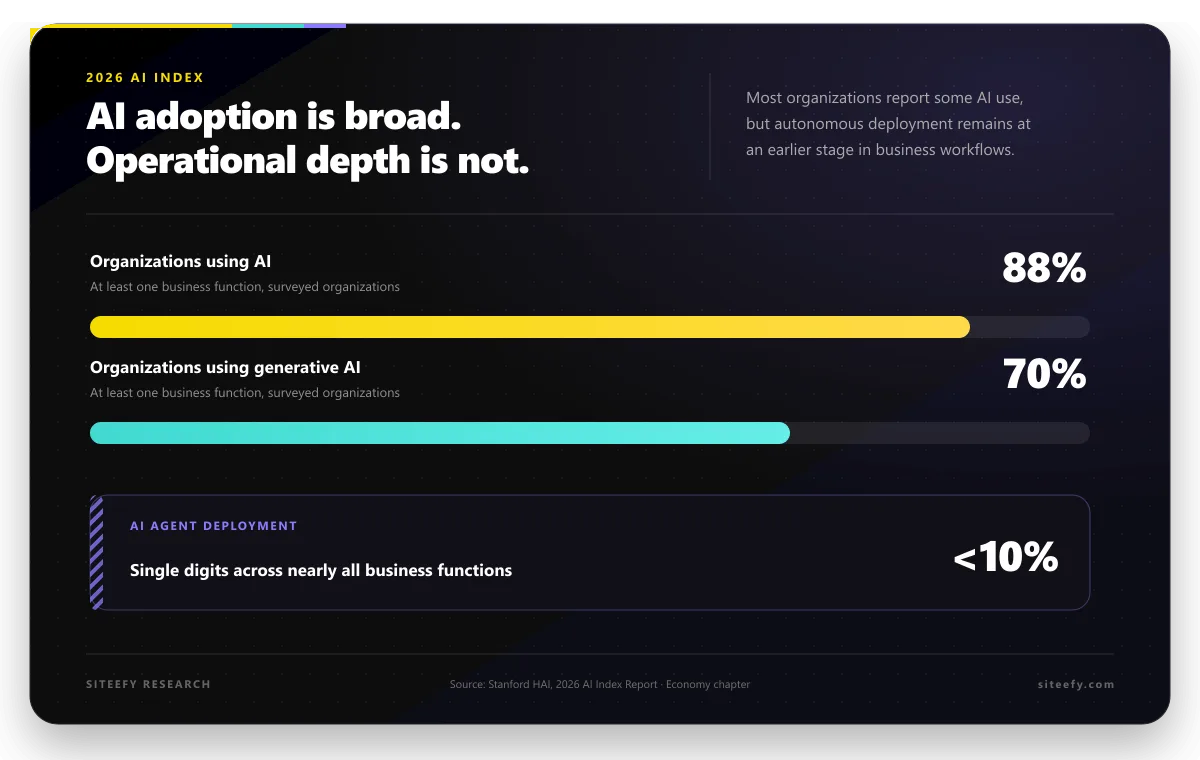
Thinking about creating a mobile app for your small business? You’re on the right track. Today, customers want to connect with their favorite brands right from their phones. An app can do so much, from simplifying booking to building a loyal community around your business. In the past, this meant hiring expensive developers and waiting months for a finished product. Current small-business website research shows that roughly four in five businesses in recent surveys already have a website, so an app is usually an additional channel rather than a replacement.
But things have changed for the better. With the rise of do-it-yourself (DIY) app makers, you can now build your own professional app, often without writing a single line of code. This guide will walk you through everything you need to know to choose the right app maker and turn your vision into a reality.
Figuring Out Your Business’s App Needs
Before you jump into comparing platforms, take a moment to think about what you really need your app to do. A clear vision will make your decision much easier.
Most small business apps fall into a few common categories:
- Customer Service: Offer support, answer questions, and build relationships.
- E-commerce: Sell products directly through a mobile-friendly storefront.
- Booking & Scheduling: Let clients book appointments or reserve services easily.
- Loyalty & Community: Create loyalty programs and a space for your fans to connect.
Consider your budget and what kind of return you expect. A simple app will cost less than a complex one with lots of custom features. Also, be realistic about your own timeline. How soon do you want to launch? Knowing your goals will help you find a platform that fits your business perfectly.
Must-Have Features for a Great App Maker
As you start exploring options, you’ll see a lot of different features. Focus on the ones that will make the biggest difference for your business.
- Drag-and-Drop Interface: A simple, visual way to build your app is a must. It eliminates the need for extensive coding, allowing even small businesses and startups to create high-quality apps within budget. You should be able to arrange elements without needing to write any code, making app development accessible to non-technical users.
- Templates and Customization: Good platforms offer a variety of professional templates to start with. Offers pre-designed layouts that users can modify to fit their brand’s look and feel, saving time on design. Choosing an app also gives you the freedom to change colors, fonts, and layouts to match your brand perfectly.
- Integrations: Your app needs to work with the tools you already use. Look for integrations with payment processors, your CRM, and social media platforms. This seamless connectivity makes your app part of your existing business setup rather than a separate tool.
- Push Notifications: This is a powerful way to communicate directly with your customers. You can use mobile app push notifications to announce sales, send reminders, and keep your audience engaged with this direct communication channel.
- Analytics and Reporting: To know if your app is successful, you need data. Good analytics tools show you how people are using your app so you can make it even better. With proper tracking, you can identify which features work best and optimize user experience based on real behavior patterns.
- App Store Publishing Support: Getting your app on the Apple App Store and Google Play can be tricky. Choose a platform that helps you with this process, as app store approval requirements can be complex and time-consuming to navigate alone.
- Customer Support: When you have questions, you need answers. Look for platforms with strong customer support, tutorials, and community forums. Quality support can be the difference between launching successfully and getting stuck on technical issues.
Comparing App Maker Platforms
Let’s break down some of the most popular platforms into different categories to help you find the right fit for your budget and goals.
Budget-Friendly Options
These platforms are great for getting started without a big upfront investment.
1. Base44
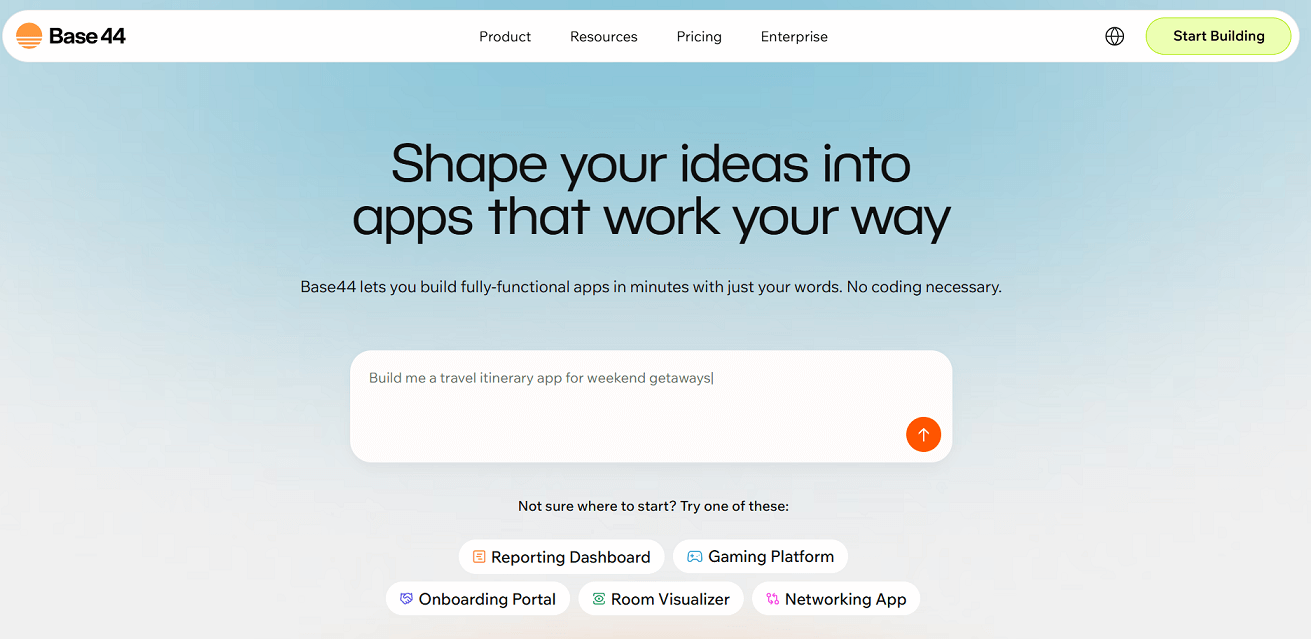
 Base44
Base44 (now part of Wix) focuses on turning your text prompts into a functional app, making it one of the most approachable AI app maker platforms available.
 Wix
Wix| Pricing | Offers a freemium model. You can start for free, with paid plans offering more features, customization, and capacity. |
| Best Features | Its natural language interface is a game-changer. You simply describe your app, and the AI builds a starting point for you. It’s built on Wix’s reliable infrastructure. |
| Template Selection | The AI generates a custom layout for you, which you can then refine, rather than starting from a rigid template. |
| Pros | Incredibly easy and fast, requires no coding background, built for scalability. |
| Cons | As a newer platform, some advanced customization options might still be in development compared to older tools. |
| Ideal For | Entrepreneurs and small businesses who want a professional app quickly and without a steep learning curve. |
2. Replit
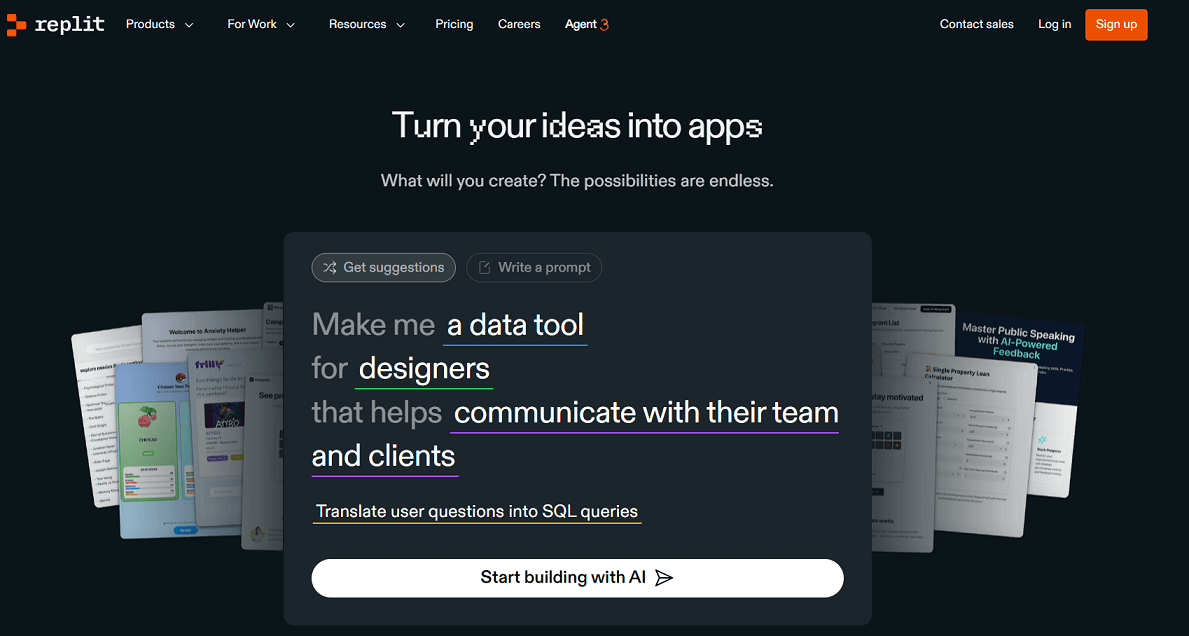
 Replit
Replit is a unique, browser-based coding environment that also supports beginners with templates and AI assistance. It’s a bit more hands-on but offers great flexibility.
| Pricing | Has a generous free tier for public projects (“repls”). Paid plans unlock private repls and more powerful computing resources. |
| Best Features | Offers a collaborative coding environment and an AI assistant (Ghostwriter) that can help generate code. |
| Template Selection | Provides a wide range of templates for web apps, bots, and more that you can fork and customize. |
| Pros | Very flexible, supports many programming languages, great for learning. |
| Cons | Has a steeper learning curve than pure no-code platforms. |
| Ideal For | Tech-savvy owners who want to get their hands dirty with code or build a very custom solution on a budget. |
Mid-Range Solutions
These platforms offer more advanced features and are great for businesses ready to scale.
3. Glide
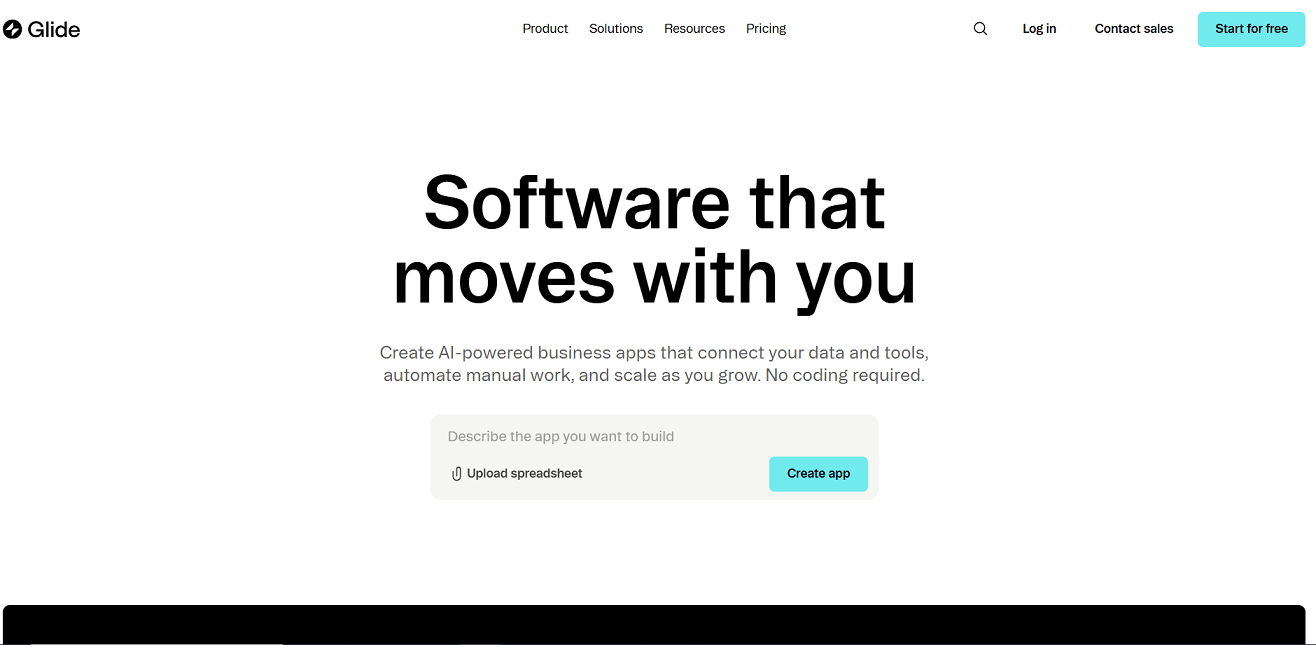
Glide lets you create powerful apps from the data you already have in Google Sheets, Excel, or Airtable.
 Airtable
| Advanced Features | Make your app super smart with things like user-specific info and “if-then” logic. Plus, there are tons of parts to make your app interactive. |
| Integrations | Connect up with Zapier like a dream, so your app can chat with thousands of other services. |
| Support | A friendly community, lots of helpful guides, and support that actually gets back to you. |
| Pros | Build data-powered apps lightning fast, it’s easy on your wallet, and the design just makes sense. |
| Cons | Your app’s smarts depend on how you set up your spreadsheet, which can sometimes put a cap on what it can do. |
| ROI Potential | Perfect for whipping up internal tools, customer hangouts, or simple lists super quick. |
 Zapier
4. Buildfire
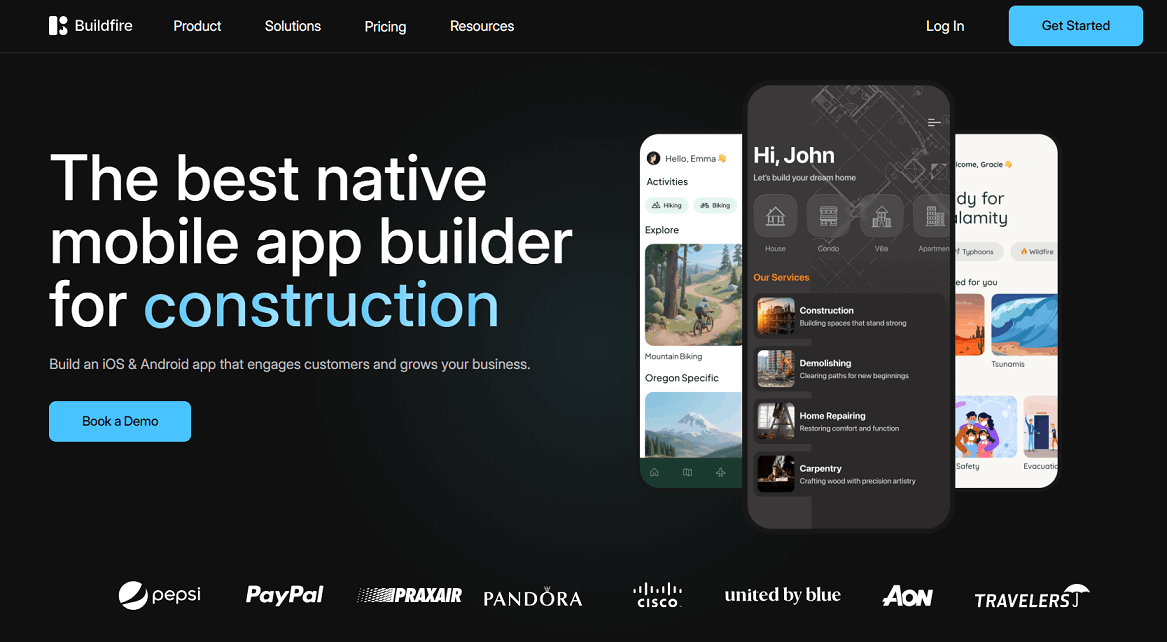
 Buildfire
BuildFire is a robust platform that balances ease of use with powerful functionality, making it a favorite for growing businesses.
| Advanced Features | A massive library of plugins for just about anything you can dream up, from selling stuff to social networking. |
| Integrations | Plays nice with tons of outside tools, and if you need something super specific, they do custom development too. |
| Support | Top-notch customer support and resources usually reserved for big companies. |
| Pros | Grows with you, packed with features, and super dependable. |
| Cons | Can cost a bit more than others, and all those features might feel like a lot to take in if you’re just starting out. |
| ROI Potential | Great for businesses that need an app with lots of bells and whistles that can handle a crowd. |
Premium/Enterprise Options
For businesses needing the most power, scalability, and customization.
5. Loveable
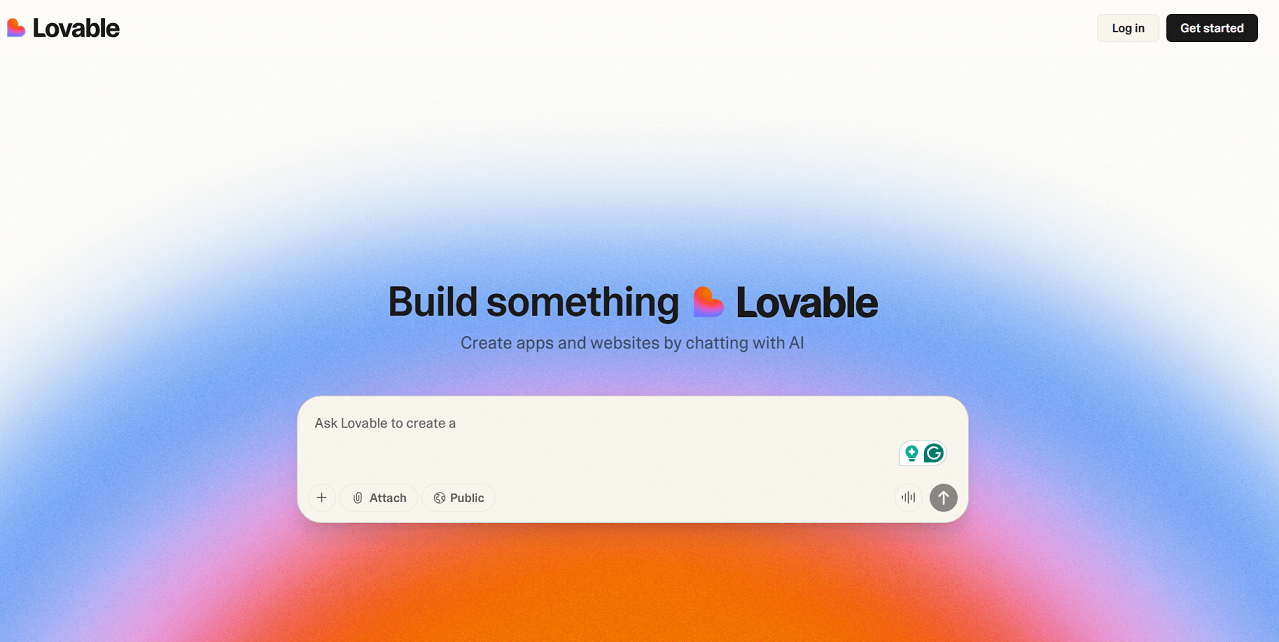
 Lovable
Loveable is a powerful tool for creating apps without writing any code. It’s praised for its user-friendly interface and robust features.
| Advanced Features | Loveable offers advanced functionalities like push notifications, social media integration, and in-app purchases. |
| White-Label Options | You can use Loveable to build and sell apps to clients under your own brand, giving you an additional revenue stream. |
| Enterprise Integrations | Loveable supports integrations with popular business tools such as Mailchimp, Google Analytics, and various payment gateways. |
| Pros | It has a modern, intuitive interface and provides great design flexibility. |
| Cons | Some of the more advanced features are only available on higher-priced plans. |
| ROI Potential | Loveable is a great choice if your main goal is to create a visually stunning app with a strong user experience without getting bogged down in technical details. |
 Mailchimp
 Google Analytics
6. Bolt
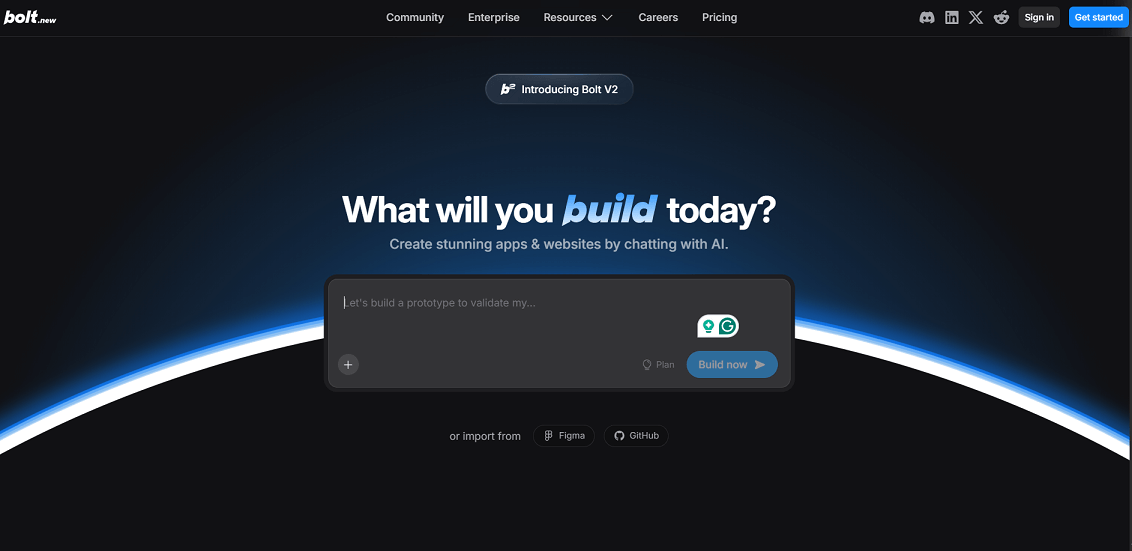
Bolt is designed for creating sleek, high-performance mobile apps with a focus on simplicity and speed.
| High-End Features | Creates a native-like user experience with smooth animations and fast load times. |
| White-Label Options | Offers solutions for agencies and resellers to provide app development services to their clients. |
| Enterprise Integrations | Includes API access for custom backend system integrations. |
| Pros | Excellent for building fast, beautiful mobile apps with a clean, modern interface. |
| Cons | Less suitable for complex web applications; it’s a mobile-first platform. |
| When It Makes Sense | Ideal when mobile user experience is the top priority, and you need a polished, professional app. |
Industry-Specific Recommendations
- Restaurants: Look at Buildfire for its robust loyalty and ordering plugins.
- Retail & E-commerce: Base44 is a strong choice for its easy setup and scalable infrastructure.
- Service Businesses: Glide or Base44 can help you create a simple booking system and client portal quickly.
- Professional Services: A platform like Bubble (a more advanced option not on this list) or Base44 can help you build a lead generation tool with a portfolio.
 Bubble
Making Your Final Decision
Feeling overwhelmed? Use this simple framework to make your choice.
- Assess Your Comfort Level: Are you happy with a simple drag-and-drop tool, or do you want to tinker with settings?
- Compare Budget vs. Features: Does the platform offer the features you need at a price you can afford?
- Think About Growth: Will this platform be able to grow with your business?
- Consider Time: How much time can you dedicate to building and maintaining your app?
Also, watch out for red flags like hidden fees, very limited customization, poor customer reviews, and difficulty moving your data if you decide to switch platforms.
Ready, Set, Go: Your Pre-Launch Checklist
✅ Plan: Outline your app’s core features and user flow.
✅ Prepare: Gather your content, images, and branding assets.
✅ Publish: Familiarize yourself with App Store and Google Play requirements.
✅Promote: Plan your launch and how you’ll get your first users.
Life After Launch: Keeping Your App Successful
Building the app is just the beginning. There are now nearly 2 million iOS apps and almost 3 million Android apps available, which means competition is high. To keep your app successful over time, you’ll need to maintain and promote it. Keep the content fresh, track performance with analytics, and listen to user feedback to keep users engaged.
Implement App Store Optimization (ASO) strategies to improve discoverability. ASO involves optimizing your app’s title, description, keywords, and visuals to rank higher in app store search results. This makes it easier for potential users to find your app organically.
Additionally, cross-promote your app across your existing marketing channels, such as your website, social media, and email newsletters, to reach a broader audience. Diligently tracking key metrics like download rates, the number of active users, and average session length helps you gain useful insights into user behavior.
This data will help you identify successful aspects of your app and pinpoint areas that require improvement, ultimately leading to a more engaging and user-friendly experience.
Cost-Benefit Analysis
Before you commit, sketch out a simple analysis.
- Costs: Add up the platform’s monthly/annual fee, any one-time setup costs, and potential costs for plugins or extra services.
- Benefits: Estimate the potential return. Will it increase sales, save you time on administrative tasks, or improve customer retention?
- Timeline: How long will it take for the benefits to outweigh the costs?
What’s Your Next Step?
Choosing a small business app maker is a big decision, but it doesn’t have to be a difficult one. For most small businesses, a platform like Base44 offers the perfect blend of ease of use, power, and affordability. If your needs are more data-centric, Glide is an amazing tool. And if you have a larger budget and need extensive features, Buildfire is a proven winner.
The best way to know for sure is to try them out. Sign up for a free trial, play with the tools, and see which one feels like the right partner for your business. The power to create is in your hands, go build something amazing.
💡 For more easy-to-use tools across different categories and for all kinds of businesses, visit Siteefy.