


Photta
PaidTransform product photos into professional fashion imagery with AI-powered virtual mannequins.
Meet Botika, an AI tool for fashion model generation.
Meet Botika, an AI tool for fashion model generation. Explore Botika functionality, features, pricing, and more! Key capabilities: AI Fashion Models, Diverse Model Selection, Clothing Image Adaptation. Pricing snapshot: Free Plan — 8 free welcome credits.
Updated Oct 21, 2026
No written reviews yet. Be the first to share your experience.
Flat lay, hanger or ghost mannequin. Upload what you already have and our AI clothing model generator returns on-model photography.
Skip the one-by-one. Generate and publish in bulk, on brand and ready to go live, every single time. Your launches move at the pace of the business, not the studio.
Choose the scene, pose and framing. One garment becomes a full campaign, consistent across every frame.
Prints stay aligned, logos stay placed, texture stays readable. We pay attention to the small details.
Showcase inclusivity with AI generated models, diverse in tone, body and style, so your visuals reflect real customers, everywhere.
Create studio-quality fashion shots without inflating budgets. AI generated models give you the same professional look, minus the production overhead.
A flat lay, a ghost mannequin shot or existing product imagery goes in. On-model photography comes back, in the model, pose and background your team selects.
Thousands of products hold the same model, light and framing. The output is predictable, brand-safe and ready to publish.
Choose the location, light and mood. The same garment moves into a campaign scene, ready for product pages, ads and social.
Hands-on notes from our editorial team.
✅ Our Test
First, we signed up using our Google account—as usual, it only took a few clicks. We also received 8 welcome credits for this tool.
Then to start with the tool, we uploaded a photo of clothing. It was a portrait-type photo in JPEG format.
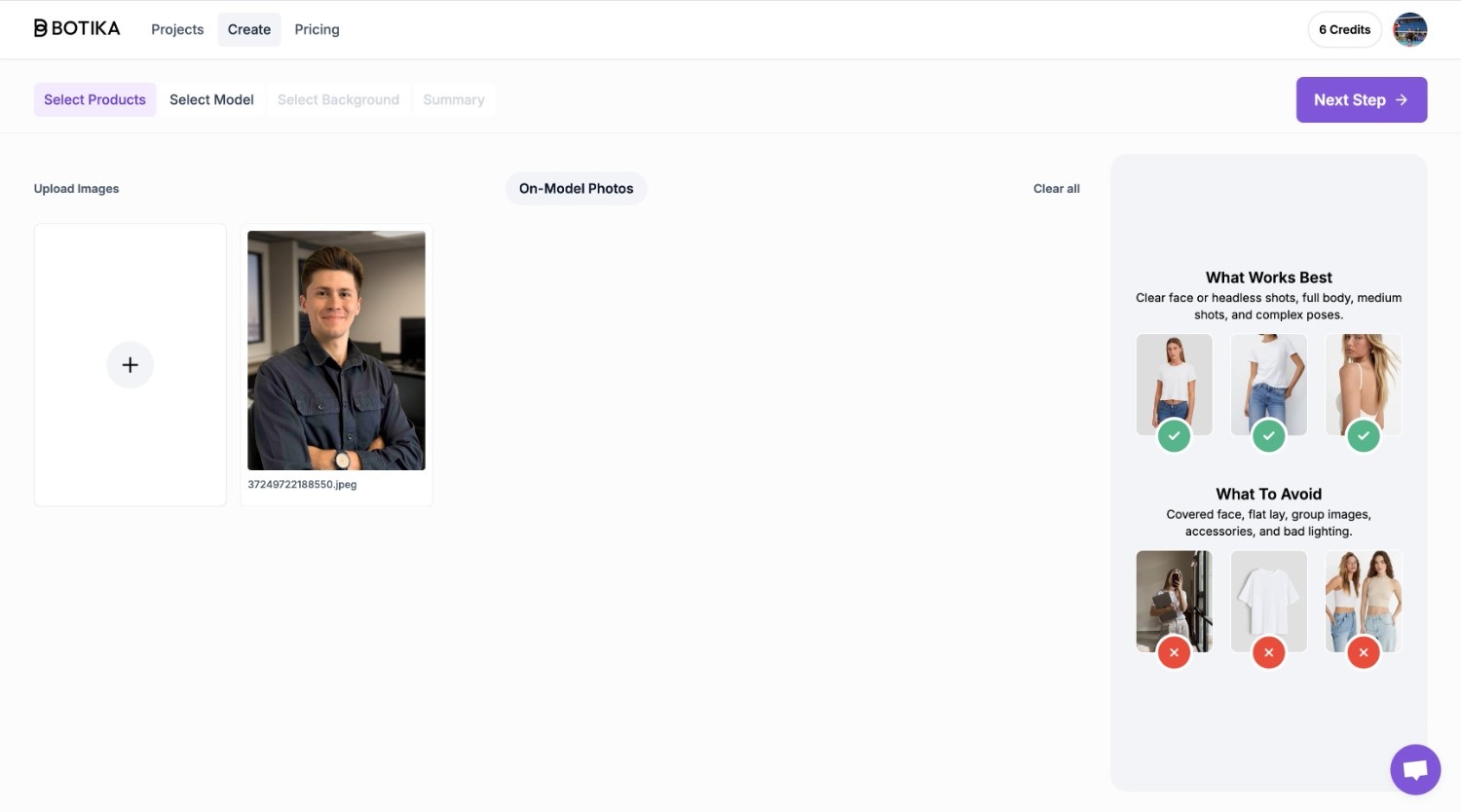
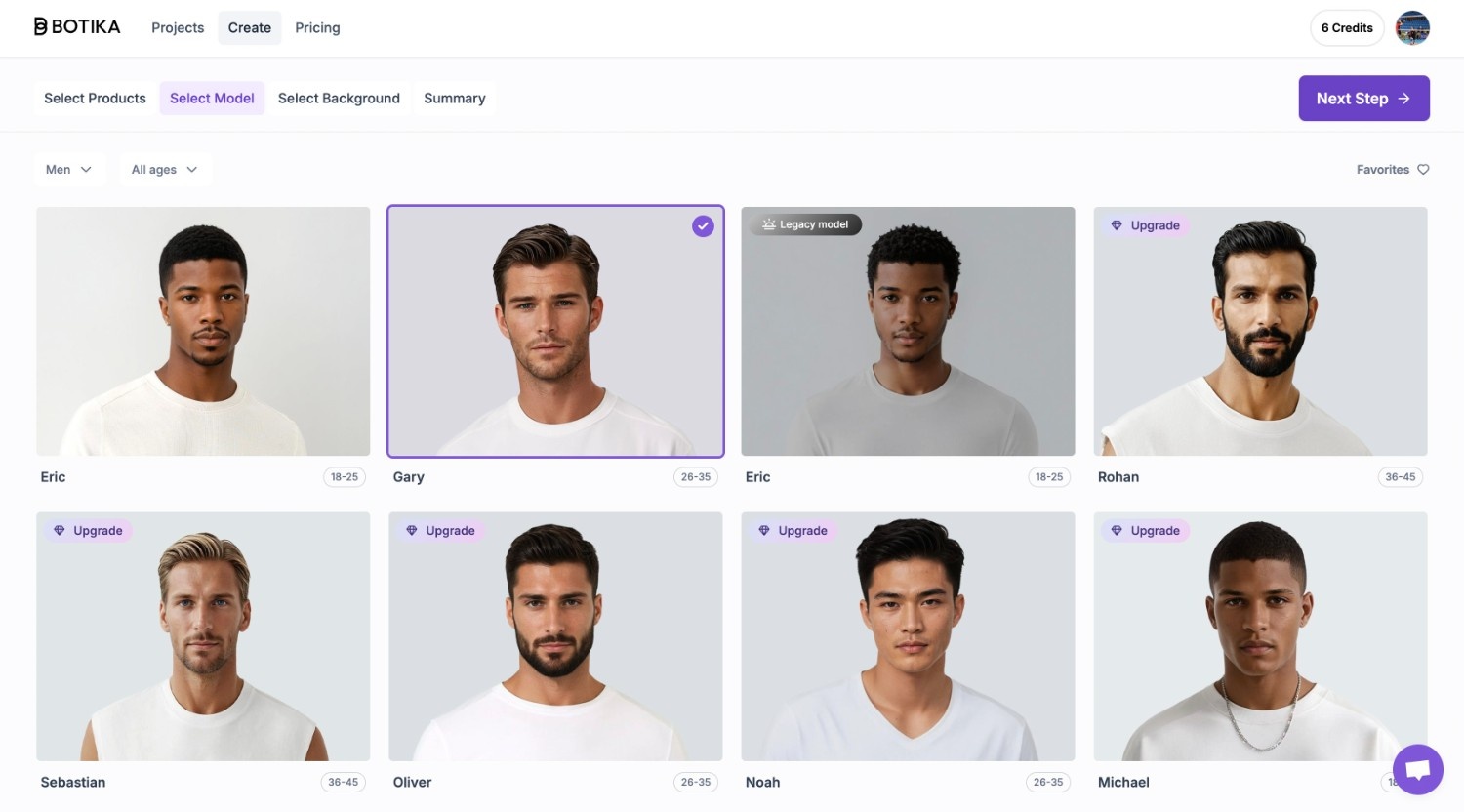
After that, step by step, we selected a model we wanted to wear the clothing and a background for future photos. We submitted our customizations and clicked the “Generate” button. Our account was charged for 1 credit for this operation.
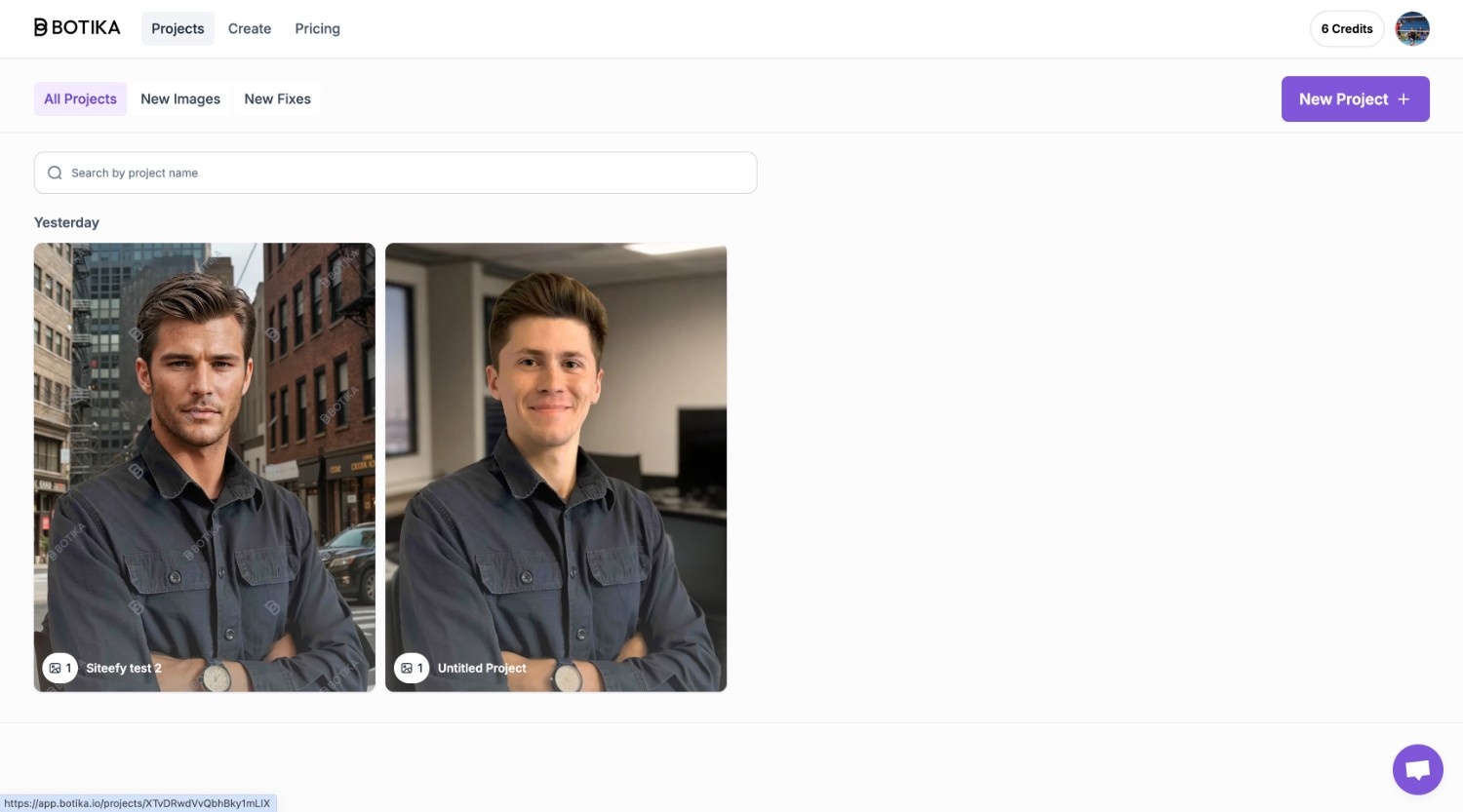
For the last step, we waited approximately 13 minutes until a new photo was created. After, there was only one thing to do- export. We exported a picture, after clicking on it and selecting the preferred format and image ratio.
No written reviews yet. Be the first to share your experience.
Top rated tools from the same category.
View all AI Fashion Model Generation tools
Transform product photos into professional fashion imagery with AI-powered virtual mannequins.
AI-driven integrated solution for fashion design, marketing, and production.
All-in-One AI Fashion Design Platform