DeepSeek

DeepSeek

An AI-powered conversational assistant for complex questions, coding, and math problem-solving.

Freemium·No reviews yet

Overview

DeepSeek is an AI-powered conversational assistant designed to answer complex questions, generate code, solve advanced math problems, and automate workflows via API integration. It offers a user-friendly chat interface accessible on web and mobile platforms, currently free to use with additional API pricing for developers. DeepSeek aims to assist with educational needs, programming tasks, and productivity enhancement through clear and quick AI responses.

Pricing Model
freemium
Last Updated
2025-11-14

Key Features

1

Conversational AI Assistant

Engage in natural language conversations to get answers to complex questions across various domains like science, math, and technology.

2

DeepSeek Coder

Specialized AI model for programming tasks including code generation, debugging, and coding assistance.

3

DeepSeek Math

Advanced mathematical problem-solving capabilities to tackle complex equations and calculations.

4

API Access

Developers can integrate DeepSeek’s AI functionalities into their own applications via a token-based API.

5

Multi-Platform Availability

Accessible through web browsers and dedicated mobile apps on both Android and iOS platforms.

6

User-Friendly Interface

Simple and functional chat interface designed for ease of use and quick responses.

7

Free Access Tier

DeepSeek-V3 is currently available for free on web and mobile, allowing users to explore AI capabilities without cost.

8

Quick Response Time

The AI provides fast and clear answers to user queries, enhancing productivity and learning.

Use Cases

#1

Answer Complex Questions

Use DeepSeek to get detailed explanations and solutions for advanced topics in science, math, and technology.

#2

Generate Code

Leverage DeepSeek Coder to write, debug, and optimize programming code efficiently.

#3

Solve Math Problems

Apply DeepSeek Math to handle complex mathematical problems and calculations.

#4

Automate Workflow

Integrate DeepSeek via API to automate tasks such as content generation, data analysis, or customer support.

#5

Educational Assistance

Utilize DeepSeek as a learning aid for tutoring, exam preparation, and understanding difficult concepts.

How to Use

1

Visit the DeepSeek Website

Go to the official DeepSeek website to access the platform.

2

Create an Account or Log In

Sign up with your email or use Google account to register, or log in if you already have an account.

3

Access the Chat Interface

Navigate to the chat interface after logging in to start interacting with the AI.

4

Enter Your Questions or Tasks

Type your queries or tasks into the chat box and receive AI-generated responses.

5

Use API for Integration (Optional)

Developers can follow the API documentation to integrate DeepSeek functionalities into their own projects.

Pricing

Pricing details are gathered from the official DeepSeek website and are provided for reference only. Always confirm the latest information directly with the vendor.

PlanPriceHighlights
Free Access$0

Access to DeepSeek-V3 on web and mobile

  • Basic conversational AI features
  • No cost usage
API UsageStarting at $0.014 per 1M tokens (deepseek-chat) and $0.14 per 1M tokens (deepseek-reasoner)

Access to AI via API

  • Token-based pricing
  • Suitable for developers and businesses
Found a change in pricing? We welcome corrections. Reach out so we can keep this listing accurate.

Pros & Cons

Pros

  • User-friendly and intuitive chat interface.
  • Currently free to use on web and mobile platforms.
  • Fast and clear AI responses to queries.
  • Offers specialized AI models for coding and math problem-solving.
  • Provides API for developer integration and workflow automation.

Cons

  • Service can be unavailable during high-traffic periods.
  • Lacks advanced features like voice interaction and image generation.
  • AI responses may sometimes be inaccurate and require verification.
  • Limited advanced content generation compared to some competitors.
  • API pricing may be a barrier for some users.
OT

Our Test

Hands-on notes from our editorial team.

✅ Our Test

⬇️ Signing Up

The sign-up process was straightforward, but we encountered a delay in receiving the email verification code due to high traffic. After waiting a few minutes, we were able to sign up successfully using a Google account.

⬇️ Chat Interface

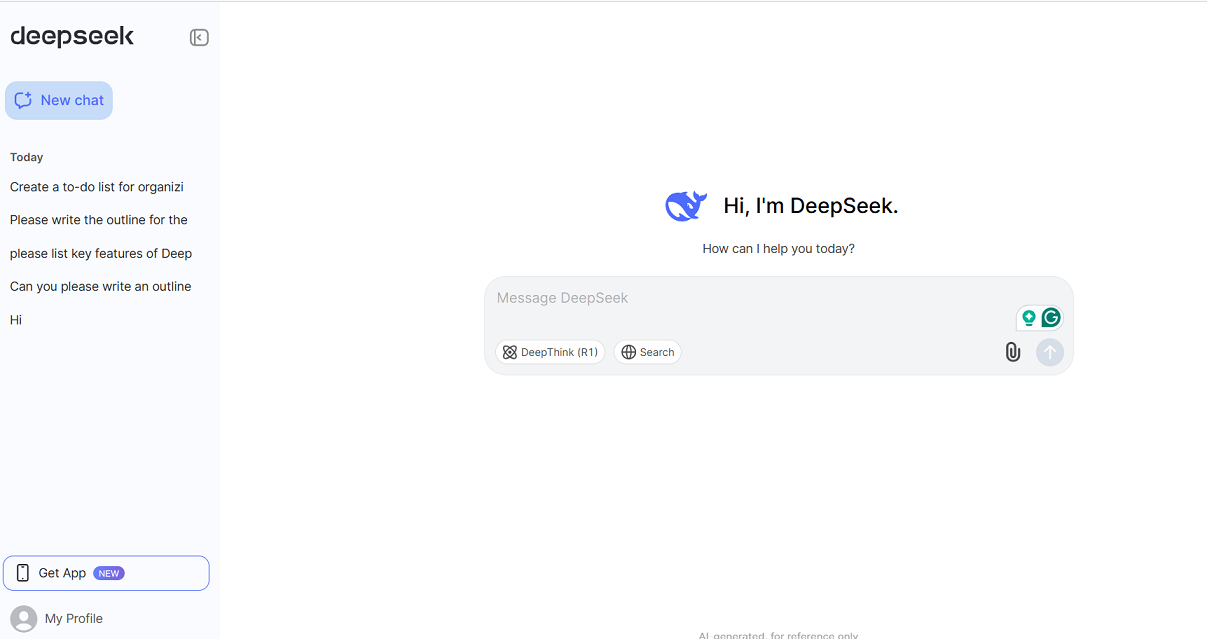
Once logged in, we explored the chat interface. The design is simple and functional, making it easy to navigate and use.
⬇️ Testing the Tool

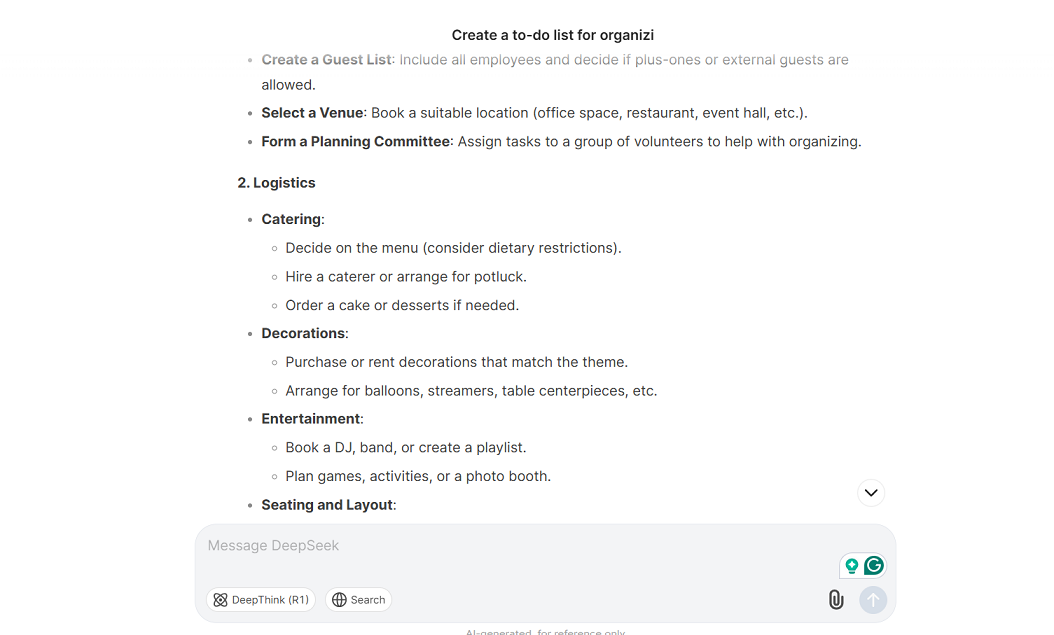
To test the AI’s capabilities, we asked it to_create a to-do list for organizing an office party_. The response was quick and included helpful tips, covering everything from planning and logistics to post-party tasks. Next, we asked the AI to write an outline for the topic:_"How AI Tools Are Changing the Game for Productivity"_in 5 simple paragraphs. The tool quickly delivered 5 well-structured paragraphs, generating a response of at least 1000 words
⬇️ What We Observed

The tool responded quickly and provided helpful, detailed answers for daily tasks. However, to generate complex content suitable for professional articles, users may need to ask specific and detailed questions or contribute their own ideas.

Frequently Asked Questions

Ratings & reviews

Ratings & reviews

No reviews yet. Be the first to share your experience.

Share your experience

Sign in to rate this tool and help the community understand how it fits into their workflow.

Community reviews (0)

No reviews yet. Be the first to share your experience.