Gamma

Gamma

AI-powered platform for creating professional presentations, landing pages, and documents effortlessly.

Freemium·No reviews yet

Overview

Gamma is an AI-based platform that enables users to generate high-quality presentations, websites, and documents quickly using advanced AI content generation and design features. It offers flexible templates, one-click restyling, and real-time collaboration to streamline content creation and enhance productivity. Gamma also includes built-in analytics to track audience engagement and supports multi-device compatibility for seamless viewing.

Pricing Model
freemium
Last Updated
2025-12-01

Featured Video

Video via YouTubeWatch on YouTube

Key Features

1

AI-Powered Content Generation

Generates presentations, websites, and documents using advanced AI that creates text, rewrites content, and applies expert-level design layouts instantly.

2

One-Click Restyling

Allows users to change the style and appearance of their presentations without altering the content, enabling quick design updates.

3

Flexible Templates

Provides a variety of templates designed for speed, efficiency, and adaptability to suit different presentation and webpage needs.

4

One-Click Polish

Transforms rough drafts into polished, professional-looking documents by automatically handling formatting, styling, and aesthetics.

5

Real-Time Collaboration

Enables team members to work together simultaneously with commenting, editing, and review features for seamless teamwork.

6

Built-In Analytics

Tracks audience interactions and engagement metrics to help users improve their presentations or web pages over time.

7

Multi-Device Compatibility

Ensures presentations and content are accessible and consistently viewable across different devices including mobile and desktop.

8

Supports Embedding Multimedia

Allows embedding of videos, spreadsheets, charts, and other dynamic content to enhance presentations and webpages.

Use Cases

#1

Business Presentations

Create professional presentations quickly for client pitches, team meetings, and project proposals.

#2

Marketing and Sales Decks

Design visually engaging decks showcasing products, services, or campaign results with dynamic multimedia content.

#3

Educational Content

Develop interactive lessons, reports, and research presentations with minimal design effort for teachers and students.

#4

Startups and Pitches

Build sleek, on-brand pitch decks and investor presentations without needing graphic design skills.

#5

Internal Training

Create training materials and onboarding documents that are easy to share and track with analytics.

How to Use

1

Sign Up

Visit Gamma.app and sign up using your Google account or email.

2

Start a New Project

On the dashboard, select 'Create new', 'New from blank', or 'Import' to begin your content creation.

3

Choose Content Input Method

Paste text, generate content with a prompt, or import a file or URL to start building your presentation or webpage.

4

Generate Content

For prompt-based creation, enter your prompt, select language, and set the number of cards, then click 'Generate'.

5

Select Content Type and Template

Choose whether to create a Presentation, Webpage, or Document, then pick a template from the options provided.

6

Edit and Customize

Review the AI-generated content, make edits, add multimedia, and customize styling as needed.

7

Share and Analyze

Share your content, export it as PDF or PPT, view audience analytics, or publish it online.

Pricing

Pricing details are gathered from the official Gamma website and are provided for reference only. Always confirm the latest information directly with the vendor.

PlanPriceHighlights
Free Version$0

Basic features for creating presentations

  • Limited AI credits (400)
  • Up to 10 cards per presentation
  • Unlimited presentations and webpages
  • Essential export options (PDF, PPT)
Plus Plan$10

Increased AI credits

  • Access to more templates and styles
  • Enhanced collaboration features
  • Priority support
Pro Plan$20

Unlimited AI credits

  • Advanced design and analytics features
  • Team management tools
  • Dedicated customer support
Found a change in pricing? We welcome corrections. Reach out so we can keep this listing accurate.

Pros & Cons

Pros

  • User-friendly interface that is easy to navigate.
  • Saves significant time on slide and content creation.
  • Supports embedding of videos and spreadsheets for richer content.
  • Swift generation of high-quality, polished presentations.
  • Built-in analytics to track audience engagement.

Cons

  • Limited variety in theme and style options.
  • Advanced features may have a learning curve for new users.
  • Occasional lag when handling large projects.
  • Free version limits AI credits and number of cards per presentation.
  • Some users may find template customization options limited.
OT

Our Test

Hands-on notes from our editorial team.

✅ Our Test

⬇️ Getting Started With Gamma

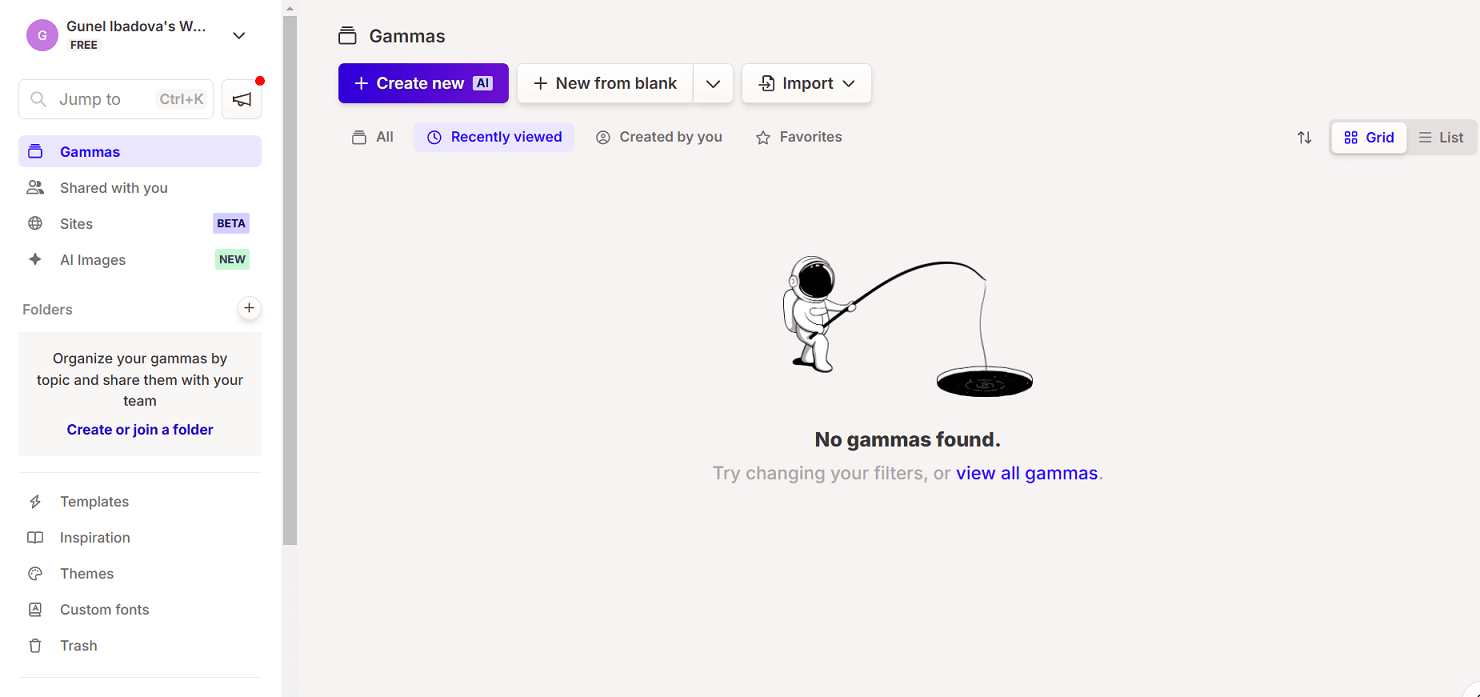
We signed up on Gamma using a Google account and received 400 free AI credits to start with. The setup was quick and easy, giving us immediate access to all the basic tools on the platform.
⬇️ Creating a Presentation With AI

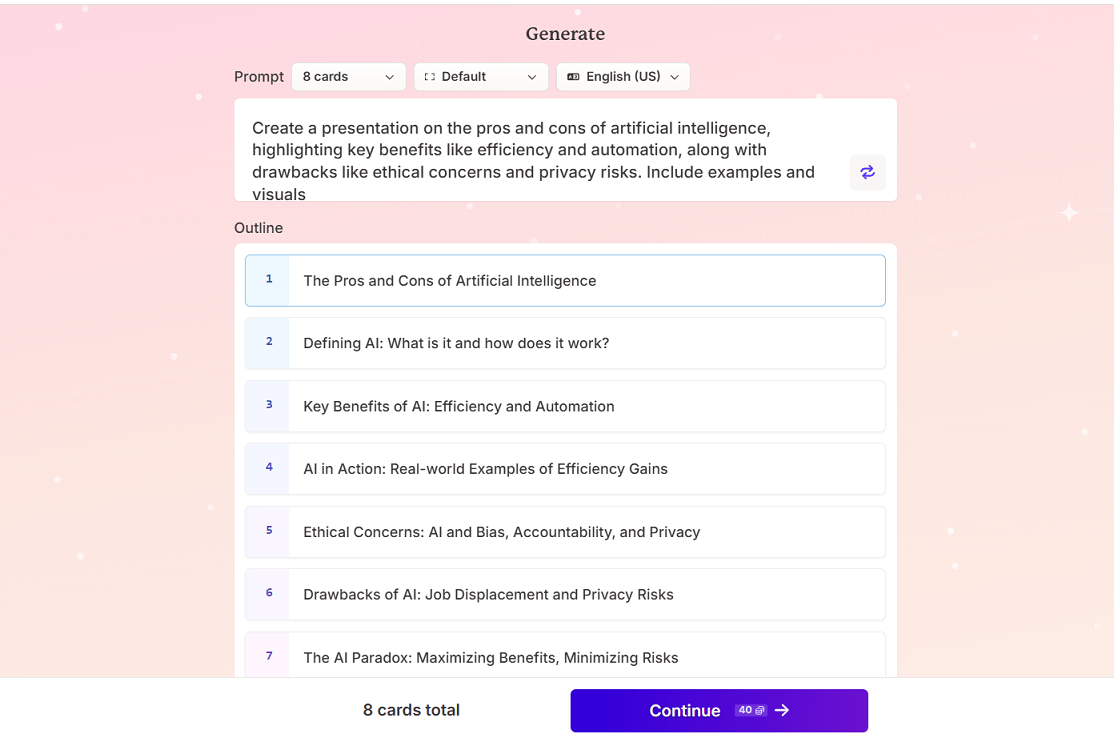
To create a presentation about thePros and Cons of AI, we clicked on "Create new" and chose the "Generate" option to start with a prompt. We entered our topic as the prompt, selected "Presentation" and clicked "Generate outline". In the free version, you can create up to 10 cards per presentation, so we set it to 8 cards in English and continued.
<img decoding="async" class="alignnone wp-image-58417" src="https://siteefy.com/wp-content/uploads/2024/11/Gamma-generate-outline.png" alt="" width="983" height="655" srcset="https://siteefy.com/wp-content/uploads/2024/11/Gamma-generate-outline.png 1114w, https://siteefy.com/wp-content/uploads/2024/11/Gamma-generate-outline-768x512.png 768w, https://siteefy.com/wp-content/uploads/2024/11/Gamma-generate-outline-600x400.png 600w" sizes="(max-width: 983px) 100vw, 983px" />

⬇️ Choosing a Template and Generating Content

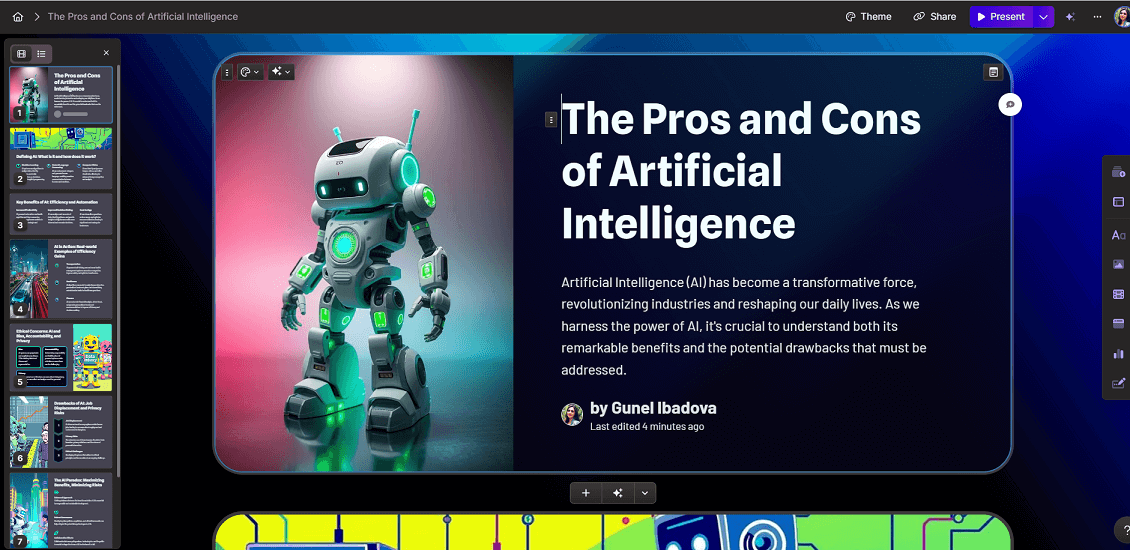
Next, Gamma prompted us to pick from a variety of pre-made templates. We chose a template that matched our style and clicked "Generate". Within seconds, Gamma created an 8-card presentation complete with high-quality images, making it look polished and professional.
⬇️ Sharing and Publishing the Presentation

Once the presentation was ready, we had options to share, export, view analytics, and even publish it to a website.

Frequently Asked Questions

Ratings & reviews

Ratings & reviews

No reviews yet. Be the first to share your experience.

Share your experience

Sign in to rate this tool and help the community understand how it fits into their workflow.

Community reviews (0)

No reviews yet. Be the first to share your experience.