

Vexub
PaidCreate unique faceless AI videos from text and other media effortlessly to maximize your revenue.
Verified

AI-powered script writing and YouTube content automation for creators.
Subscribr is an AI-driven platform designed to help YouTube creators efficiently generate scripts and automate content creation. It offers various subscription plans tailored to different content volumes and team sizes, providing AI agents trained on YouTube strategy to assist with ideation and scriptwriting. The platform uses a credit system to manage AI-generated content and supports multi-channel management and team collaboration.
Updated Oct 17, 2026
No written reviews yet. Be the first to share your experience.
With Subscribr, you can run your entire YouTube channel in one platform, automatically: ideation, outliers, Scripts, thumbnails, video editing and channel optimization — with everything included in your subscription price.
Click a button and get a finished video back, 14 visual styles, or with an avatar and voice of your choosing.
Describe the video and get a publish-ready thumbnail in seconds. Start from 157 proven formats or clone a competitor’s style.
Subscribr speaks MCP, so Claude, ChatGPT, Codex, Cursor — anything that can call a tool — drives your channel directly. Connect it to literally anything, and it works your data instead of guessing at it.
With Subscribr, you paste your channel link, and we tell you what's broken, what your winners had in common, and exactly what to make next.
With Subscribr, you paste a thumbnail that's already winning, and we clone it for your video in under a minute.
Now it knows your data and your voice, and it can actually do the work: research the niche, write the script, make the thumbnail, generate the video.
Freemium. Paid plans start at $99 per month.
$0
$99
per month
$249
per month
$499
per month
Hands-on notes from our editorial team.
✅ Our Test
For
our test,
we used our assistant's sports-themed YouTube account. We imagined that he wanted to create a new informative storytelling-type video about sports, athletes, and risks.
We filled in information in a quick information entry quiz like channels team or creator name, link, what will make our video unique, future video type, and other details with the help of AI.
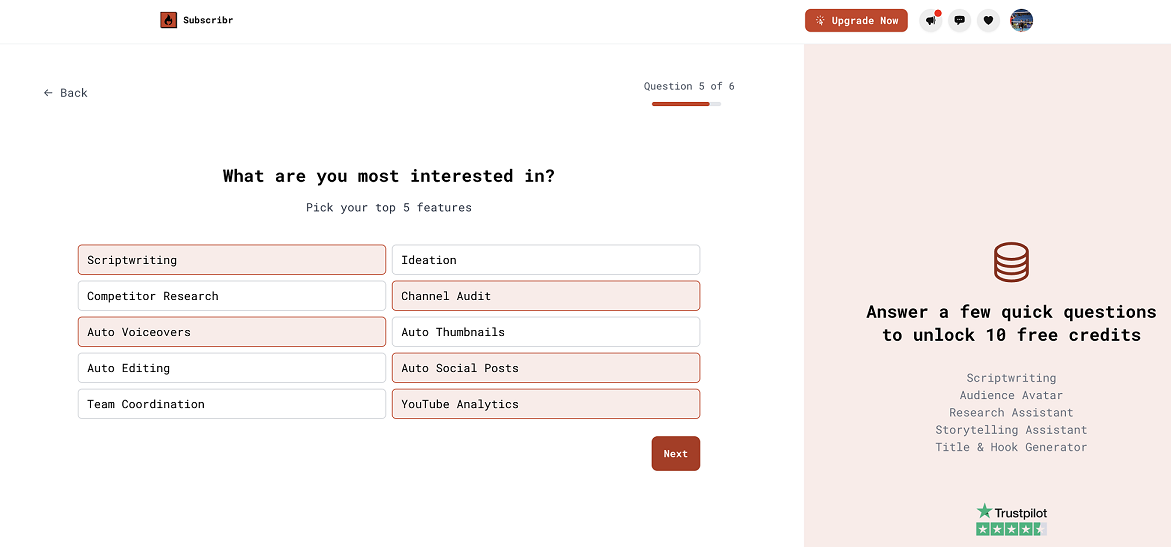
Then we clicked to “Generate your first script” and were directed to the scripts builder page. Here we got 10 free credits to use in key features. We submitted a summary, provided AI with useful themed links, marked our unique angle and our audience goals. We also chose a scenario type in
Frame
section “Three act structure”.
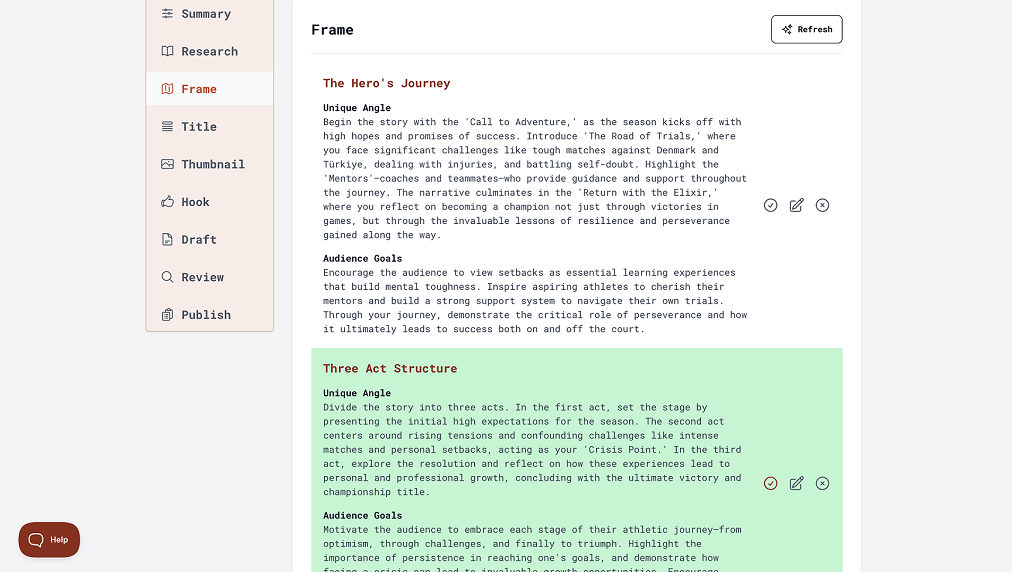
After that in the next section, AI suggested to us different titles for our future videos, we selected one we liked, and the same history was with a thumbnail idea generation. One of the important parts for his video is aHookthat makes it interesting for the audience from the beginning- here we also chose one that was AI generated and edited it a little bit.
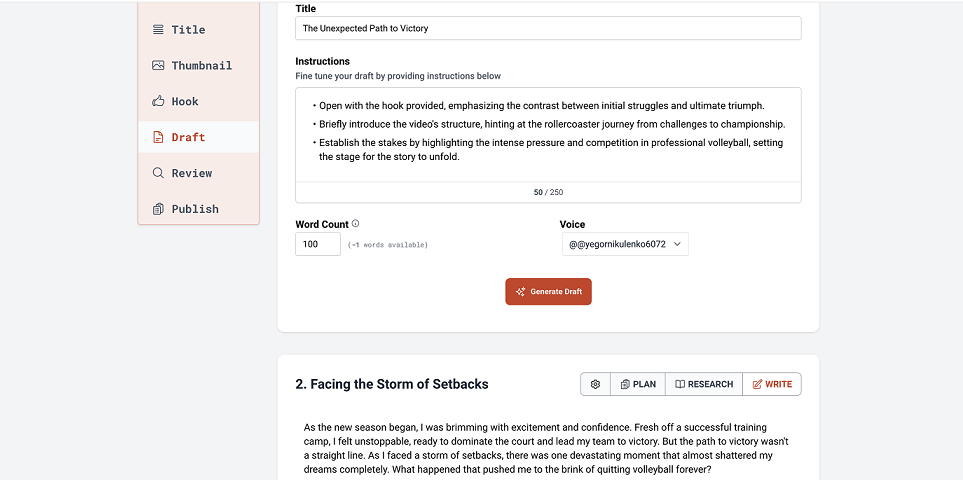
In theDraftsection, AI generated an accurate script for each act of our scenario separately. Here we could choose the amount of words each act will contain.
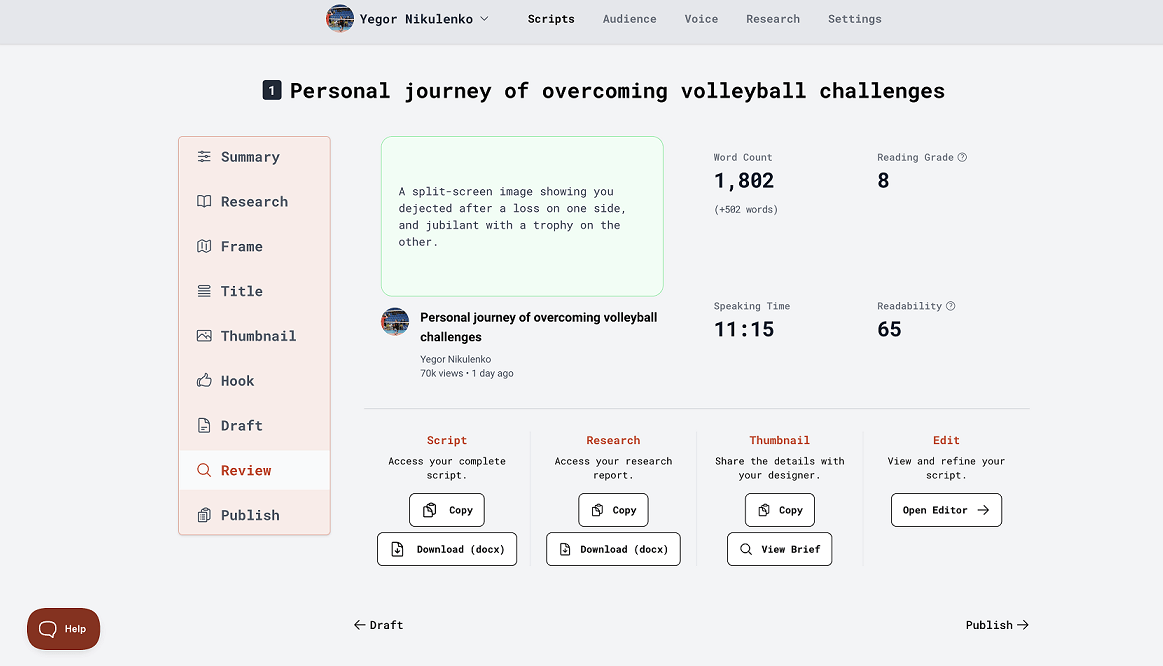
Then we got a quick review of all the jobs we did with AI in the “Review” section. We also were able to copy and download our complete scripts, research reports, and thumbnail ideas to share with our assistant’s channel team.
And at the final section “ Publish” we selected one of the AI-generated video descriptions and our choice was the “Narrative” type. Copied some tags and saved the full script in one project, that is available on the main page. Totally it took 6 credits to generate and save good quality scripts for video.
No written reviews yet. Be the first to share your experience.
Top rated tools from the same category.
View all AI Video Generators tools
Create unique faceless AI videos from text and other media effortlessly to maximize your revenue.

AI-powered platform for generating creator-style UGC video ads for DTC brands without filming or creators.

Transform static images into dynamic, high-quality videos effortlessly with AI-powered generation.

Video-first AI generator with image support, powered by top models

Meet AI Studios (by DeepBrain), an AI tool for generating videos and AI avatars.

Seedance 2.5 is an AI video generator producing native 4K videos up to 30 seconds with multimodal input and synchronized audio.