Create stunning visuals in seconds with AI-powered image generation and editing.
Clipdrop is an AI-driven platform that enables users to quickly create and enhance visuals through a suite of image editing and generation tools. It offers features such as background removal, object cleanup, image upscaling, and uncropping, all powered by advanced AI algorithms. Additionally, Clipdrop provides an API for seamless integration of its AI capabilities into other applications, making it versatile for both individual creators and developers.
Extract the main subject from images with high accuracy, allowing users to remove backgrounds effortlessly for free or in high resolution with a Pro plan.
Automatically remove unwanted objects, people, text, or defects from photos using AI-powered inpainting algorithms.
Enhance image quality by upscaling images by 2x or 4x, reducing noise and recovering details quickly.
Expand photos to any image format, allowing users to adjust image dimensions beyond original cropping.
Easily swap out backgrounds in images to create new compositions or presentations.
Resize images optimized for various social media platforms and uses.
Powered by Jasper AI, Clipdrop supports text generation for diverse use cases, enhancing creative workflows.
Offers a fast, secure API for developers to integrate Clipdrop’s AI image editing capabilities into their own applications.
Remove backgrounds and enhance product photos to create clean, professional listings.
Resize and edit images quickly for various social media platforms to boost engagement.
Generate high-quality visuals with background replacement and cleanup for campaigns.
Upscale and restore image details while removing unwanted elements for better photo quality.
Use the Clipdrop API to embed AI-powered image editing features directly into digital products.
Go to the Clipdrop website and select the desired editing feature, then upload your image.
Choose from background removal, cleanup, upscaling, uncropping, or background replacement.
Use the AI-powered tools to automatically process the image according to your needs.
Once processing is complete, download the edited image in HD or high resolution.
Developers can access the Clipdrop API to integrate these features into their own apps.
Pricing details are gathered from the official Clipdrop (by Jasper) website and are provided for reference only. Always confirm the latest information directly with the vendor.
| Plan | Price | Highlights |
|---|---|---|
| Free | $0 | 20 background removals per 24h
|
| Pro | Contact Sales | 1000 background removals per 24h
|
| API | Usage-based | Access to all image editing APIs
|
Hands-on notes from our editorial team.
✅ Our Test
We signed up on the website with our Google account. Then on the main page, we viewed an available tools list.
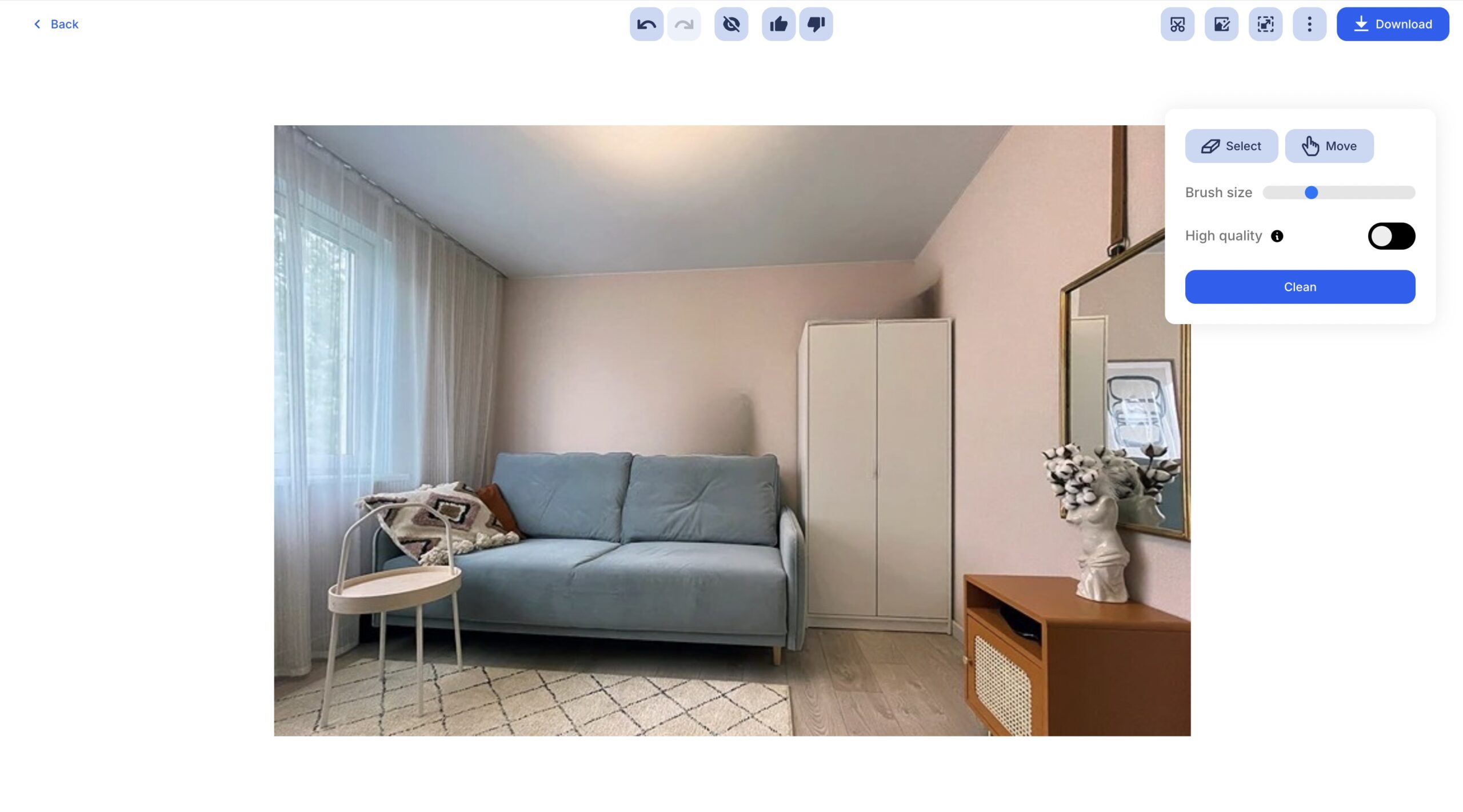
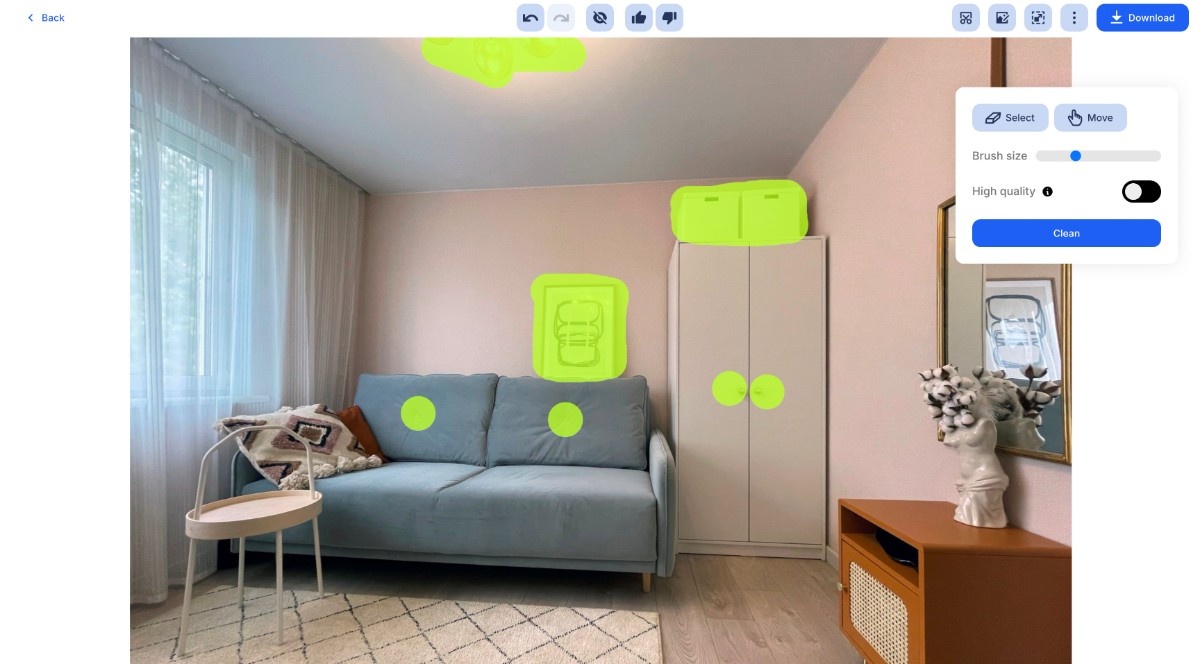
The first tool we tested was an AI-powered object-removing tool. We uploaded an image of a room in a minimalist style and then highlighted objects we wanted to remove with the brush tool. Then we clicked the “Clean” button and the tool automatically removed highlighted objects.

For this tool, we selected an example available on the website, and after some seconds the tool automatically generated 4 unique variants of the start image.

During the work with tools, at the final stages, there was a download button and we exported results through this option. But for some tools, like the “Reimagine tool,” you should purchase a paid plan to export images in high quality. (Or just download the image in a lower quality directly by “Save image as…”)
Compare other vetted products our editors see buyers evaluate alongside Clipdrop (by Jasper).
Meet BetterPic, a tool that turns selfies into professional headshots. Explore BetterPic functionality, features, pricing, and more! Key capabilities: 4K Studio-Quality Headshots, 150+ Styles & Outfits, AI Studio Editing Tools. Pricing snapshot: Free Plan — Not available.
These entries need a full review before we can publish deep dives, but they're worth a look if you want a broader shortlist.
No reviews yet. Be the first to share your experience.
Share your experience
Sign in to rate this tool and help the community understand how it fits into their workflow.