

Reespecher
FreemiumEmmy-winning AI voice cloning technology delivering authentic, high-quality synthetic voices for film, TV, games, and more.
Convert text to natural-sounding speech in multiple languages with customizable voice styles and controls.
TTSMaker is an AI-powered text-to-speech platform that supports numerous languages and offers high-quality, natural-sounding voices. It provides users with options to customize voice tone, speed, and pitch, making it suitable for content creators, educators, businesses, and language learners. The tool allows quick conversion and easy download of audio files, with both free and subscription-based plans available.
Updated Oct 17, 2026
No written reviews yet. Be the first to share your experience.
TTSMaker is an online text-to-speech tool, also known as an AI voice generator, it can convert text to audio, and you can play or download audio files.
We use a powerful neural network inference model that enables text-to-speech conversion in a short time.
TTSMaker can convert text into natural speech, and you can easily create and enjoy audiobooks, bringing stories to life through immersive narration.
TTSMaker as a versatile AI voice generator can generate AI voices for various scenarios and is widely used in video dubbing for platforms like YouTube and TikTok.
TTSMaker generates persuasive voice-overs to help marketers and advertisers explain a product's features to others, with high-quality audio.
Freemium. Paid plans start at $13.99 per month.
$0
$13.99
per month
$23.99
per month
$32.99
per month
$140
per month
Hands-on notes from our editorial team.
✅ Our Test
For the test, we took text right from the first paragraph of our blog article-How Many Ads Do We See a Day?. We visited the website and there was no sign-up required to perform the tool.
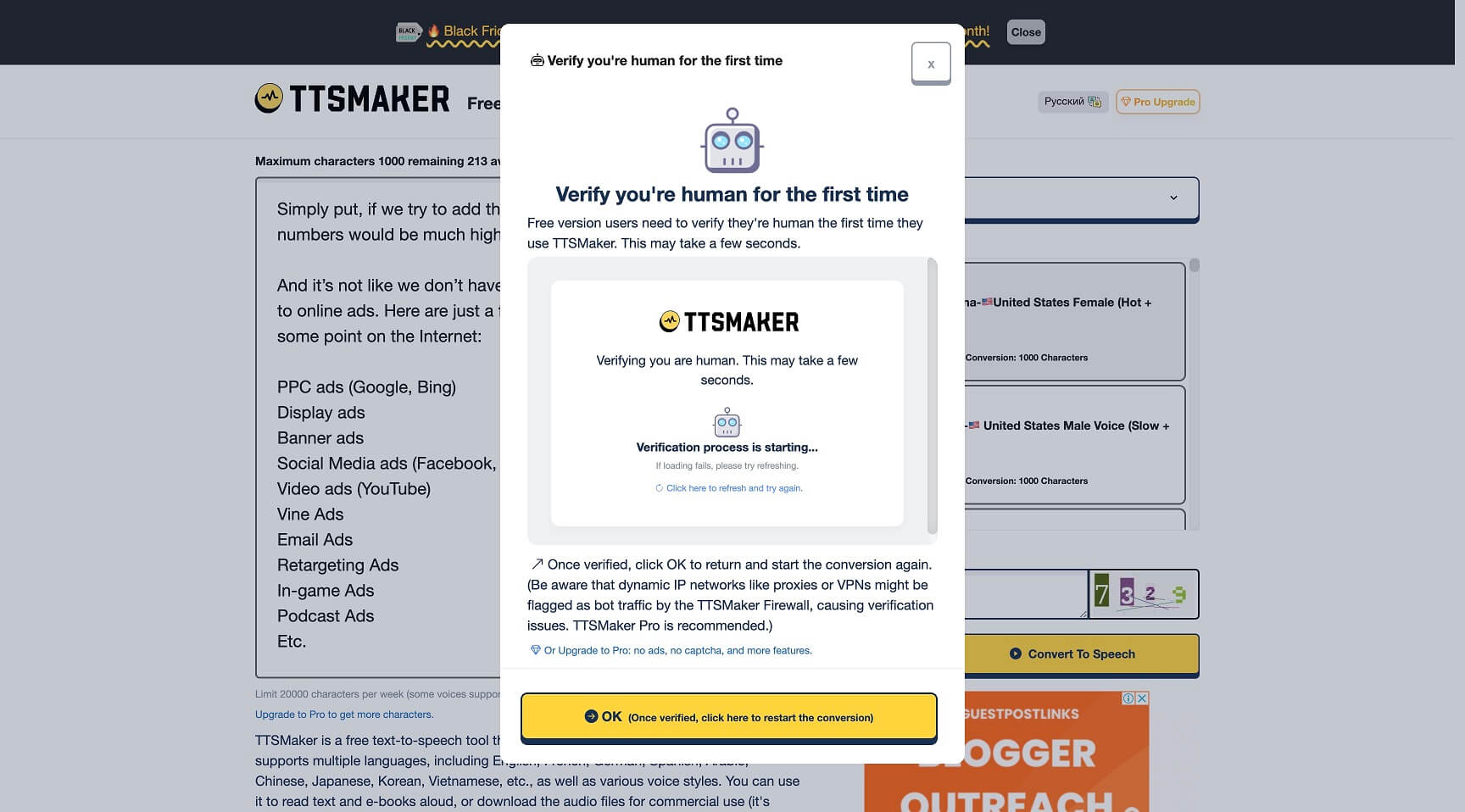
After copypasting our text to the box, we selected one of the available voices in the menu on the right side. Then we clicked the “Convert to Speech” button, and AI generated audio, which we could download right from there. Remember, if you are generating for the first time, there will be a captcha pass required.
Before generating, there was another button available. By clicking the “More Settings” button, you can add background music, change voice speed, and adjust voice volume for your audio.There you can also select an audio file format to generate and some other advanced settings
We switched voice to French talking but forgot to switch text, and the tool generated English talking audio with a strong French accent.
No written reviews yet. Be the first to share your experience.
Top rated tools from the same category.
View all AI Voice Generation Platforms tools
Emmy-winning AI voice cloning technology delivering authentic, high-quality synthetic voices for film, TV, games, and more.
The most realistic AI voice platform for expressive speech, voice agents, and audio creation.
Ultra-realistic AI voice generator with 1000+ voices in 142+ languages for all your text-to-speech needs.
Your Voice AI Assistant for Natural-Sounding Text to Speech and Voice Typing.
Generate celebrity AI voices and videos with ease.
Create realistic AI-generated voiceovers and text-to-speech audio with over 1000 natural voices in 150+ languages.


