
Muthu Lingam
Newcomer
5.0Recommends this tool
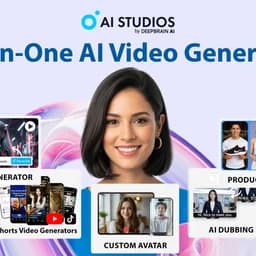
Meet AI Studios (by DeepBrain), an AI tool for generating videos and AI avatars.
Meet AI Studios (by DeepBrain), an AI tool for generating videos and AI avatars. Explore AI Studios functionality, features, pricing, and more! Key capabilities: AI-Powered Virtual Humans, Template Library, AI Multilingual Dubbing. Pricing snapshot: Free Plan — Access to basic key features with monthly limits.
Updated Oct 15, 2026
AI STUDIOS lets you paste a script, upload a document, or share a URL, then generates a polished video with lifelike AI avatars, visuals, and narration in minutes, all in one platform.
AI preserves the original tone and meaning while translating and dubbing your videos into 150+ languages.
Use AI avatars to feature products and produce UGC-style ads.
Choose from 2,000+ ready-to-use avatars or create custom ones for personalized training content.
Embed questions, polls, and decision points throughout your video.
Integrate your interactive training videos with any learning management system.
AI detects multiple speakers and dubs each with distinct cloned voices while syncing lips naturally.
With an editable script, you can refine every detail to produce dubbed videos in your preferred style.
Engage with users in real-time through AI-powered conversational avatars.
AI Studios is your all-in-one AI dubbing software and automatic video translator, so you can translate video automatically and dub it in one workflow.
AI automatically detects speech, performs AI video translation, and matches mouth movements to the new audio for a natural result.
Freemium. Paid plans start at $24 per month.
$0
$24
per month
$55
per month
$99
per month
Custom
on request
 You?
You?Hands-on notes from our editorial team.
✅ Our Test
On this AI-powered platform, we signed up with our Google account. After signing up we received a limited free plan to test some features.
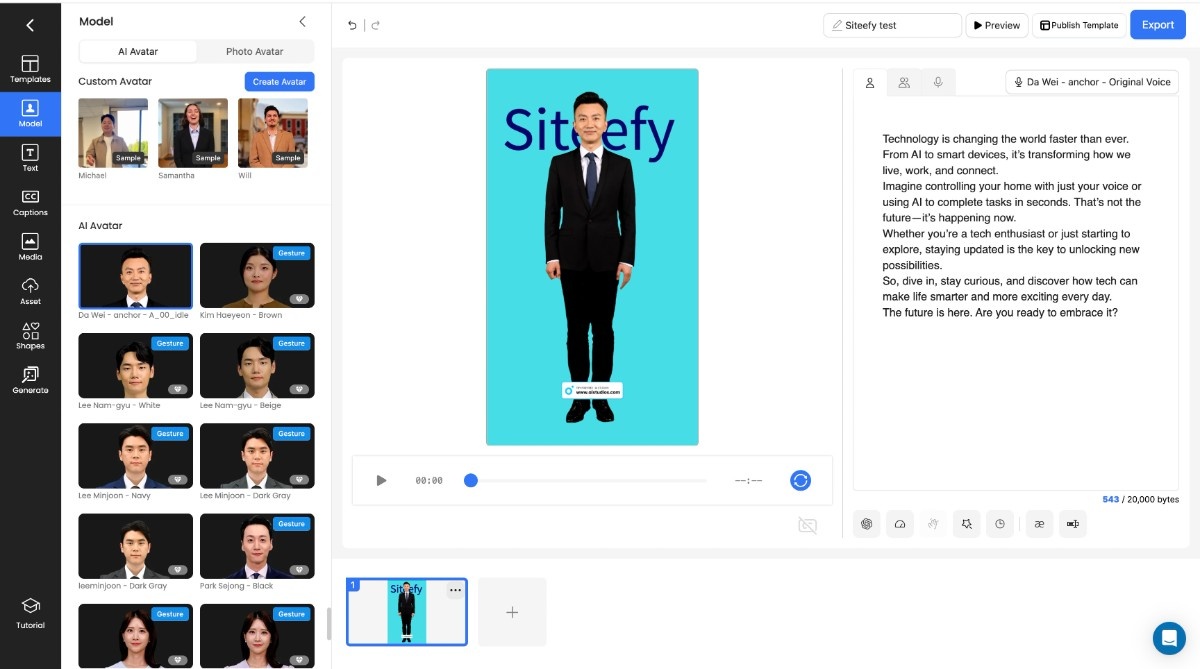
Our goal was to create and then translate a video with an AI avatar. For this, on the main page, we clicked “New Project” and then “Chromakey video”. We accessed the video editor where we selected one of the available avatars, the voice for it, some background customizations, and finally the script. After customization, we clicked the “Export button” and saved our video to the projects list. The process of generating took about 3 minutes for 31 seconds of video.
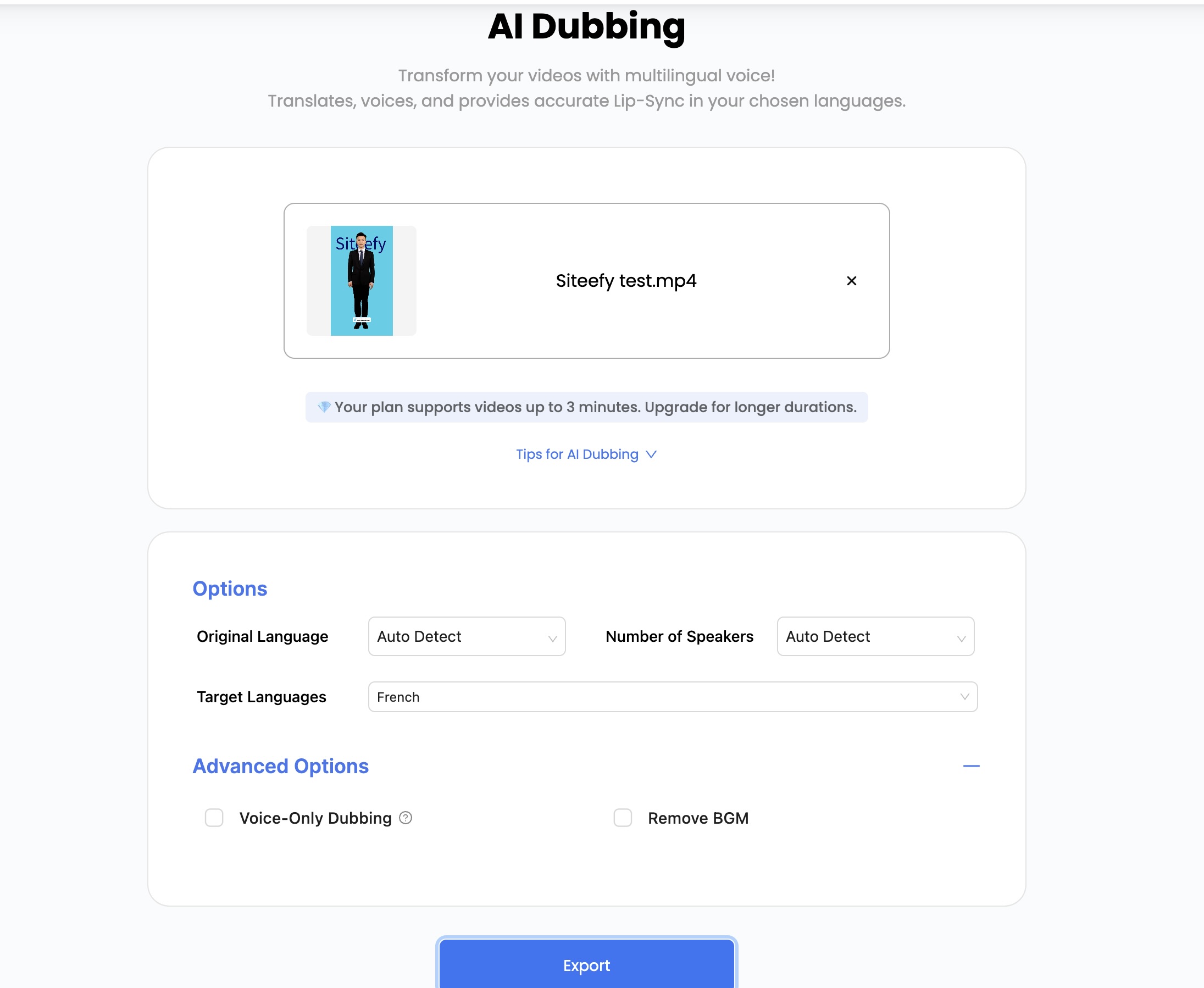
Then we accessed another tool “AI Dubbing”. On its page, we uploaded previously created videos and adjusted some language settings such as target voice and output results. Just click on the “Export” button and the website starts to prepare a French-dubbed version of our video.
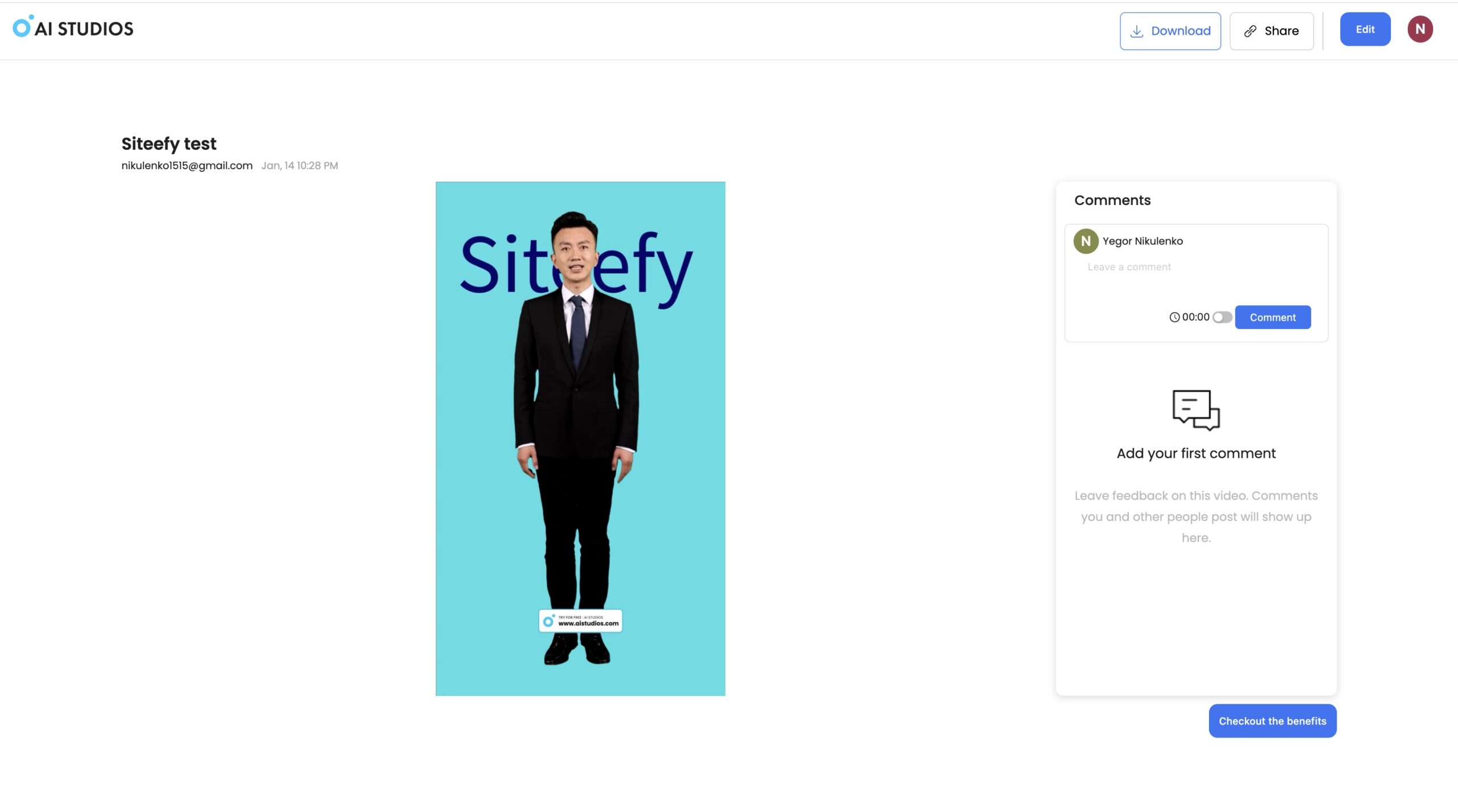
After everything was ready, we viewed the results and exported them directly from the “Projects” page. You can also view your recently created projects on the website’s main page. We downloaded both videos one by one.
Compare other vetted products our editors see buyers evaluate alongside AI Studios (by DeepBrain AI).
View all AI Studios (by DeepBrain AI) alternatives
AI Studios (by DeepBrain AI) is also compared in Best 2short.ai alternatives.
Top rated tools from the same category.
View all AI Video Generators tools

Create unique faceless AI videos from text and other media effortlessly to maximize your revenue.

AI-powered platform for generating creator-style UGC video ads for DTC brands without filming or creators.

Transform static images into dynamic, high-quality videos effortlessly with AI-powered generation.
Video-first AI generator with image support, powered by top models
Seedance 2.5 is an AI video generator producing native 4K videos up to 30 seconds with multimodal input and synchronized audio.

AI Image, Video and Music Generator


