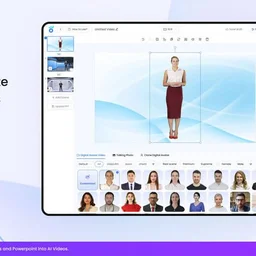
Create stunning AI-generated videos with lifelike avatars and voices in minutes.
Free plan
Custom pricing
No reader votes yet, so reviews and saves set the order. 3 have a free way in.
Video resizing changes a video’s dimensions so it fits where you want to share it. You can make a wide clip fit a social post or prepare a video for a different screen shape. This helps your content look right without awkward sizing.
Missing a tool?
No reader votes yet, so reviews and saves set the order. Your vote moves a tool up this list. Press it on any row. No account needed.
What do you need to do?
Create stunning AI-generated videos with lifelike avatars and voices in minutes.
Free plan
Custom pricing
AI-powered online video editor that simplifies professional video creation with automation and collaboration.
Paid
from $82 per year
All-in-one platform to create, edit, live stream, host, and share videos with ease.
Free plan
Custom pricing
CinLink is a natural-language AI media workspace for video generation, editing, subtitle translation, dubbing, and content repurposing.
Free plan
from $19 per month
Ray 3.2 is an AI video generator that creates controlled cinematic videos from text, images, or existing footage with frame-level direction.
Paid
Showing 1 to 5 of 5
Know one that belongs on this list?
Which Video Resizing tool do you use, and why?
Join the discussion
Takes a minute. No account needed.
+10 points a postStart with a tool from the list:
Your choice depends on what you want to do around the resize. A simple marketing workflow, AI creation, or turning longer content into short clips can each point you toward a different option.
Resizing often sits inside a wider video editing workflow, especially when one video must fit several channels. Ready-made media and brand-focused tools can make marketing video creation easier.
Resizing can be one step in AI video generation, from producing an ad to turning an image or written prompt into motion. Pick based on the kind of video you want to create.
It changes a video’s dimensions so the video fits a different frame or publishing format.
Videostew and Wave.video offer team accounts.
Videostew also supports collaborative editing.