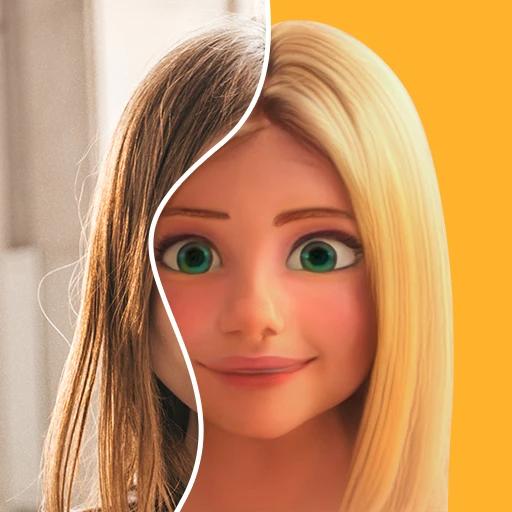
ToonMe
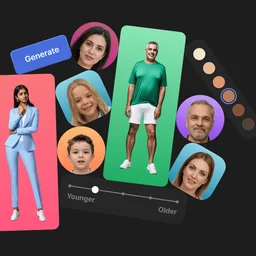
FreemiumToonMe is an AI-powered app for turning photos into cartoon-style portraits and avatars.
Art tools help you draw, paint, edit pictures, and tell stories with images. You can make a digital painting, design a character, or build a comic scene. They make it easier to turn an idea into artwork you can share or keep developing.
Missing a tool?
Showing 73 to 84 of 84 tools
ToonMe is an AI-powered app for turning photos into cartoon-style portraits and avatars.
Houdini is a procedural 3D content creation software used for animation, VFX, and game development workflows.
AI-powered platform for anime‑style storytelling and image generation.
Create unique and customizable original characters effortlessly with AI-powered tools.
Create, customize, and render stunning 3D characters and scenes with versatile, easy-to-use software and assets.
Create and explore unique AI-generated images by blending and evolving art with ease.
Use AI to create matching images and compete for the highest score daily.
One AI for audio, video & voice creation and editing.
Unique, worry-free AI-generated model photos for creative and machine learning projects.
All-in-One AI Platform to Work Smarter, Create Faster, and Achieve More Without Tech Skills.
Free online AI-powered image and video generator for creative media from text prompts.
Image prompt browsing and reuse for people exploring styles, shapes and related images.
Your choice depends on what you want to make and how you like to work. A drawing tool gives you direct control, while an artificial intelligence tool can turn prompts and story ideas into images.
For digital painting, you may want brushes, patterns, or ready-made starting points. Image editing also matters when you need to adjust artwork after drawing it.
Artificial intelligence can help turn written ideas into comic or manga images. Character consistency is useful when the same person appears across several scenes.
A focused comic tool can make comic creation easier when you care more about scenes and storytelling than freehand painting.
Clip Studio Paint, Krita, Tux Paint, and Painter are used for digital painting.
Yes.
Clip Studio Paint and Storyboard That offer free trials.
Painter has a 15-day free trial, and Pixton has a 30-day free trial.